AS Autosampler Operator’s Manual
104 Doc. 065051-03 1/08
To manually flush the inject port from the front panel:
1. Set the
AS to LOCAL mode and DIRECT CONTROL.
2. Go to the
FLUSH/PRIME screen (press Menu and 6) and enter the
desired
FLUSH VOLUME, or keep the default value.
3. Move the cursor to the
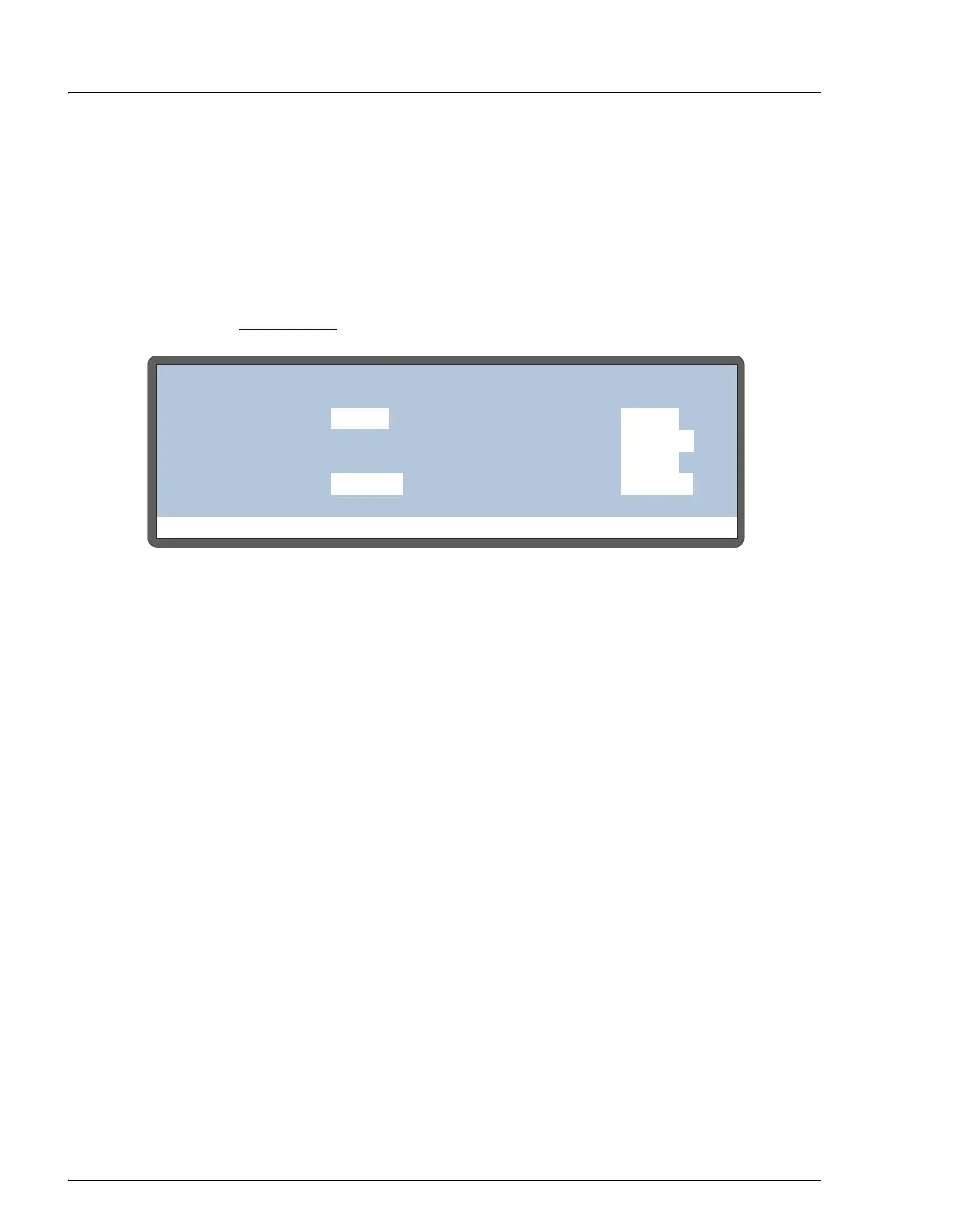
ACTION field and select FLUSH (see
Figure 3-39
).
Figure 3-39. Initiating a Manual Flush Cycle
4. Press Enter to start the flush.
3.11 System Shutdown
No special system shutdown procedure is required. If the AS is under Chromeleon
or Chromeleon Xpress control, you can load a shutdown program at the end of the
schedule to automatically shut down the system. The shutdown program turns off
the pump flow, the suppressor current, the sample temperature control option (if
installed), and other system devices.
If you are running Chromeleon, you can use the SmartShutdown Wizard to assist
you in creating and running a shutdown program. Refer to the Chromeleon Help
for details.
Help Prompt
FLUSH/PRIME
VOLUME:
RESERVOIR:
ACTION:
uL
400
FLUSH
FLUSH
SYRINGE:
PRIME
FLUSH
VOLUME:
uL
400
RESERVOIR: RES A
SYRINGE:
RES A
PREP
ACTION:
READY
SAMPLE



 To Next Page