AS Autosampler Operator’s Manual
94 Doc. 065051-03 1/08
Notes
• The aspirate and dispense speeds selected for priming are also used
for flushing, and vice versa.
• If the AS is in concentrate mode, select a speed of 4 or less for
dispensing during flushing and 2 or less for dispensing during
loading.
3.7.2 Entering Syringe Speeds in the Program
NOTE If you do not include aspirate and dispense syringe
speed commands in a program, the autosampler
uses the speeds selected in the previous program or
on the Control panel (whichever are the most
recent). See Section 3.7.1
for how to select syringe
speeds on the Control panel.
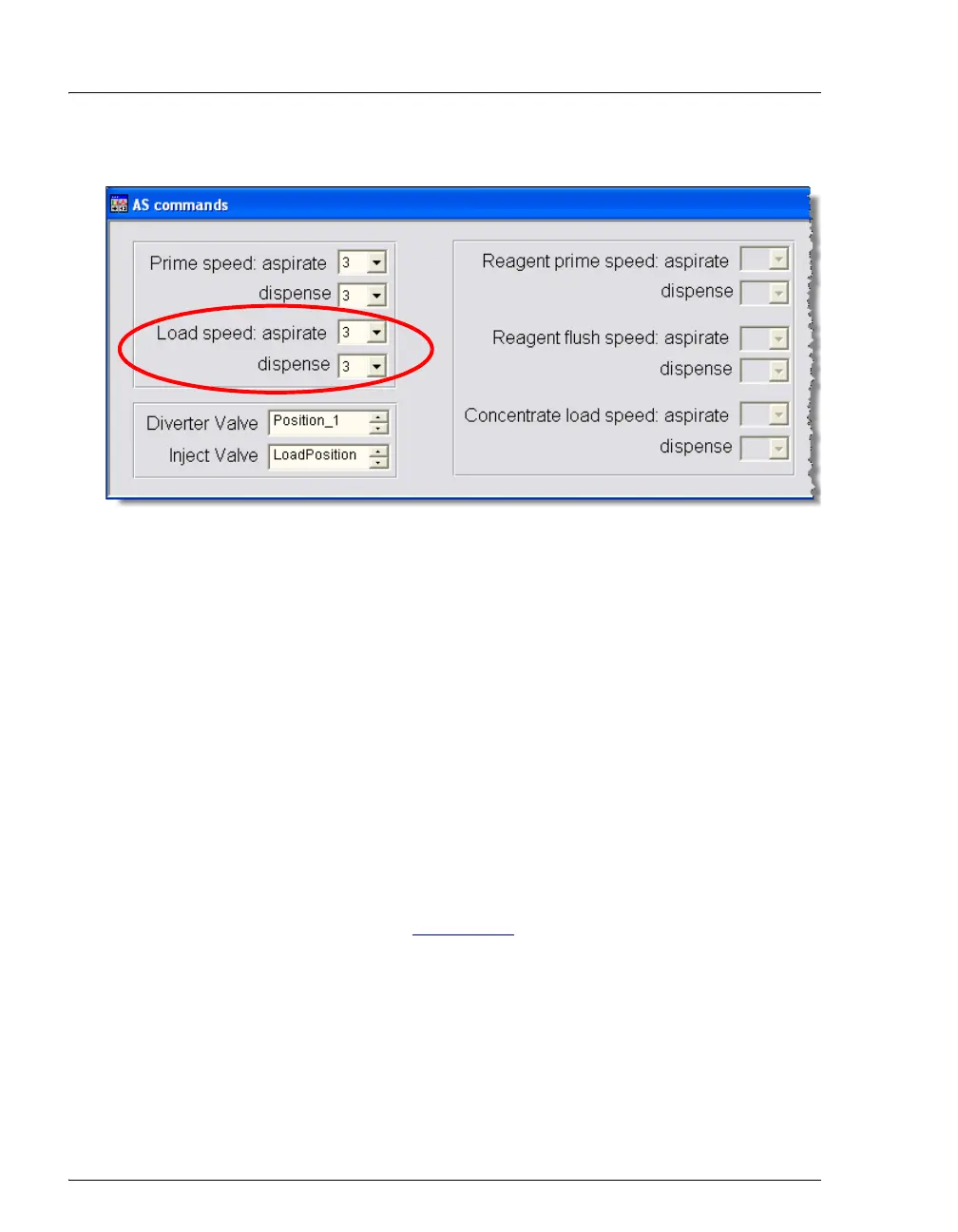
To enter syringe speeds for loading the sample loop in the program:
1. Open the program in the Program Editor (in the panel tabset, click the
Sequence Control tab and click the Edit Program button).
Figure 3-32. Setting Syringe Speeds for Loading the Loop



 To Next Page