3 • Operation and Maintenance
Doc. 065051-03 1/08 95
2. Place the cursor in the list of autosampler setup commands (for
example, after the Wait FlushState command) and press the Enter
key twice to create two empty lines.
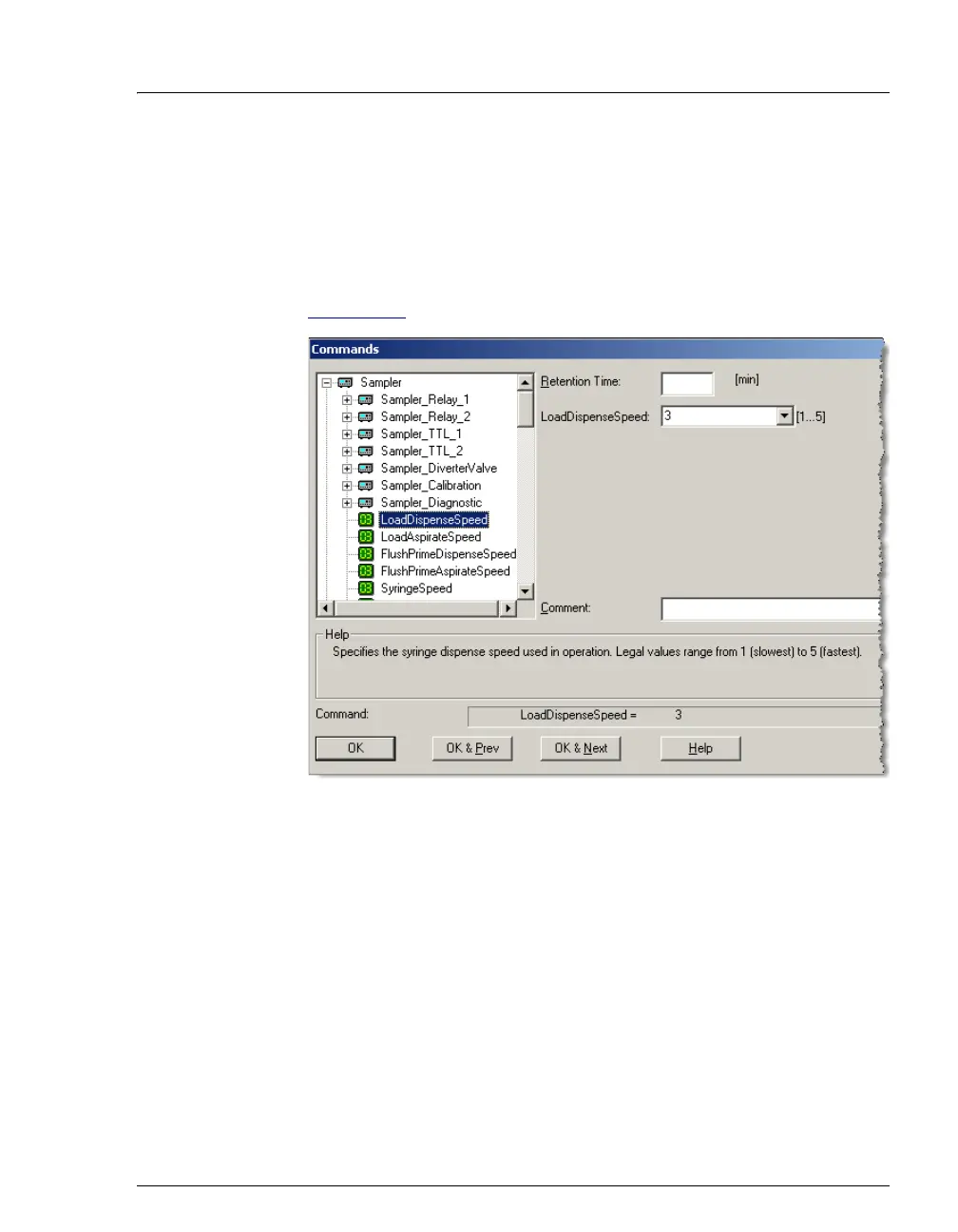
3. Press the F8 key to open the Commands dialog box.
4. Under Sampler, enter a value for the LoadDispenseSpeed (see
Figure 3-33
) and click OK.
5. Press F8 again, enter a value for the LoadAspirateSpeed, and click
OK.
Figure 3-33. Commands Dialog Box



 To Next Page