C • Display Screens
Doc. 065051-03 1/08 261
C.9.2 Diagnostic Tests Screen
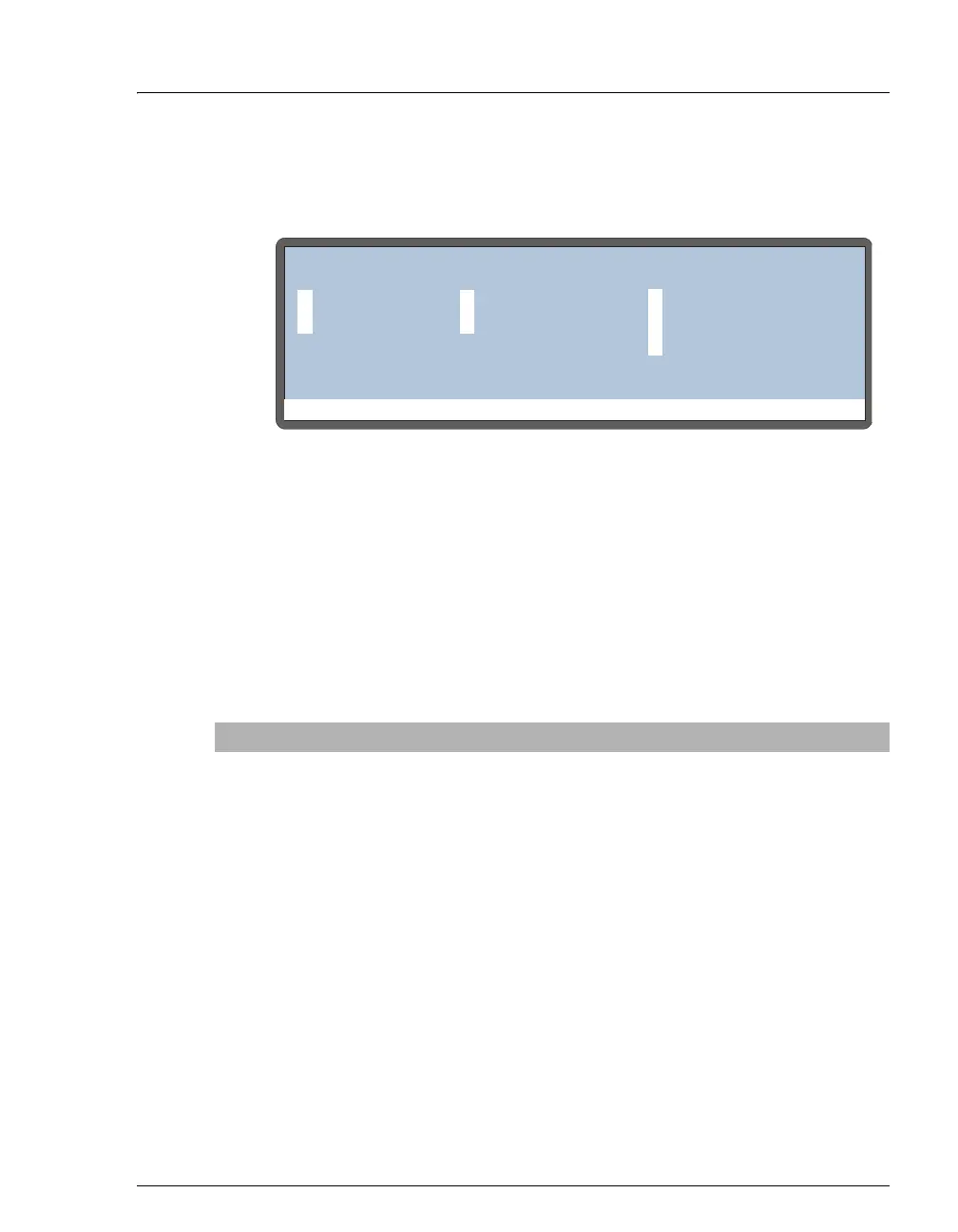
This screen lets you test the AS electronics components.
These tests are run automatically at power-up. If any test fails, this screen
is displayed and indicates the status of each test:
“--” The test was not run
“>” The test is in progress
“P” The test passed
“F” The test failed
To run a test manually, position the cursor in the edit field next to the test,
press
Select Δ or Select ∇ to select the asterisk (*), and press Enter.
Figure C-27. Diagnostic Tests Screen
Test Description
CPU
Checks the CPU internal configuration and the Moduleware
checksum.
LEAKS
Checks whether the leak sensors detect a leak.
DSP COMM
Checks communication between the CPU and the DSP (Digital
Signal Processor) hardware.
XYZ HOME
Tells the DSP to search for the XYZ home position.
SYRINGE COMM
Checks communication between the CPU and the sample
syringe.
INTERLOCK
Checks that the autosampler door is closed.
INJECT VALVE
Checks that the injection valve operates correctly.
DIVERTER
(sequential
injection mode)
Checks that the diverter valve (if installed) operates correctly.
Help Prompt
DIAGNOSTIC TESTS
LEAKS
CPU
SYRINGE COMM
INTERLOCK
DSP COMM
INJECT VALVE
XYZ HOME
PP
P
P
P
P
P



 To Next Page