AS Autosampler Operator’s Manual
278 Doc. 065051-03 1/08
Selecting Direct Control Parameters
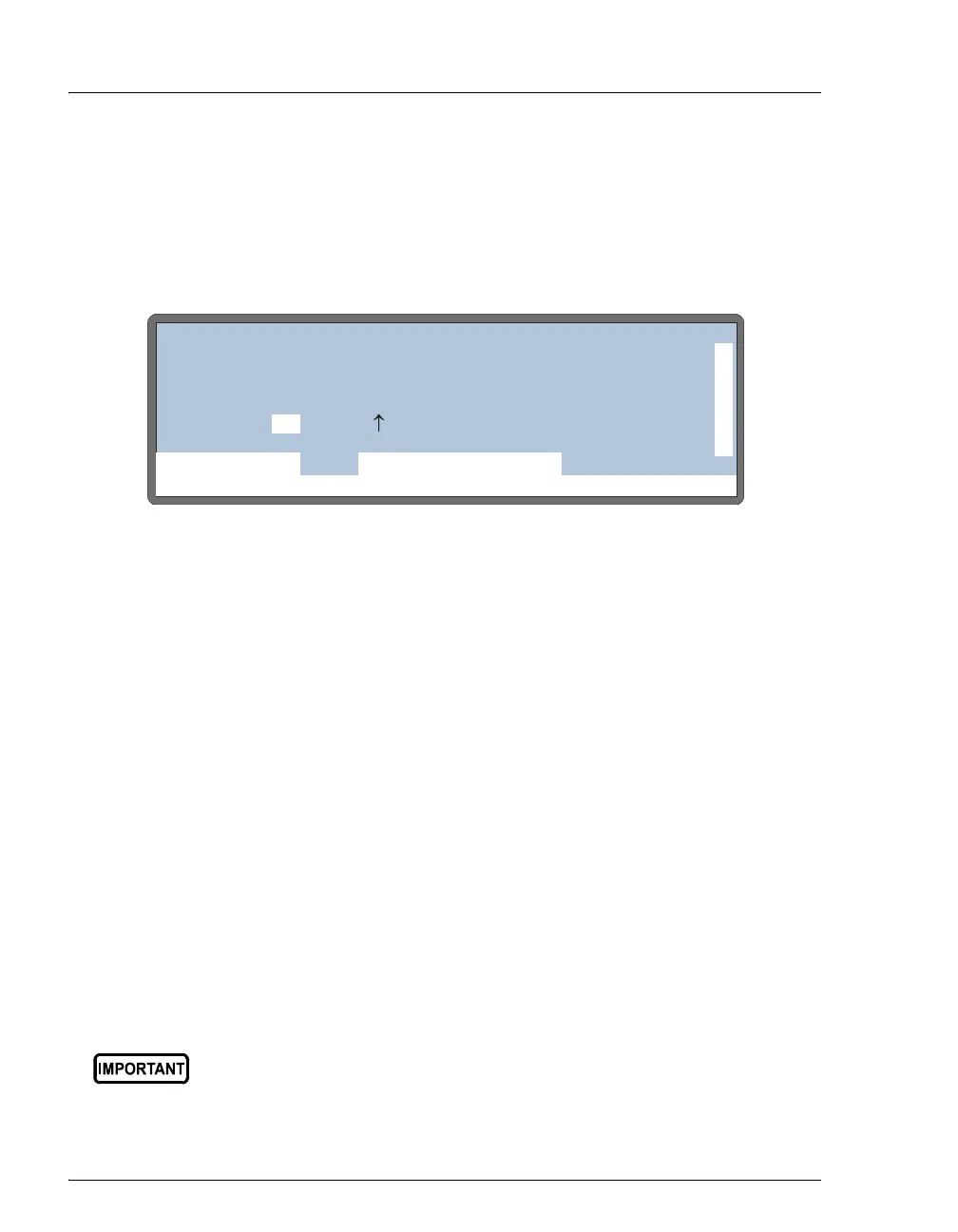
1. Go to the DETAIL STATUS screen (press Menu and 2).
2. If the AS is not in Direct Control mode, position the cursor in the control
mode field and press
Select Δ or Select ∇ to select DIRECT CONTROL. Press
Enter.
Figure D-4. Detail Status Screen Example
3. Position the cursor in the field for the parameter to be changed.
4. To set the
TRAY temperature:
a. If the field displays “--”, temperature control is currently turned off. Press
Select Δ or Select ∇ to turn on temperature control.
b. Press numeric buttons to enter the desired temperature setting.
5. For other parameters, press
Select Δ or Select ∇ to select the desired setting.
• TTL and relay fields: Select 1 for on or 0 for off.
• Inject valve(s): Select L to set the valve to load or I to set the valve to
inject.
6. After setting a parameter, press
Enter.
NOTE The TRAY field is available only when the sample
temperature control option is installed. Tray
temperature can be set to between 4 °C and 60 °C.
Dionex does not recommend using the 10 mL plastic tray with the
sample temperature control option because the plastic tray is
inefficient at heating and cooling the vials. In addition, the tray is not
designed for temperatures above 40 °C (104 °F) and may become
deformed over time if used above 40
°C.
Help Prompt
IDLE
VIAL#:
TIME:
INJ#:
VOL:
METHOD:
TRAY:
TRAY:
LOOP:
20 °C25
100
2mL
uL
uL
min
TTL1
TTL2
RLY1
RLY2
0
1
0
0
LOCAL
DETAIL
DIRECT CONTROL
INJ VLV L
NORMAL FULL



 To Next Page