3 • Operation and Maintenance
Doc. 065051-03 1/08 61
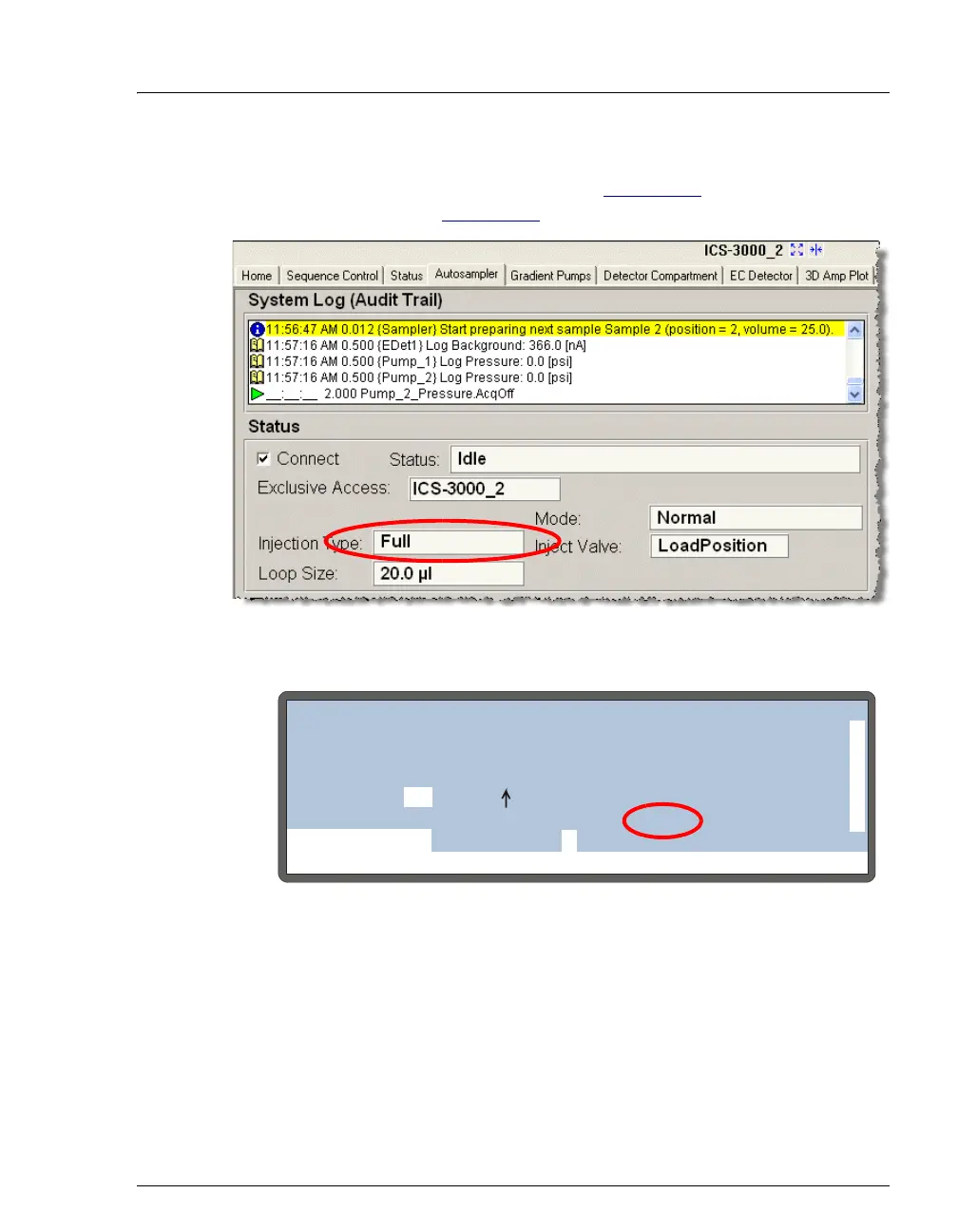
During an injection, the injection type is displayed on the Chromeleon or
Chromeleon Xpress Control panel (see Figure 3-12
) and on the DETAIL
STATUS screen (see Figure 3-13).
Figure 3-12. Injection Type Shown on Control Panel
Figure 3-13. Injection Type Shown on Detail Status Screen
Help prompt
INJECTING
VIAL#:
TIME:
INJ#:
VOL:
METHOD:
TRAY:
TRAY:
LOOP:
0.0
25
25
25.0
1
1/3
01 P10 mL
uL
uL
min
TTL1
TTL2
RLY1
RLY2
INJ VLV
0
1
0
0
L
NORMAL FULL
SCH 1
LOCAL
DETAIL
LINE 1
20 °C



 To Next Page