AS Autosampler Operator’s Manual
258 Doc. 065051-03 1/08
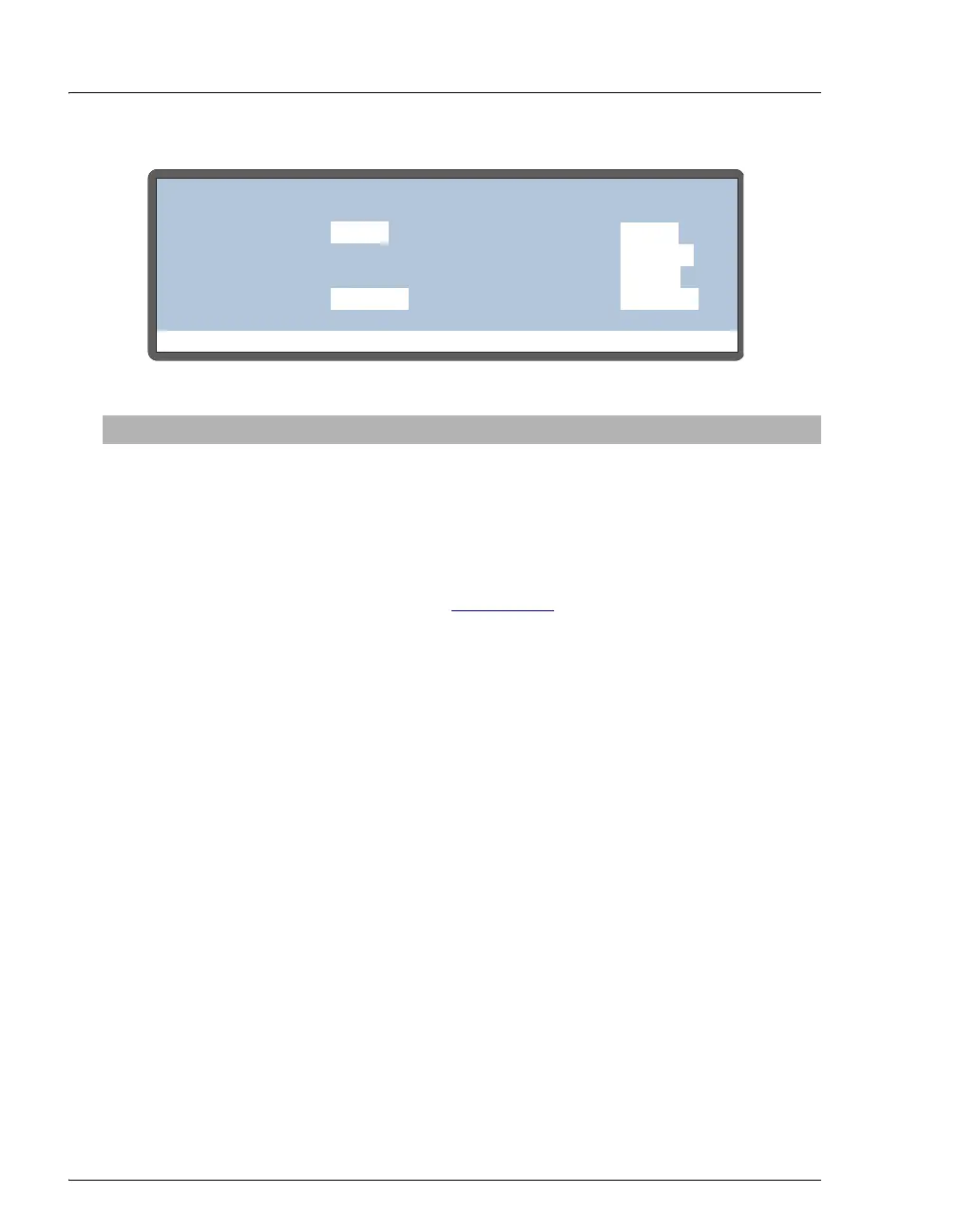
Figure C-23. Flush/Prime Screen
Screen Field Description Values
FLUSH
VOLUME
The volume of fluid used to flush the inject port.
After the inject port is flushed the exterior of the
needle is washed with a volume of fluid set at the
factory.
100 to 9,999 μL
(default=250)
FLUSH
RESERVOIR
The source reservoir for the flush liquid. This is
always the reservoir connected to port E on the
sample syringe valve (see Section B.3.3
).
FLUSH
FLUSH
SYRINGE
The sample syringe is always used for flushing.
SAMPLE
FLUSH
ACTION
To start a flush cycle, first make sure the AS is in
Direct Control mode; then press Select Δ or
Select ∇ to select
FLUSH and press Enter.
READY, FLUSH
PRIME
VOLUME
The volume of fluid used for priming. 100 to 5,000 μL
(default=400)
PRIME
RESERVOIR
The reservoir used for the prime cycle. If the sample
preparation option is installed, press Select Δ or
Select ∇ to scroll through the choices. If the sample
preparation option is not installed, the flush reservoir
is always used and this field cannot be edited. The
prep syringe is always used for
RES A, B, C, and D.
FLUSH, RES A,
RES B, RES C,
RES D
PRIME
SYRINGE
The syringe used for the prime cycle. If the sample
preparation option is not installed, the sample syringe
is always used and this field cannot be edited.
SAMPLE, PREP
PRIME
ACTION
To start a prime cycle, first make sure the AS is in
Direct Control mode; then, press Select Δ or
Select ∇ to select
PRIME and press Enter.
READY, PRIME
Help Prompt
FLUSH/PRIME
VOLUME:
RESERVOIR:
ACTION:
uL
250
FLUSH
FLUSH
SYRINGE:
PRIME
READY
VOLUME:
uL
2000
RESERVOIR: RES A
SYRINGE:
RES A
PREP
ACTION:
READY
SAMPLE



 To Next Page