D • Front Panel Control
Doc. 065051-03 1/08 305
Selecting the Method or Flush Syringe Speed
1. Go to the SYSTEM PARAMETERS screen (press Menu, 5, and 5).
2. Position the cursor in the METHOD SYRINGE SPEED field.
3. Press
Select Δ or Select ∇ to select the desired speed or enter the speed by
pressing a numeric button. 1 is the slowest speed and 5 is the fastest. The
default speed is 3, which corresponds to the speed required for water. Select a
slower setting for more viscous samples.
In addition, be sure to select a speed that will keep the backpressure below
690 kPa (100 psi), taking into account the pressure from the tubing and the
concentrator column (if installed).
See Section 3.8 for details.
4. Position the cursor in the
FLUSH SYRINGE SPEED field. Press Select Δ or
Select ∇
to select the desired speed or enter the speed by pressing a numeric
button (1 through 5). The default speed is 4.
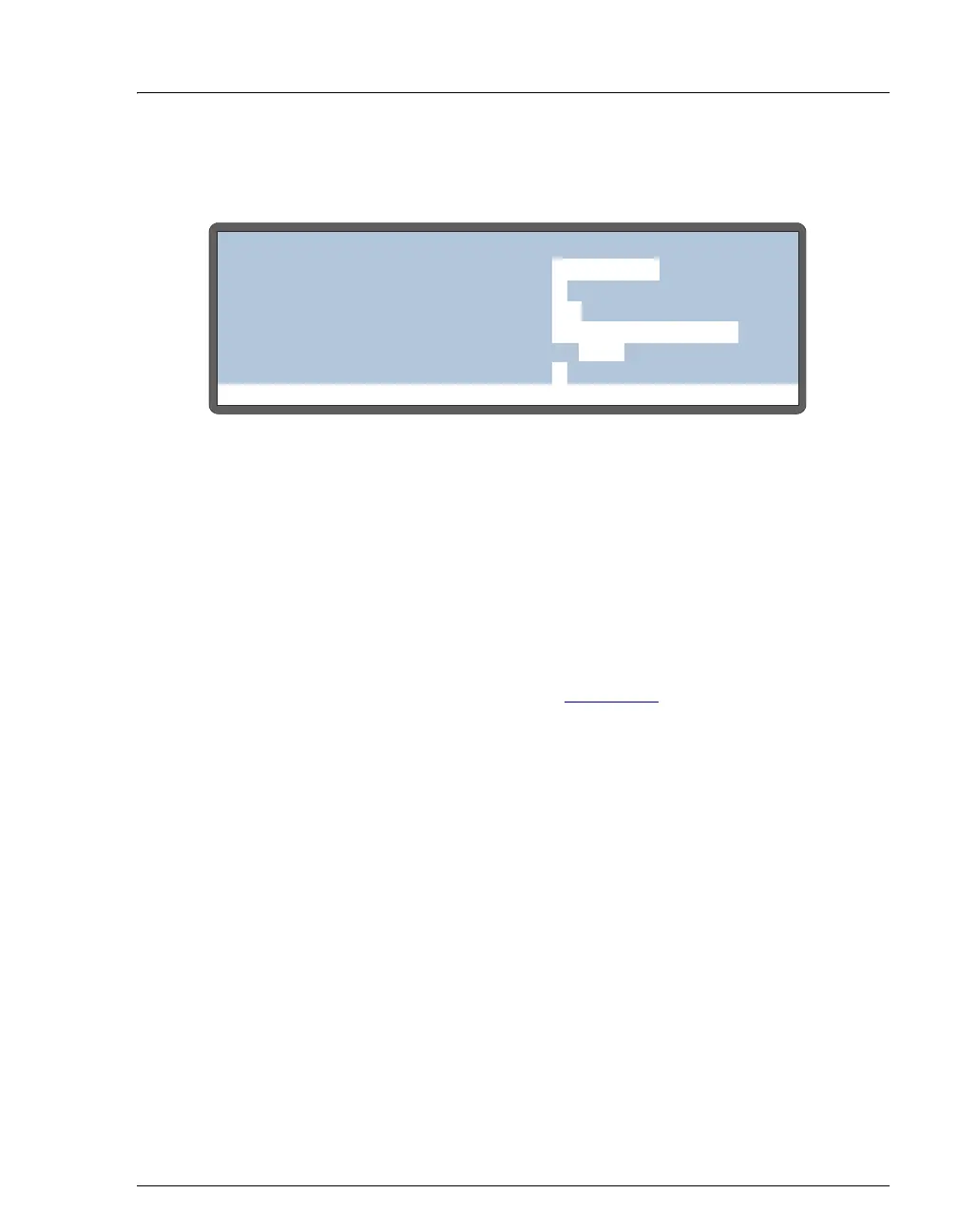
Figure D-14. System Parameters Screen
Help Prompt
SYSTEM PARAMETERS
WAIT:
ENABLED
METHOD SYRINGE SPEED:
CUT SEGMENT VOLUME:
INJECT PORT VOLUME:
uL
uL
10
S1 43
3
SAMPLE MODE:
NORMAL
FLUSH SYRINGE SPEED:
4
uLS2



 To Next Page