3 • Operation and Maintenance
Doc. 065051-03 1/08 47
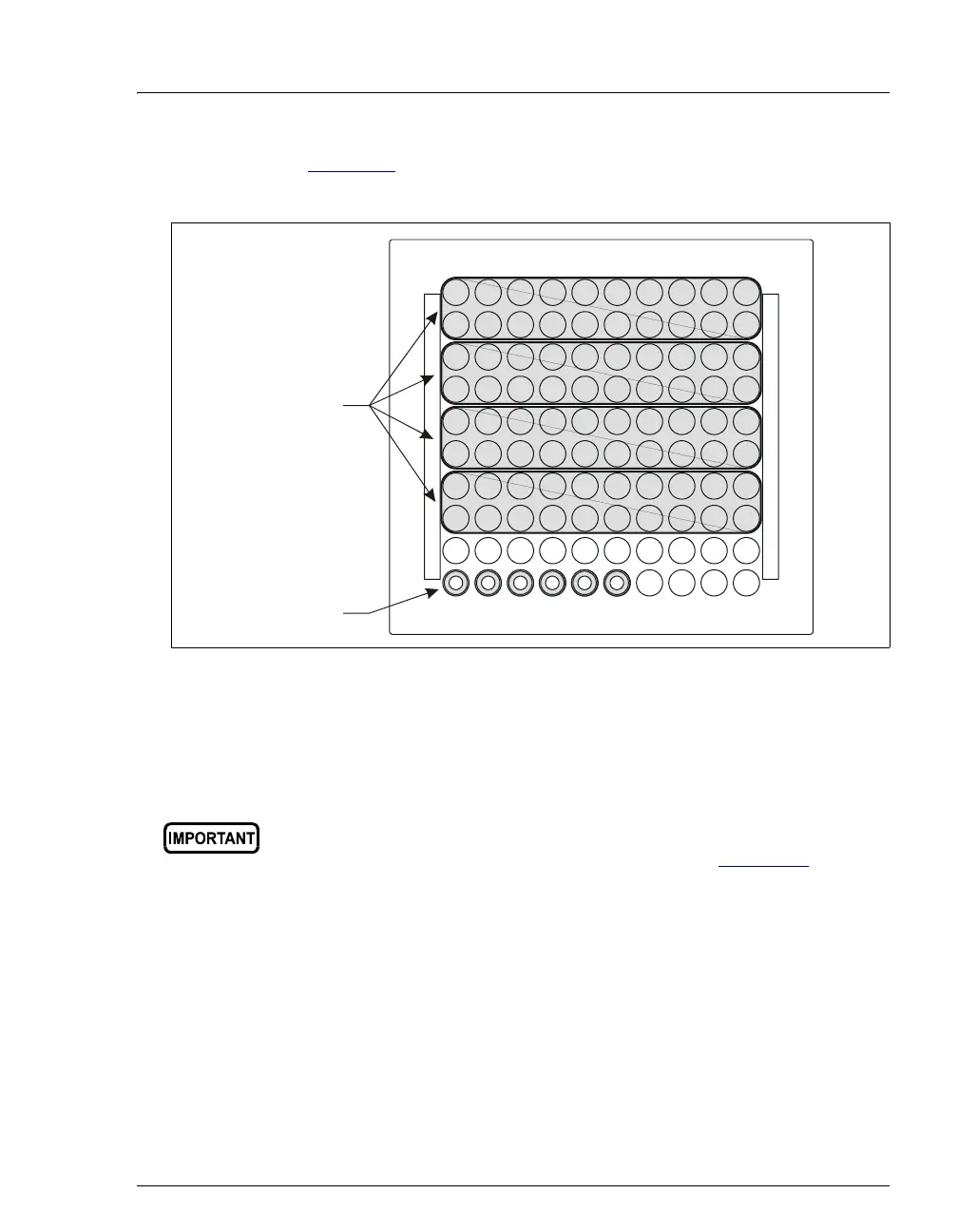
Figure 3-2). This ensures temperature stability and minimizes
condensation, especially at low temperature set points.
5. Install the tray in the autosampler compartment.
6. Close the autosampler compartment door. Make sure the door
remains closed during operation.
Figure 3-2. Installing Tray Covers (Sample Temperature Control Option Only)
If the door is opened during operation, the sampling arm stops
immediately. If a schedule is running, it is aborted. To safely open the
door during operation, press the Door button (see Section 3.9
for
details).
Sample Vials
Tray Covers
(for empty
positions)



 To Next Page