System Functions 99
How To Program Telco Arming Sequence - Easy Call Forward (Immediate On)
1.
Enter your
followed by
3
and the button.
Three beeps will be heard and the
STAY
and
AWAY
indicators will begin to flash.
2.
Press button
1
followed by the button to change the telco arming sequence.
Three beeps will be heard.
If a previous call forwarding sequence has already been programmed, the sequence will
be displayed one digit at a time via the remote codepad indicators. Refer to “Table 39:
Codepad Indicators For Changing Telco Arm/Disarm Sequence” on page 96 for the
indicators and their meanings.
If there is no call forward sequence programmed, a further two beeps will be heard after
entering this mode. These two beeps are normally heard after the last digit of the call
forward sequence has been displayed.
3.
Enter
121
followed by the you wish the control panel to divert all
calls to followed by
2
and the button. Two beeps will be heard and the
system will return to the disarmed state.
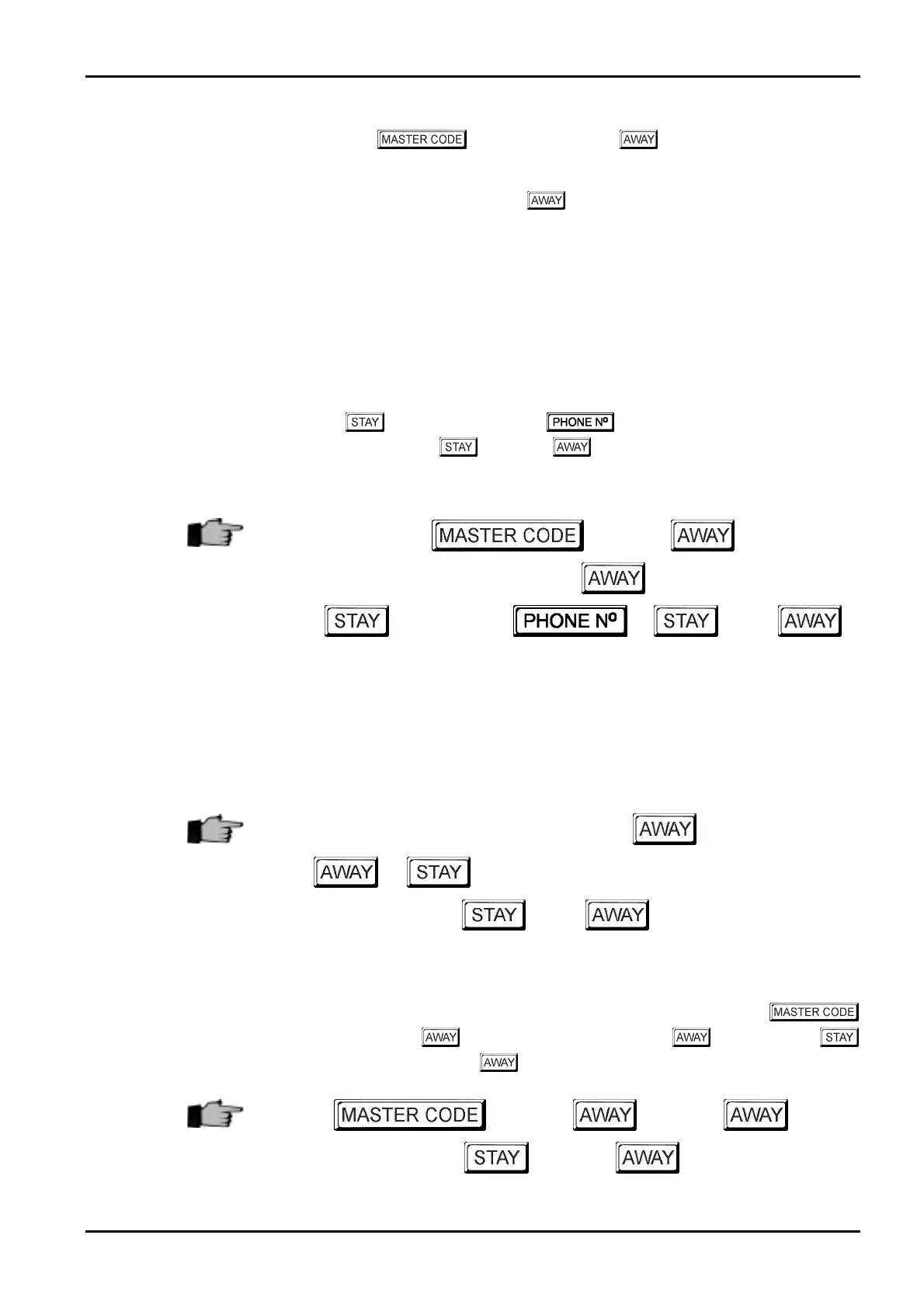
+
3
+
1
+
121
+ +
2
+
Example
If you wish to automatically divert all incoming calls to another telephone number (e.g.: 9672
1777) when the system is armed in AWAY Mode, follow the example sequence below and
replace the telephone number mentioned in the manual with the telephone number that you
wish to divert all calls to.
2580
+
3
+
+
1
+ +
121
+
96721777
+
2
+
How To Disable The Telco Arming Sequence
If at any time you wish to cancel the telco arming sequence, you may enter your
followed by
3
and the button, followed by
1
and the button, then the
button followed by the
4
and the button.
+
3
+ +
1
+
+
+
4
+
Electronics Design and Manufacturing Pty Limited ISSUE130



 To Next Page