Programming and operating manual Model 1001 DFB
110 FICEP S.p.A.
CHAPTER 11: PROCEDURE TO SHUT OFF THE LINE
Even though the 1001 DFB line can be shut off at any moment during its working, we suggest to respect
the following procedure that assures a correct restart of interrupted job.
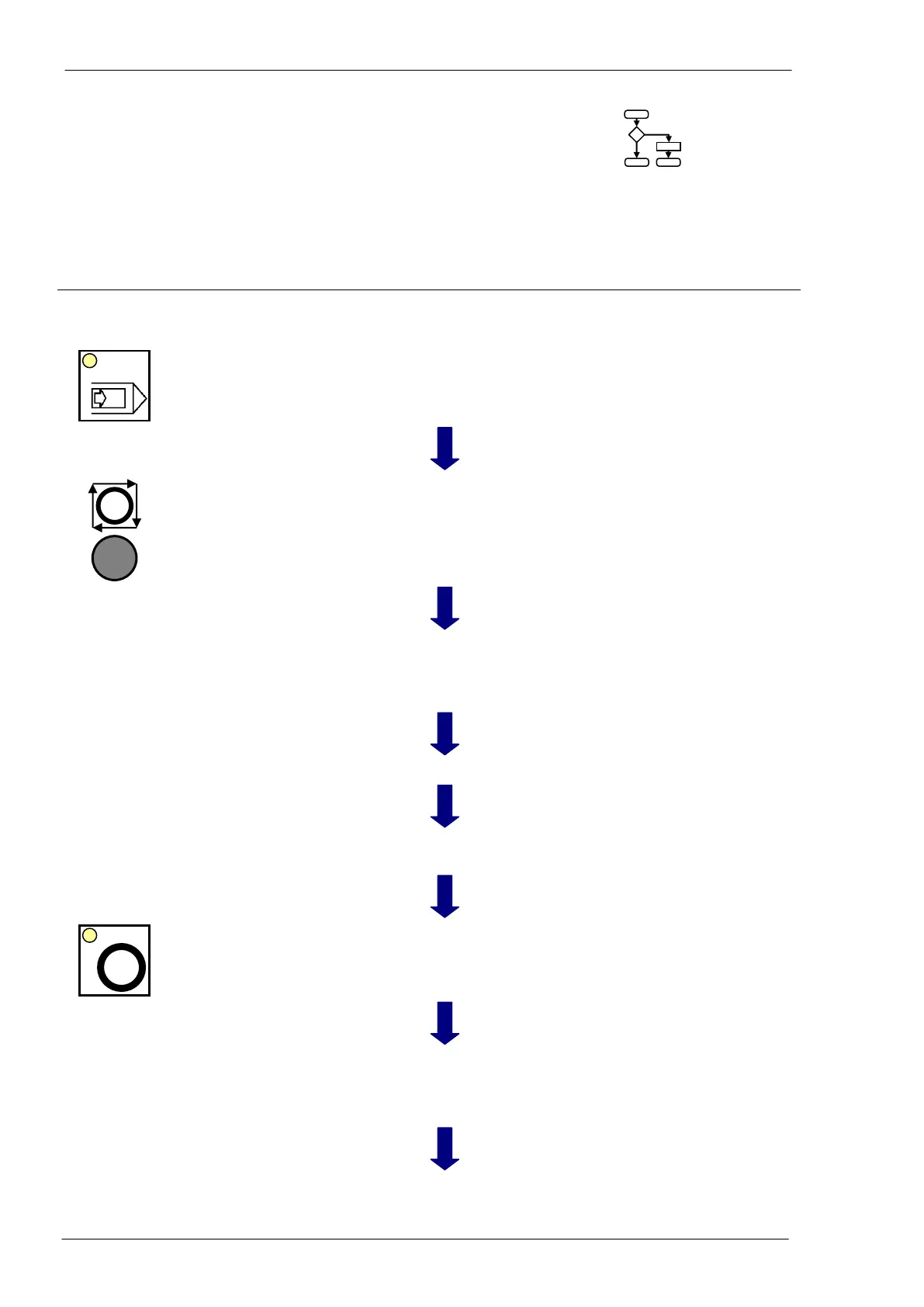
Line working; piece program o bars program in exe-
cution; window “Execution” shown.
Selection of semiautomatic mode
(step by step)
When the line is in semiautomatic mode it halts the
execution at the end of each instruction.
Stop cycle and tools far from ma-
terial
When the line is still, asking start for new instruction
and the start push-button LED is blinking all tools are
moved in safety position far from material.
Access to drilling unit soft-keys
Release the tool in its place in the magazine (soft-
key n. 13, page 31); if the machine has the second
optional drilling head redo for this one (soft-key n.
14).
Closing of soft-keys window
Coming back to the execution window.
Coming back to the general CNC
software
In the general page, in the lower right corner the
push-button “OFF” is ready to be pressed.
Shut off of all auxiliary circuits
The line switches in stand-by mode.
Start of line shutting off
The CNC ask the operator to put down the drilling
tool in the tools magazine; this is the last chance to
cancel the shutting off procedure; pressing “OK” the
machine ask a new confirmation.
Wait till all LED are switched off and a message on
the screen says is possible to switch off the power.



 To Next Page