Model 1001 DFB Programming and operating manual
FICEP S.p.A. 57
Editing a program: preliminary remark
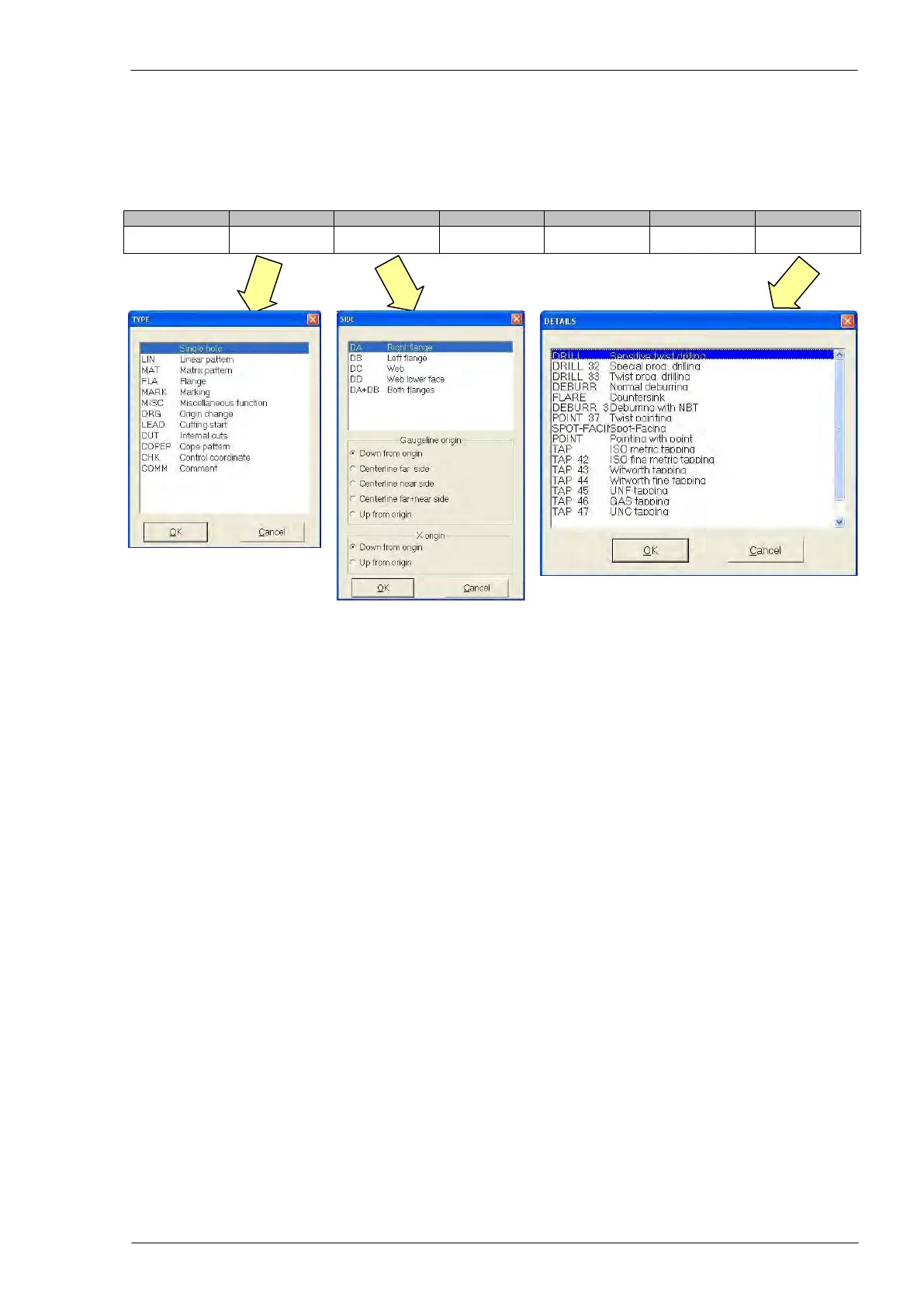
To edit a program line, it is necessary to press the F4 key of the PC keyboard to open the selection win-
dow with the different options for each field of the instruction.
Pressing F4 when the cursor is in the diameter field, a window with the list of all tools present in the tool
table (the CNC general database) is displayed.
Different possibilities of programming are shown in the following sections; the values of X and Y
coordinates in the following examples are not binding and are given only as instance to complete
the instructions.



 To Next Page