Programming and operating manual Model 1001 DFB
98 FICEP S.p.A.
CHAPTER 9: ARCHIVE OPERATIONS
File management
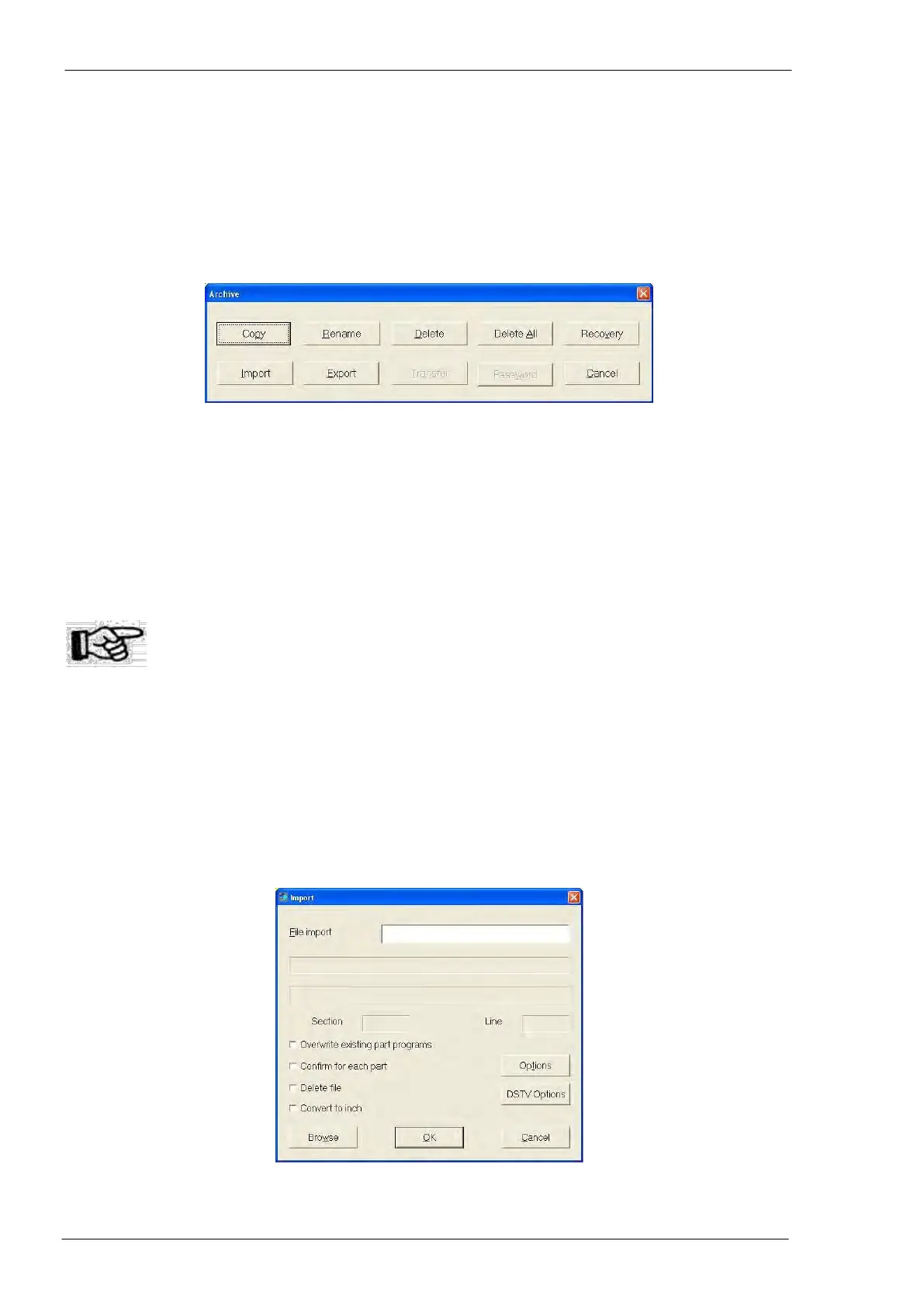
In the main programming window the graphic push-button “Archive” opens a window to perform some file
operations.
“Copy”: allows to create a copy of the selected program; the copy must have at least one of four
fields contract, drawing, mark and position different from the original
“Rename”: allows to change the value of one or more of the same four fields
“Delete” allows to delete selected programs (eventually sorted by operator filter) from the list
“Delete all”: allows to delete all programs or all profiles or all materials
“Recovery”: allows to cancel last file deletion; attention: this command is available only for last deleted
program
“Export”: allows to export a program in “FNC” format (this o format by FICEP)
“Import”: allows to import a program generated in “NC” or “NC1” format (according to DSTV specifica-
tions) on in FNC format.
Attention: the path name of a DSTV file can’t contain spaces!
Import operations
Import of DSTV files
Pressing the graphic push-button “Import” an “Import” window opens:



 To Next Page