Model 1001 DFB Programming and operating manual
FICEP S.p.A. 47
When a new tool is inserted in the tool magazine and its length is unknown,
press this push-button. The background of field “Tool length” becomes yellow
and the maximum possible value is automatically inserted. When this tool has
to be used, the system measures its length with the photocell (optional) placed
near the tool magazine before to perform the drilling operation. The value ob-
tained is used for all the subsequent drilling operation of this tool.
When a new tool is inserted in the tool magazine, it is not an inserts drill and
its length is unknown, press this push-button. The background of field “Tool
length” becomes yellow. At the first use of this drill, the CNC measures its
length with a special drilling cycle, which has a slow approach speed. The val-
ue obtained is used for all the subsequent drilling operation of this tool.
The sensitive cycle could be performed only with drill of helicoidal type
and not for the inserts one because they could be measured only by
photocell to avoid breakage.
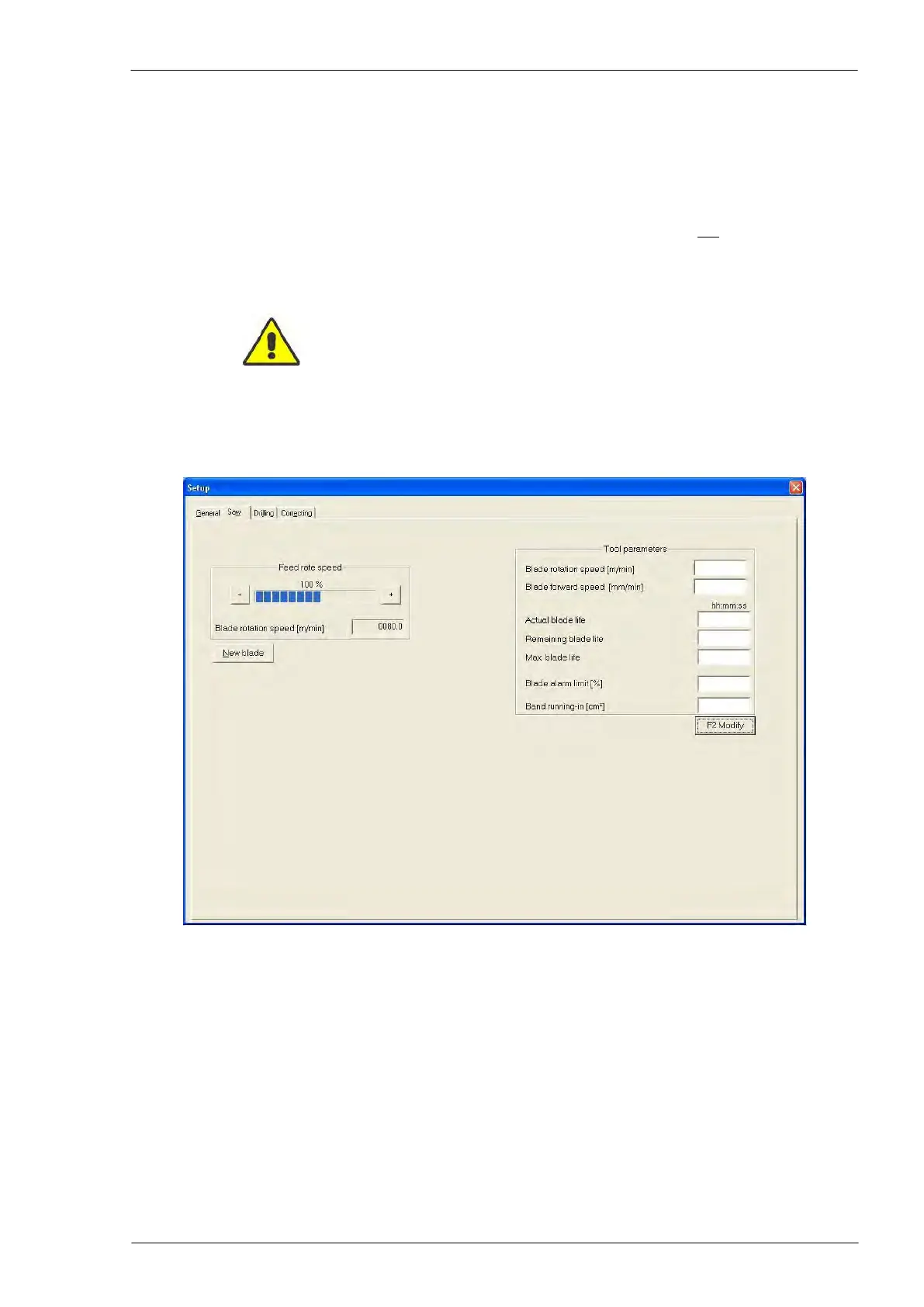
Cutting operation setup window
Fields description:
Blade rotation speed (R.H. side of the video)
The tool supplier could provide the best value.
The tool supplier could provide the best value.
Display of the full working time of the band.
Display of the remaining working time of the band.
Maximum lifetime of the band: after this time, the
replacement of the band is required; the operator
could set the value.
Percentage threshold of the band life: when the
band reaches this value, the CNC software gener-
ates a message for the operator to advise that the
band has to be replaced.



 To Next Page