CONTROLS
1001 DFB
Drilling & Sawing Line
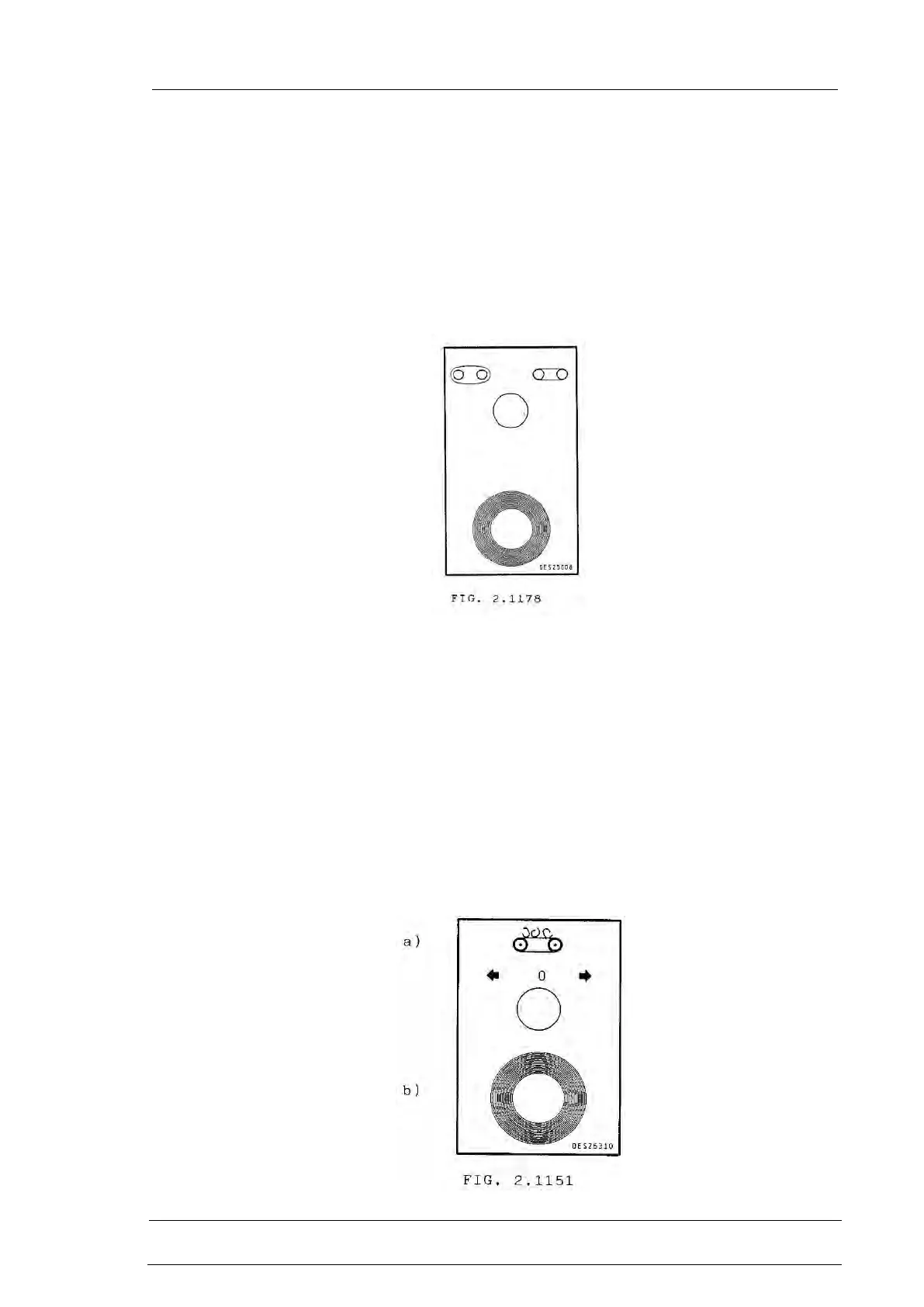
3.2.1 Saw Main Push Button Station Fig.2.1178
a) Selector switch : BAND TIGHTEN - UNTIGHTEN
It is used to correctly insert the band.
Active only if the selector switch work - band change is in position BAND CHANGE.
b) Red mushroom type push button, with mechanical re-set, for global emergency STOP.
Same function as the main emergency stop on CNC.) .
IMPORTANT NOTE:
All the push buttons used for the sawing machine operation are described in the
Programming Manual.
3.2.2 Unloading chips conveyor control (optional) Fig. 2.1151
Drilling chips unloading conveyor movement.
a) Selecting switch always active to reverse the chips unloading belt
direction, after having selected the manual mode.
b) Red mushroom type push button, with mechanical re-set, for global
emergency STOP. Same function as the main emergency stop on CNC.)
.



 To Next Page