Programming and operating manual Model 1001 DFB
50 FICEP S.p.A.
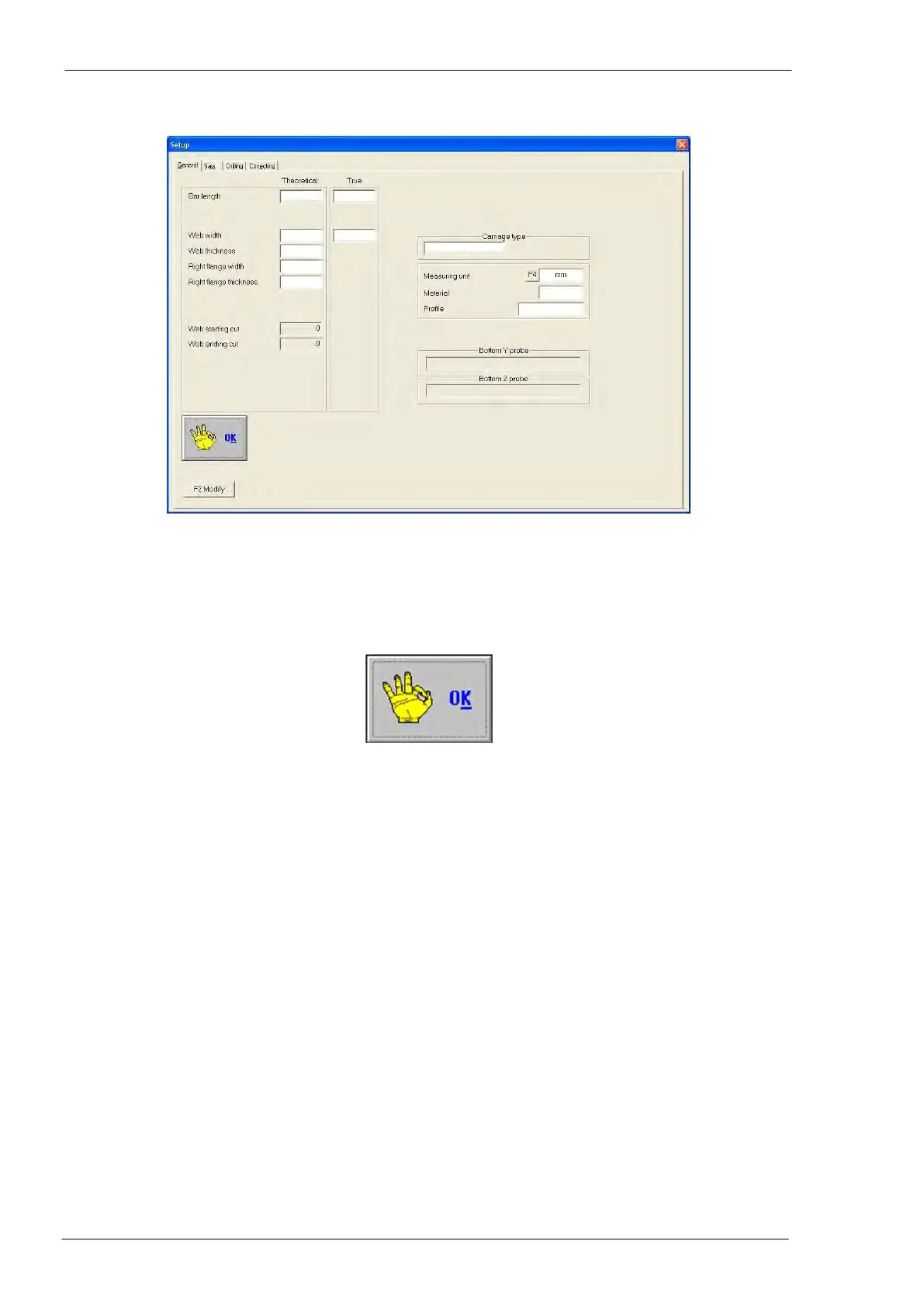
Setup general page
All fields shown in this page are only displayed (the operator can read but not adjust them); the only field
that can be modified is the “Measuring unit”, to change it follow this procedure:
1) F2 Modify
2) F4 to set the measuring unit (mm, inches, fractions of inch)
3) F2 Confirm
4) “OK”



 To Next Page