Programming and operating manual Model 1001 DFB
42 FICEP S.p.A.
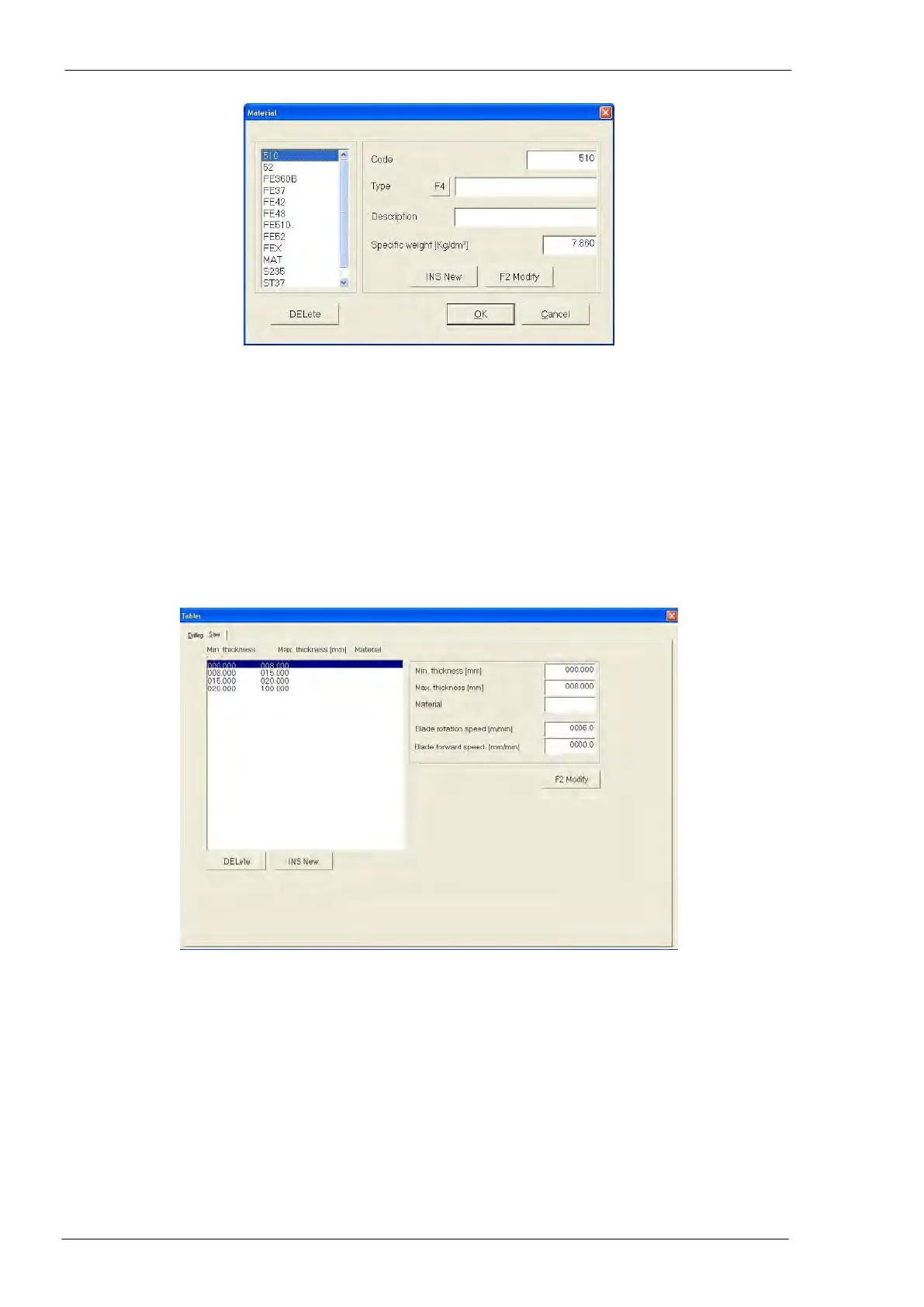
Pressing “F4” with the cursor in field 05 “Material” the window with the list of all materials opens:
The operator selects the required material in the L.H. list and validates the selection pressing the “OK”
push-button.
A material no more used could be removed selecting it in the L.H. list and pressing the “DELete” push-
button.
To insert a new tool, press the “INS New” push-button and to modify the one selected in the L.H. list press
“F2 Modify” push-button.
Cutting operations table
Meaning of the fields
- L.H. side: list of all thicknesses, which can be cut depending on the band rotation speed
- R.H. side:
o Field “Min Thickness”: the use of the selected band is restricted to materials with the minimum
thickness here fixed (required)
o Field “Max Thickness”: the use of the selected band is restricted to materials with the minimum
thickness here fixed (required)
o Field “Material”: the use of the selected band is restricted to the material here fixed
o Field “Blade rotation speed”: normally provided by supplier
o Field “Blade forward speed”: speed of band forward when enters into the material; normally pro-
vided by supplier
The meaning of “DELete”, “INS New” and “F2 Modify” push buttons is the same previously described.



 To Next Page