Model 1001 DFB Programming and operating manual
FICEP S.p.A. 19
CHAPTER 2: CNC DESCRIPTION
Introduction of the CNC operating environment
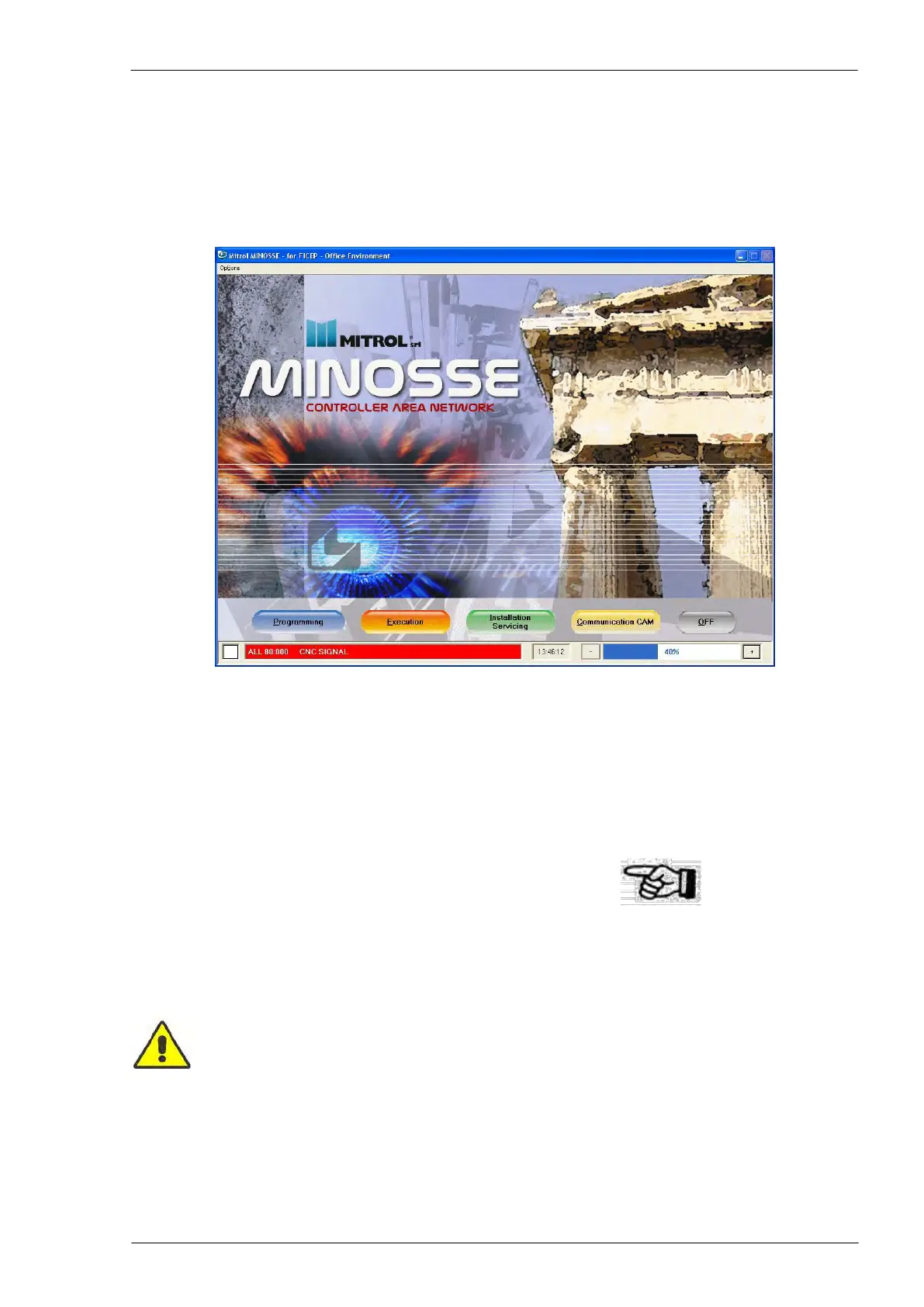
The CNC operating environment is called “Minosse” and the previous picture represents the introduction
screen page.
There are five graphic push-buttons which define four different working sections (Programming, Execu-
tion, Installation and Servicing, Communication CAM) and the system shut down (“OFF”).
To enter one of the four main pages or to shut down the system, it is necessary to press the key corre-
sponding to the underlined character of the word of each graphic push button or press the screen in the
graphic push-button corresponding area.
Press the ESC key on the PC keyboard to return to the first page.
Touch screen
To carry out a touch screen command, just gently touch the area on the screen where the relevant push-
button is displayed.
Clean the screen only when the system is shut down to avoid wrong commands.
Fixed elements for all pages
The background of all pages (1) is the one shown in the following picture.



 To Next Page