Programming and operating manual Model 1001 DFB
70 FICEP S.p.A.
Automatic execution of flanges pointing
With the cursor in any field of an empty programming line press F3; a window opens asking for confirma-
tion back for automatic barycentre pointing of the piece.
Edit of program remarks
With the cursor in the “TYPE” field press F4 and select “COMM”; a window opens to edit a free text maxi-
mum 99 characters.
Bar nesting
A 1001 DFB production line is structured to produce many pieces cutting long bars of material.
Therefore the operator, after he has edited the programs for single pieces, can “insert” them into bars of
material by pressing the push-button “NESTING” in the general programming window.
When the operator presses the push-button “NESTING” the CNC software chooses all pieces to be real-
ized with same material and same profile. If the operator would like to nest only some particular pieces he
must filter the pieces listed in accord with the needed criteria.
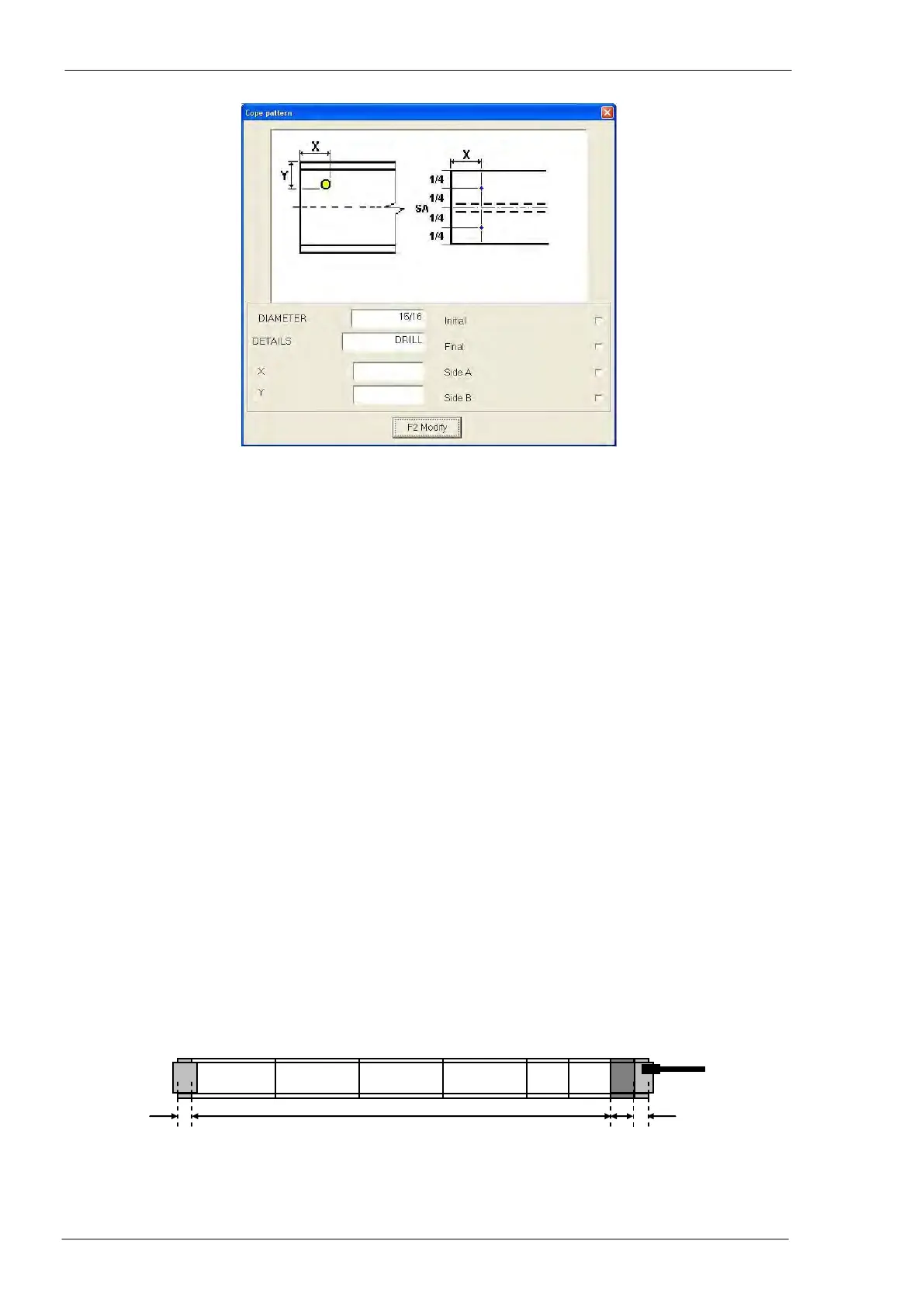
Generally four “zones” are defined in a single bar:
- zone n. 1: starting scrap to eliminate initial defects of the bar
- zone n. 2: material to be used to make pieces
- zone n. 3: rest not usable of the bar; its size is shorter than the most little piece to nest
- zone n. 4: pincher scrap; this is the taking zone of the pincher
Position of zone n. 3 (material not usable) and type of pieces to be nested in a bar are automatically de-
cided by the CNC software or manually fixed by the operator.
To start the nesting operations simply select the pieces to be nested in the pieces list (general program-
ming window) and, then, press “NESTING” push-button.



 To Next Page