Programming and operating manual Model 1001 DFB
90 FICEP S.p.A.
By this mark the CNC can restart the program, after a pause, exactly
from the first instruction not executed yet (first red smile)
Lxxx line number
X… Y… positioning coordinates used in the line
Oper. description of operation type and related tool
Measuring unit used in the execution program
Control for manual jog for all axes
Setup tables (fitted tools)
Operator parameters to adjust some basic operations (drilling, pointing, marking,
cutting; see page n. 96)
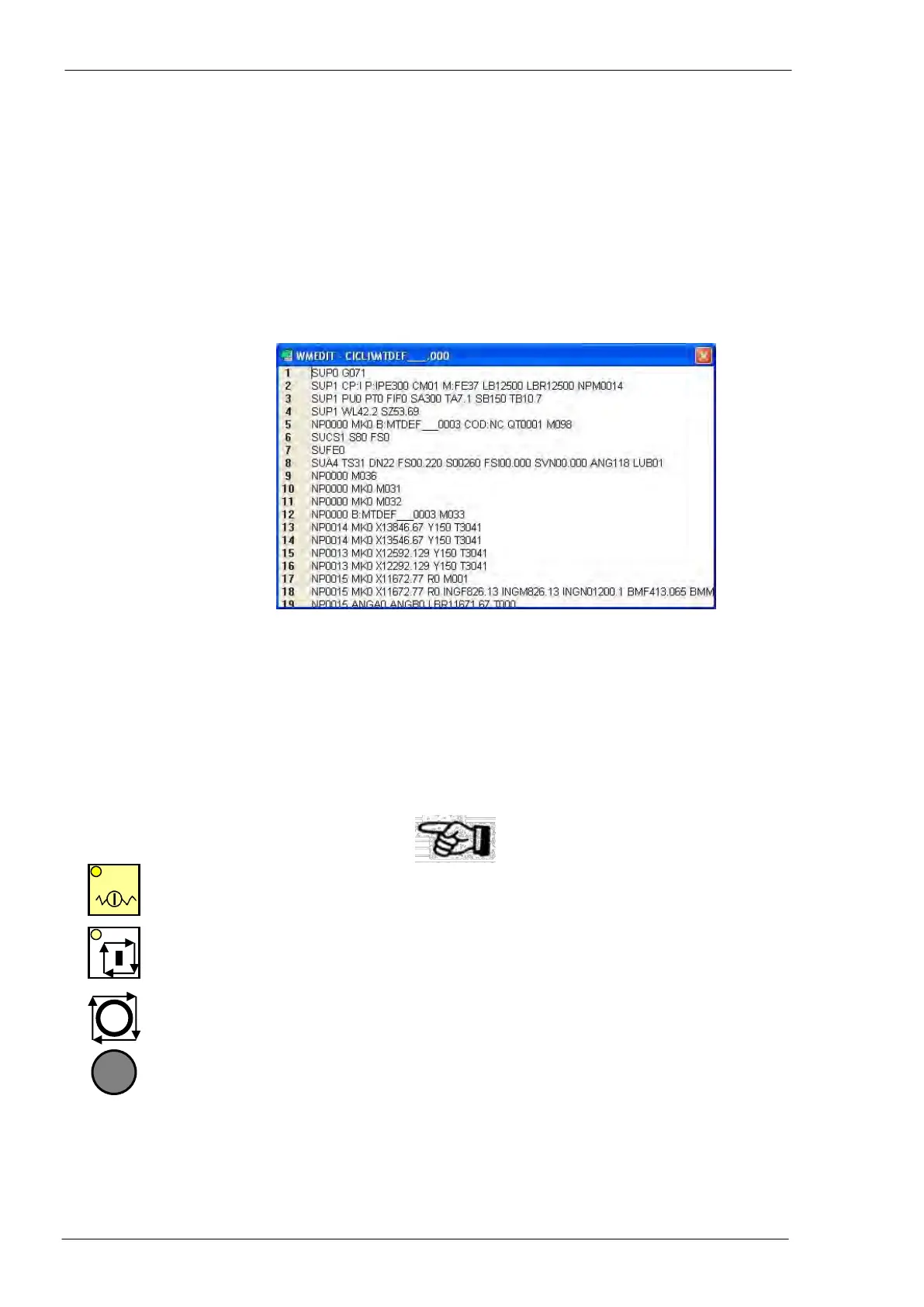
Display of canonic program; pressing the push-button “Open” in the next choice win-
dow, the operator gets a new text window with whole coded canonic program. The
content of this window is read-only (no modification is possible).
Tools tables (general tools database of the CNC - see page n. 39)
Pressing this push-button the operator can choose to execute among a new piece
program, a new nesting program or a cycle.
Cycles are special test programs stored in the CNC memory in FICEP factory
Soft-keys for machine tuning and direct control of some devices (see page n. 31 and
following)
Operator controls during automatic execution
The operator can press this push-button at any time to tempo-
rary halt the program execution.
The operator can use this push-button to start the program or to
restart it, after a pause, from first not executed line.
The operator can press this push-button at any time to get im-
mediate stop of the execution and all tools in safety position (far
from material in “home” position) without put the line in emer-
gency mode; when the operator presses the “Start Cycle” push-
button the CNC restarts the program execution from first instruc-
tion not executed yet or re-executing the last instruction not end-
ed, depending on the moment the operator has pressed the
push-button.
Note that this push-button is in the control and safety push-
button panel and not in the main push-button panel.



 To Next Page