Model 1001 DFB Programming and operating manual
FICEP S.p.A. 21
CHAPTER 3: THE CNC WORKING ENVIRONMENT
CNC Software sections
The operating environment of the CNC is divided into four sections + the system shut down push-button.
In the following table, the main activities of each section are listed:
- programming of new pieces
- editing of existing pieces
- pieces archive management: import/export, copy, delete, print, etc…
- graphic dimensional check
- nesting of pieces into long bars
- display of the axes coordinates
- axes manual positioning
- setup/confirmation of the tools required to execute the programmed piece
- setup of the tools used on the system
- display of the program in execution
- display/modification of machine cycles parameters
- display/modification of axes parameters
- information about predefined working cycles
- information about CNC internal configuration
- diagnostic information
- graphic and textual information about work order execution data
- statistical information, in graphic format, about the system working time share
- connection to an optional external program to import pieces programmed by
means of office PCs
- system shut down and switching OFF
Line start up
When switched ON, the PC on the operator panel starts loading the “Windows” operating system and then
the CNC operating environment. Anyway, to operate, it is necessary to press the RESET push-button with
blue warning light placed near the main electric switch on the electric cabinet.
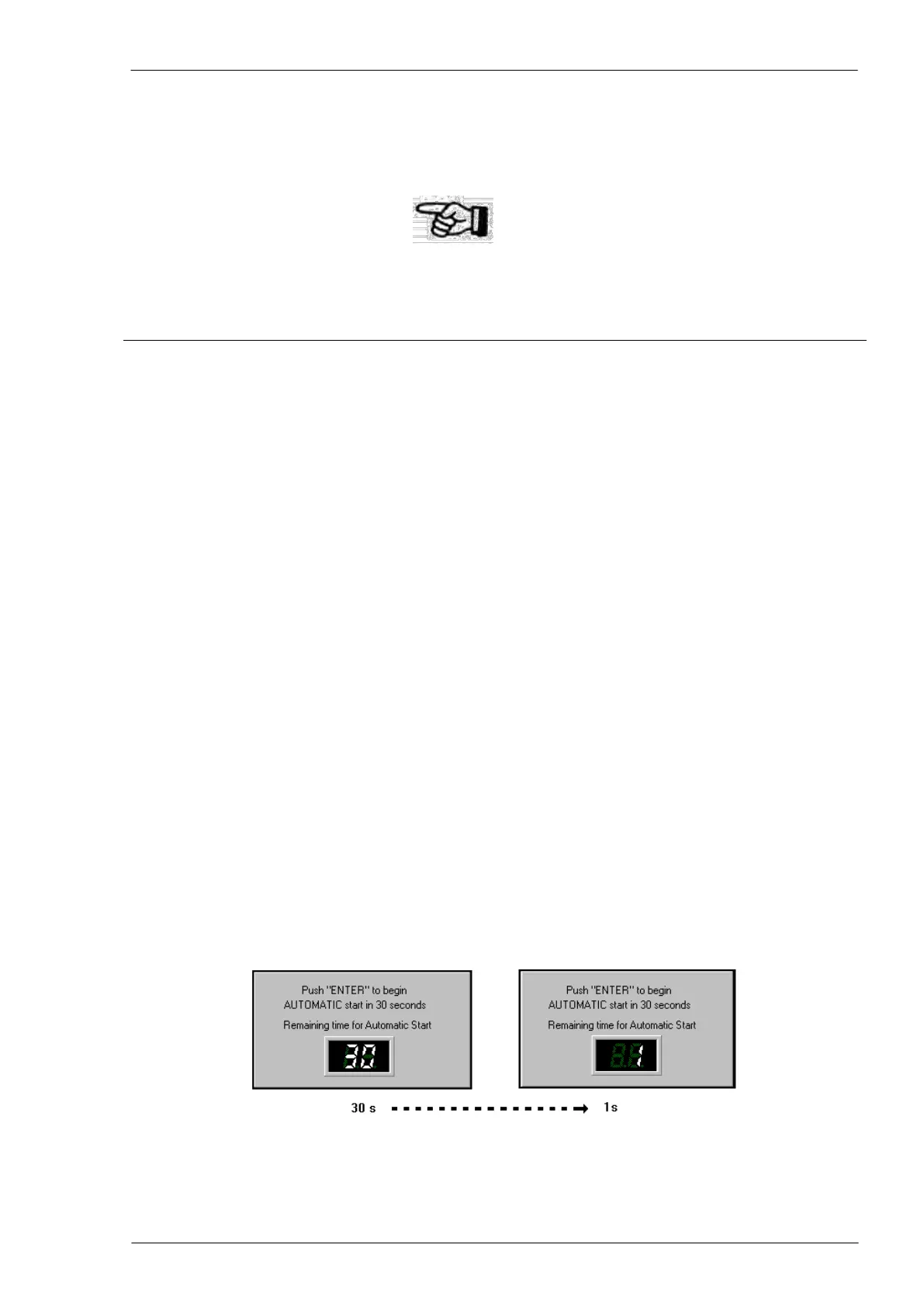
At the start-up, the operator has thirty seconds to escape from the start procedure pressing the keys com-
bination ALT-F4.
After these thirty seconds, a window appears with diagnostic information about the system boot.



 To Next Page