Programming and operating manual Model 1001 DFB
82 FICEP S.p.A.
Procedure to execute a program of a single piece
Line powered, axes zero cycle executed, auxiliary circuits
ON (oil pump, etc…), no active alarm, main page of CNC
software displayed, program for single piece already ed-
ited and ready to execute.
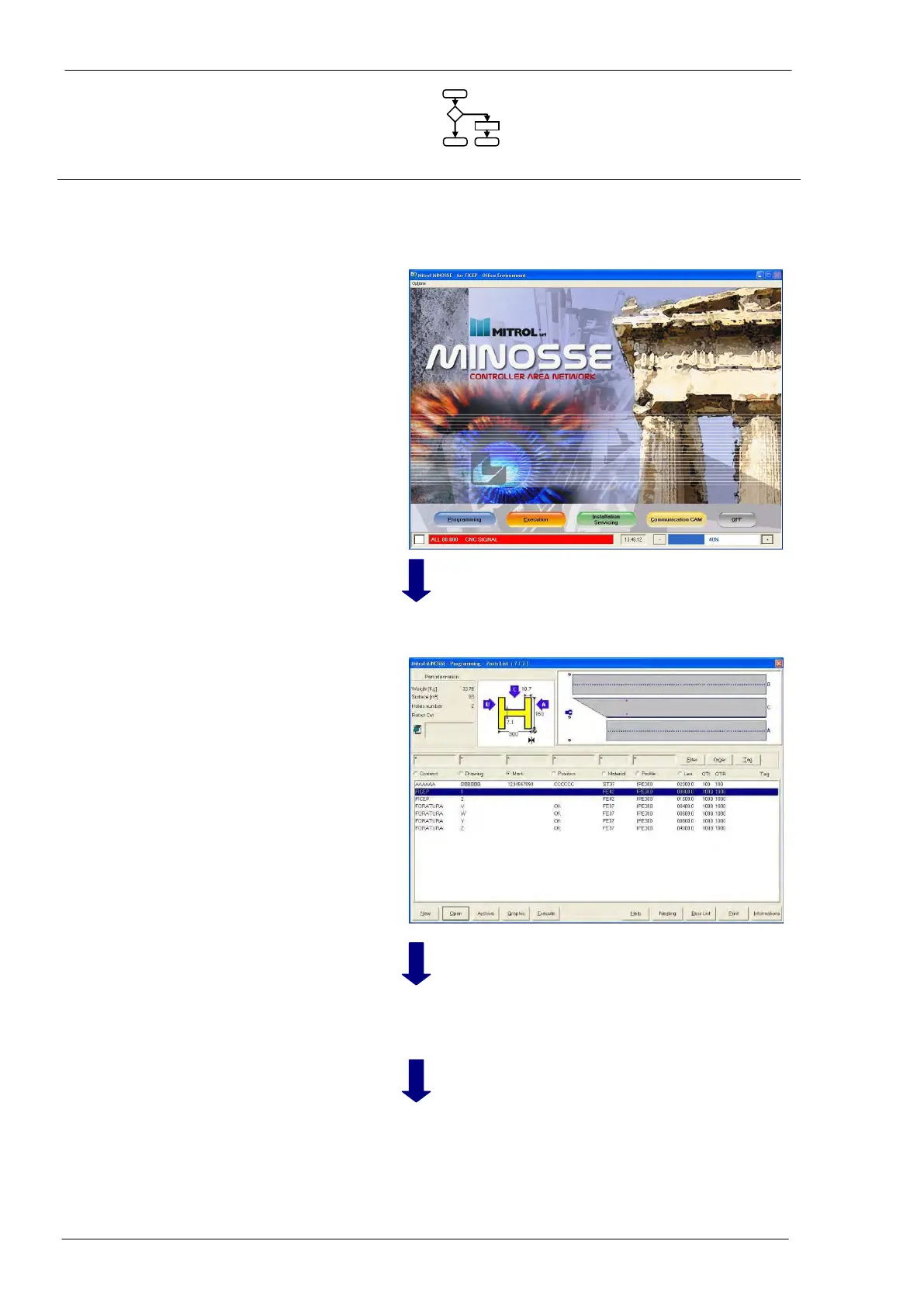
Push-button
“Programming”
Activation of main pro-
gramming window
In the lower area of the window there is the list of pro-
grammed pieces.
Selection of the piece to
be executed
Select the piece to be executed by arrow keys; selected
piece has background colour blue.
Start the execution of
the selected piece
A window with some general information about the piece
is shown to allow the operator to check if everything is
OK.
Note that the upper picture shows the piece while the
lower one shows how to load the piece



 To Next Page