Model 1001 DFB Programming and operating manual
FICEP S.p.A. 23
Control and protections zone
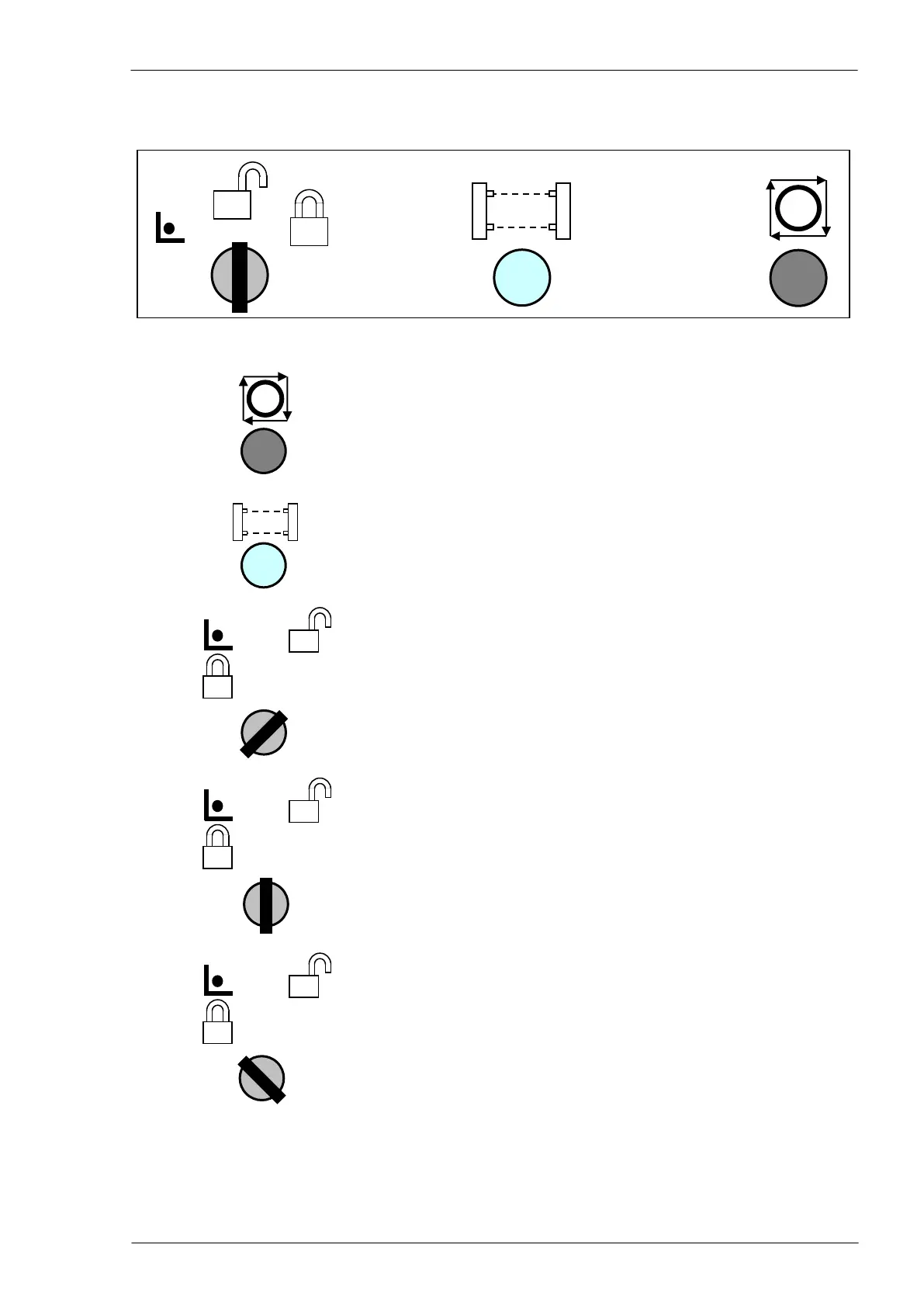
Cycle Stop: when pressed, this push button stops the program
in progress and the axes are moved back in safety position
After the protection barriers interruption it is possible to reset
the system pressing this push button (if provided)
Locked position, it is allowed only to pass from the current op-
erating mode to stand-by mode and vice versa (only the last se-
lected mode is kept active).
Unlocked position, all controls are available for the operator who
has the full control of the line
Setup position, the CNC is switched in setup mode. No opera-
tion is possible in this mode; the operator can extract the key to
avoid any unexpected control and then operate directly on the
machine in safety way.



 To Next Page