Programming and operating manual Model 1001 DFB
28 FICEP S.p.A.
CHAPTER 4: MANUAL CONTROLS
Procedure to activate the manual control of the axes
System start-up procedure ended correctly; axes zero
cycle performed; main CNC windows displayed.
Select the “Execution” section of
the CNC software environment
It allows displaying the CNC environment window with
the main axes numerical coordinates; these values
must be in blue colour.
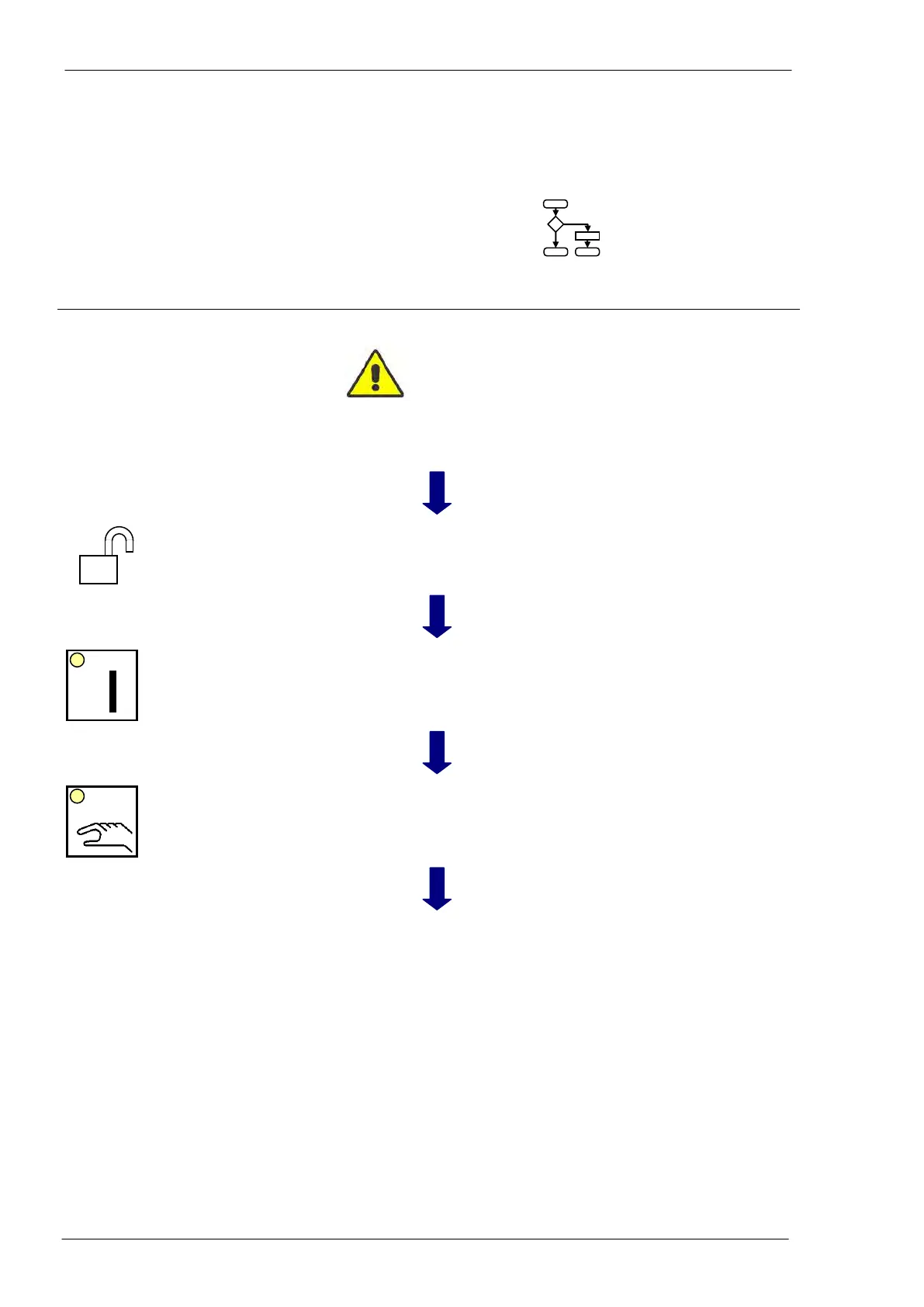
Rotate the key-type selector
switch in central position.
The operator can control the system
Switch the auxiliary circuits on.
The oil pump starts and the oil pipes goes under
pressure; the LED of the push button remains illumi-
nated and the line is in stand-by mode
The manual execution mode is selected. The LED
remains illuminated; the operator can control manually
the axes displacement
Press the “J” key on the PC key-
board or touch the “JOG” push-
button on the touch screen
The “JOG” window opens; select the axis and the dis-
placement step.
The “JOG +” and “JOG -“push-buttons LED of the
main push buttons panel blink to signal that the sys-
tem is ready to accept a displacement command to-
wards the positive or negative direction.



 To Next Page