Model 1001 DFB Programming and operating manual
FICEP S.p.A. 77
List of the bars to work; column 06: the total bars number of the selected nest; col-
umn 07; remaining bars to work of the selected nest.
Total number of required bars
Number of bars not worked yet
This push-button is operating only if, during the installation of the machine, the oper-
ator identification has been enabled
The selected nesting is executed
This push-button opens a window in which the operator can delete one or more nest-
ings as well he can check a box to ask the system automatically deletes all ended
nestings from the list.
Open the nesting window for the selected nest (maybe to display the pieces nested)
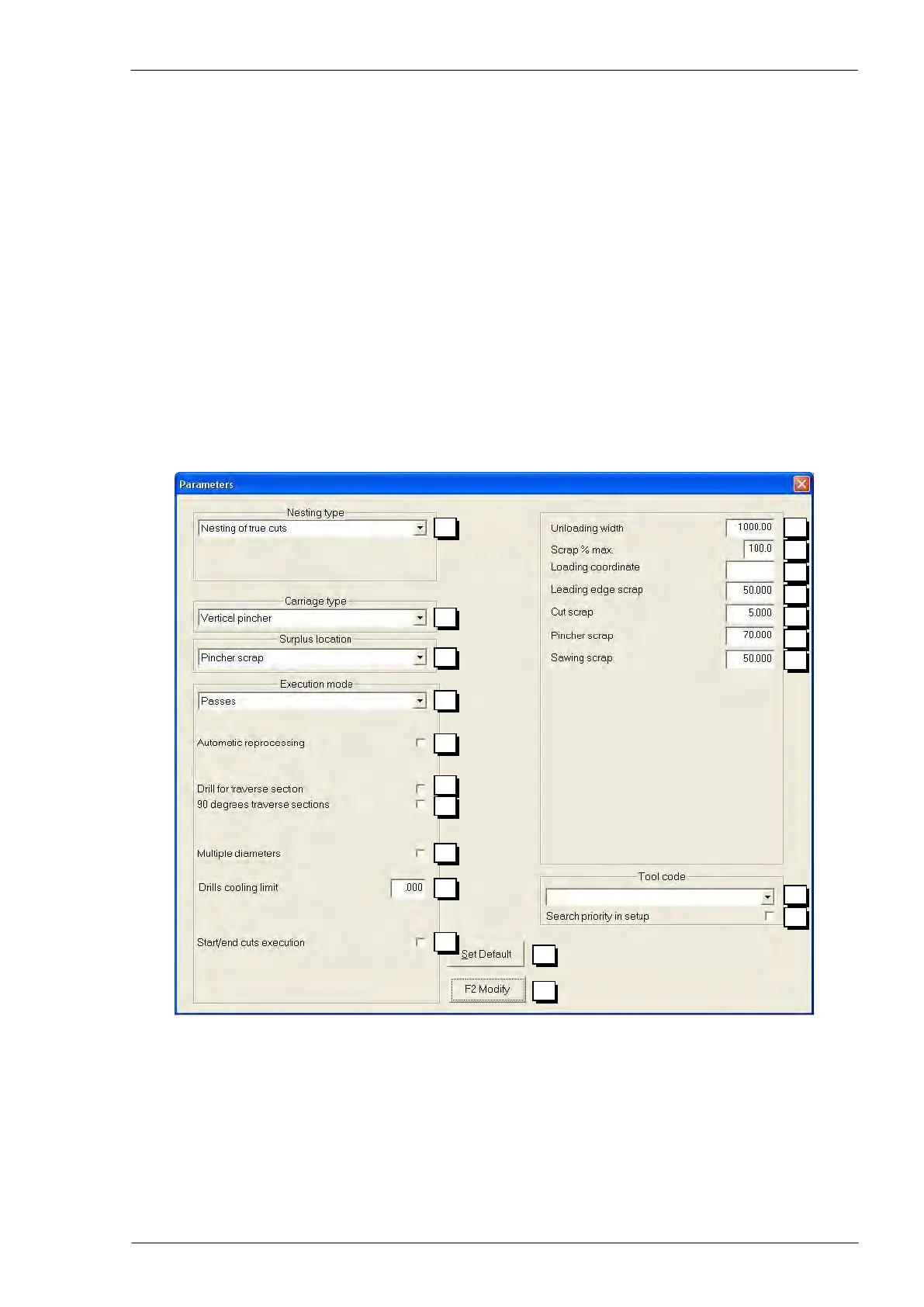
Execution parameters
By pressing push-button n. 21 in the nesting window (see page 71), a window with same choices allows
the operator to decide how the system must work.
Type of nesting:
- True cuts: when the job is in progress the line really cut material
- Simulated cuts: when the job is in progress the line doesn’t really cut material;
that could be helpful to work bars in a second time or by other machines
- Piece cut to length: the piece to work doesn’t need cuts because it has right size
already
N.B. this option is not available to carry out a nested job; it is valid only to
achieve single pieces.



 To Next Page