Model 1001 DFB Programming and operating manual
FICEP S.p.A. 87
Graphic push-
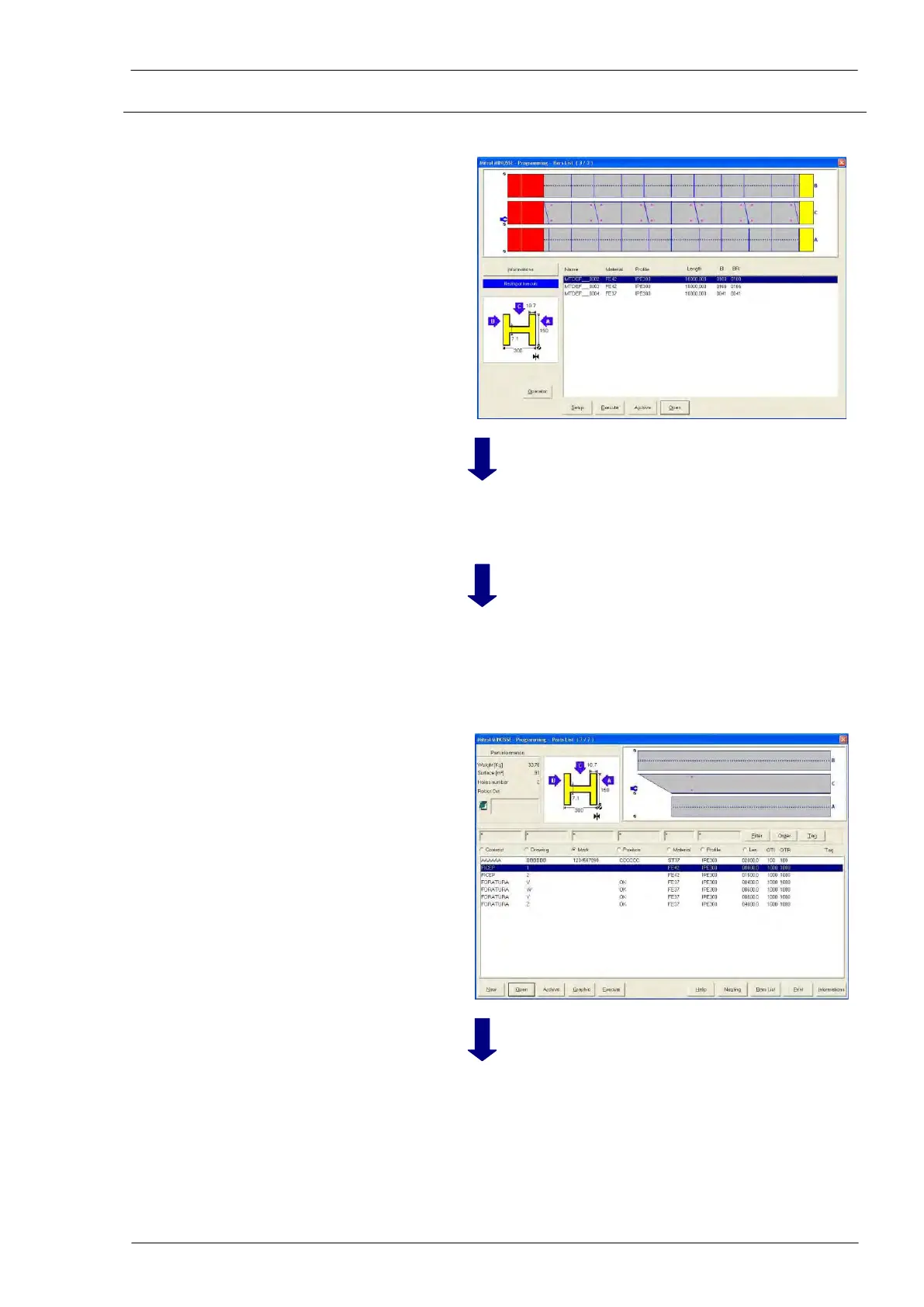
button “Bars list”
Selection of the nesting
to be executed
The operator selects the nesting to execute first; the se-
lected nesting is marked by a blue bar
Graphic push-
button “Execute”
A window with confirmation request appears; the opera-
tor must confirm pressing “OK” or abort pressing “Can-
cel”.
Coming back to the
piece list
The canonic program has been perfectly generated with-
out errors.
If an error occurs (for instance, the program needs a tool
not present in the tool tables) an error message is dis-
played. The operator must remove the problem and, af-
ter, he must re-execute the program.
“ESC” of the PC
keyboard and,
then, graphic push-
button “Execution”
To supervise the execu-
tion of the program
The Execution window is displayed; the operator can
read dynamic information.



 To Next Page