Model 1001 DFB Programming and operating manual
FICEP S.p.A. 95
Execute all initial program lines till the request of setup
modification. (the CNC software must store in the setup
tables the new profile)
Confirm the new profile pressing “OK”; all red fields begin
green and the size of new profile is stored in the setup
table; pressing “ESC” it is possible escape from the set-
up windows. In the “Execution” window the drawing of the
profile is updated with right dimensions.
End the automatic execution of the program selecting
manual mode.
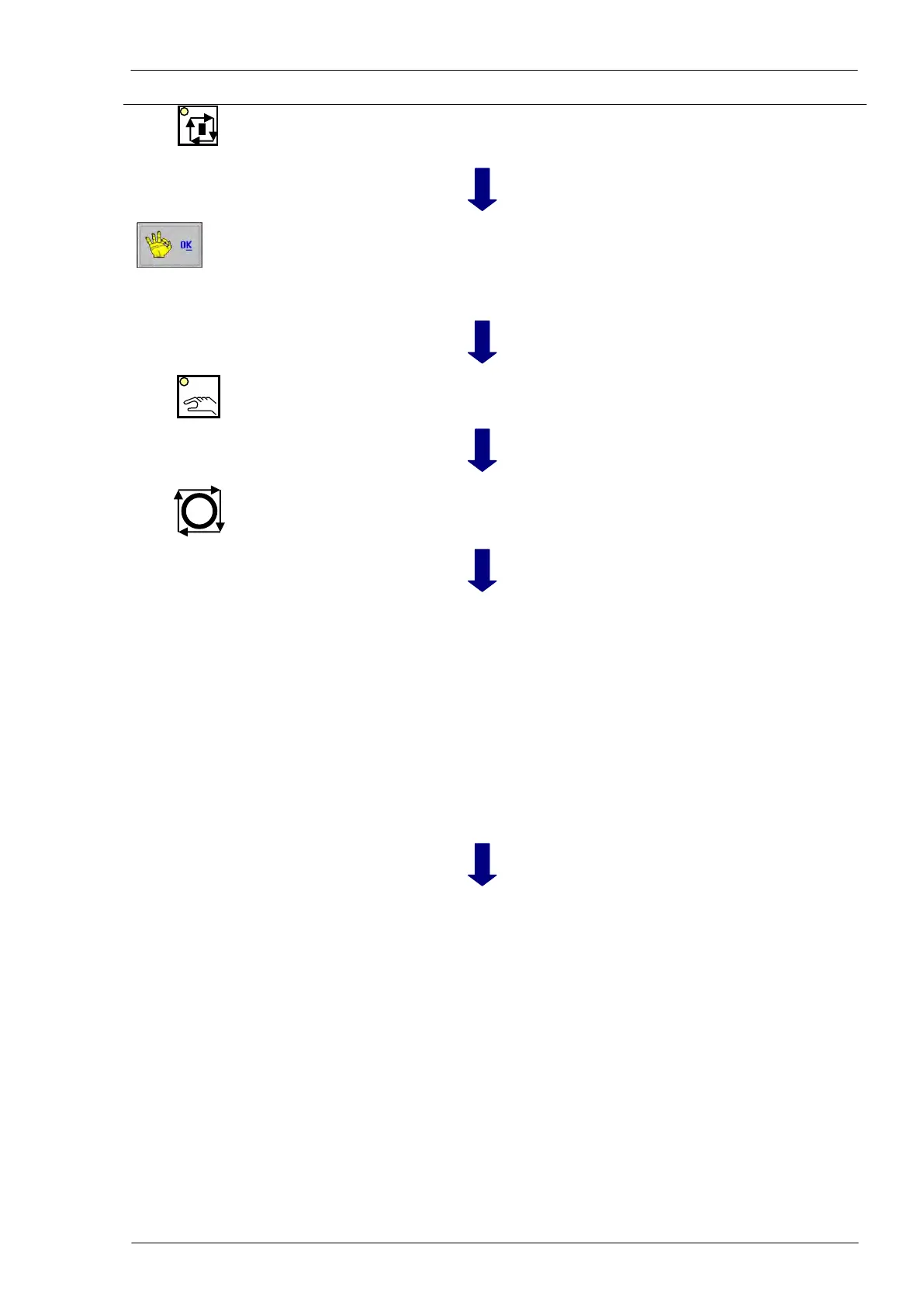
Stop cycle (control and
safety push-buttons)
All tools far from material.
Material positioning and
cutting unit setting
Activate the manual movement and:
1) select X axis (pincher carriage)
2) by the auxiliary push-button panel grab the material
with the pincher
3) by “+” e “-“ of main push-button panel move the
material to place it in the exact position to cut
4) if necessary select “R” axis (saw rotation)
5) by “+” e “-“ of main push-button panel adjust the
cutting angle
6) by saw soft-keys close the vices
7) by saw soft-keys let one or both holders down
8) by saw soft-keys close as more as possible the
blade guides.
Soft-key n. 15
of cutting unit
The manual cutting cycle starts: the blade rotates and let
quickly down till the starting cut coordinate (evaluated by
the CNC software depending on the profile size).
From this point the blade enter the material at the pro-
grammed cutting speed.
At the end of the cut the blade stops, holders and vices
release the material and the LED inside the “CONT”
push-button of the auxiliary push-button panel blinks.
The operator can select “Stand by” mode and manually
unload the cut piece or press “CONT”; in this case the
blade lifts up just out of the profile.
When all cut operations are finished remember to disable
the manual cut cycle.



 To Next Page