154
────────────────────────────────────────────────────
10.4 Operating Procedure
────────────────────────────────────────────────────
PRINTER Ke
Output Interval Time Setting
(3) Manual printing
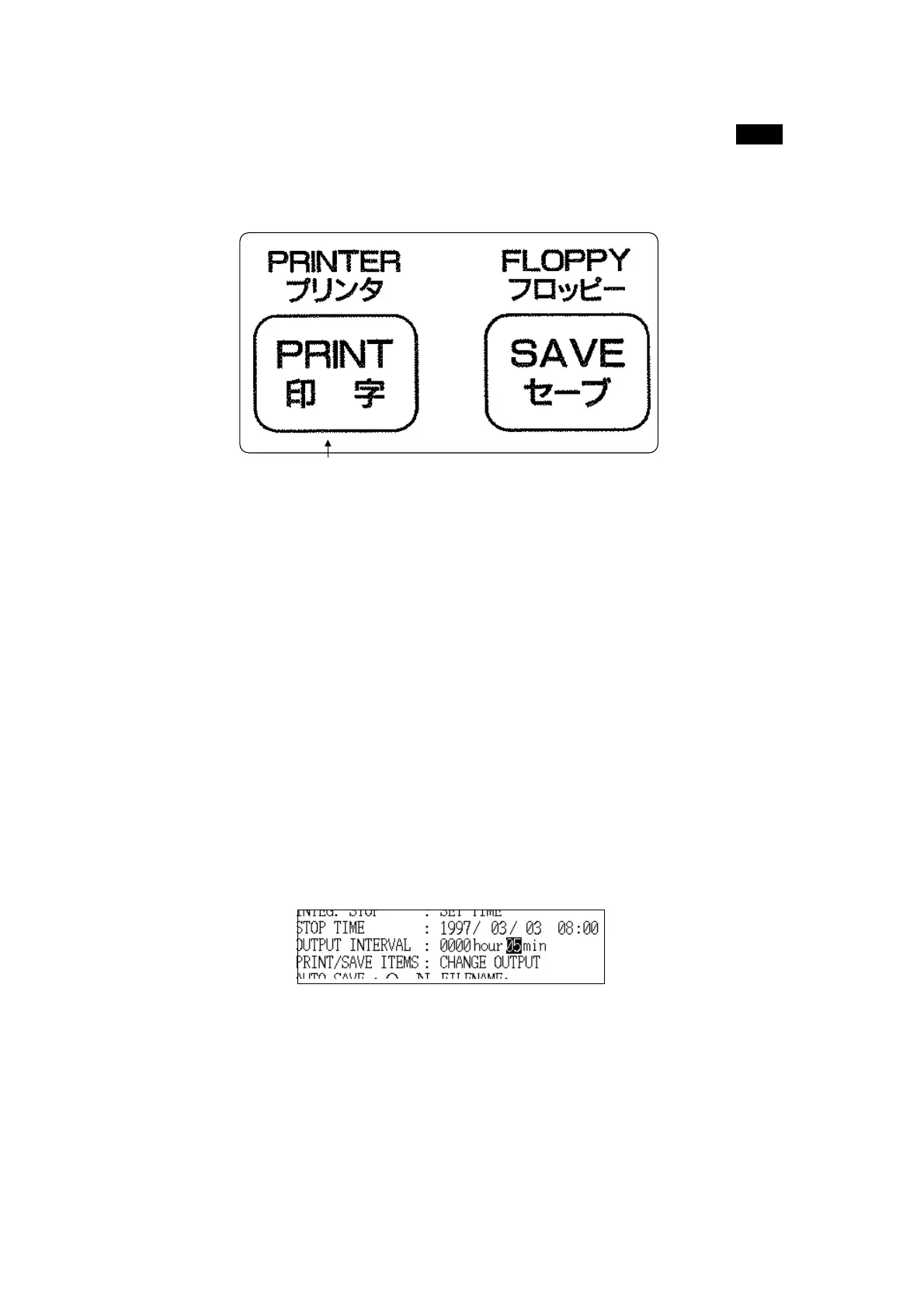
Measurement data can be printed out at any time by pressing the PRINT key.
When printing the data on the display screen, activate the "data hold" feature
first and then print the data.
(4) Automatic output
Data can be printed automatically at a predetermined interval in "Integrated
Measurement" mode and in "Demand Measurement" mode. Manual printing
is still possible in this case.
In both measurement modes:
1. Set "RS-232C auto output" to "ON".
2. In "Integrated Measurement" mode, set the output interval time.
In "Demand Measurement" mode, the data is output each demand period.
For details on these settings, refer to section 6.5.5, "Output Interval Time,"
section 6.5.9, "RS-232C Automatic Output," and section 7.5.8, "RS-232C
Automatic Output."
3. Once measurement starts, the data is printed out automatically at the
predetermined interval time.



 To Next Page