270
────────────────────────────────────────────────────
14.5 Saving Measurement Data
────────────────────────────────────────────────────
NOTE
Mode Data Extensio
Save operation
Setting Setting conditions .SET When the FD key is pressed
Normal
measurement
Setting conditions
Normal
measurement data
.SET
.NMO
When the FD key is pressed while the
"Setting" screen is displayed
When the FD key is pressed
Integrated
measurement
Setting conditions
Integrated
measurement data
.SET
.ITG
When the FD key is pressed while the
"Setting" screen is displayed
At the start of integrated measurement
(automatic output)
Automatically at the set interval
(automatic output)
Demand
measurement
Setting conditions
Demand
measurement data
Integrated data
Daily report data
Weekly report data
Monthly report data
.SET
.DEM
.TOT
.DAY
.WEE
.MON
When the FD key is pressed while the
"Setting" screen is displayed
At the start of demand measurement
(automatic output)
Automatically at the set demand period
(automatic output).
At the end of measurement
(automatic output)
Every 24 hours (automatic output)
Every 1 week (automatic output)
Every 1 month (automatic output)
(2) Setting the file name
Input the file name on the same setting screens for the measurement modes
as in step 1 above.
File names can consist of up to eight normal-width characters (alphanumerics,
katakana) or four double-width characters (kanji, hiragana, katakana).
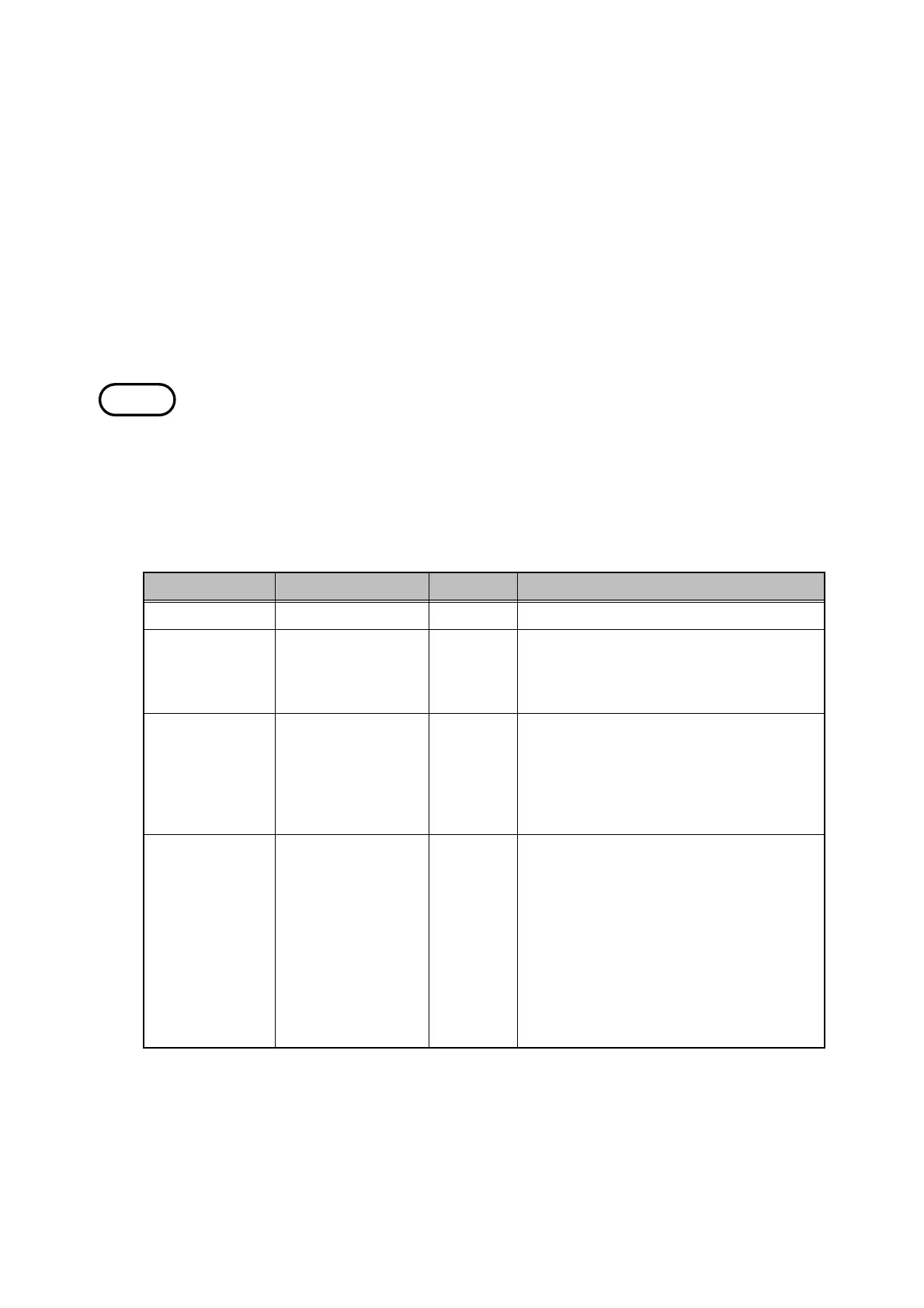
Reference "Extensions" consist of three letters and are automatically appended at the
end of file names. Extensions are useful for identifying the type of data when
you later load he measurement data and analyze it on the personal computer,
for example.
About extensions
The power meter automatically appends the following extensions to file
names, depending on the measurement mode and the items being saved.
When the integrated measurement data or demand measurement data is
output automatically, the setting conditions and the daily/weekly/monthly
report data (if these reports have been set) are all created with the same file
name but different extensions.



 To Next Page