271
────────────────────────────────────────────────────
14.5 Saving Measurement Data
────────────────────────────────────────────────────
Integrated Measurement FD Auto
Output Setting
Demand Measurement FD Auto Output
Setting
Reference ・If no file name is specified
If no file name is set, a file named "AUTOXXX" is generated automatically
and the measurement data is saved in that file.
"XXX" represents a number from "000" to "999"; the program uses the smallest
number that is still available.
・When saving setting conditions, a file named "SETXXX" is automatically
generated.
・If the file name that was set already exists
If an existing file name is set, an error results. Set a new file name that
differs from all existing file names.
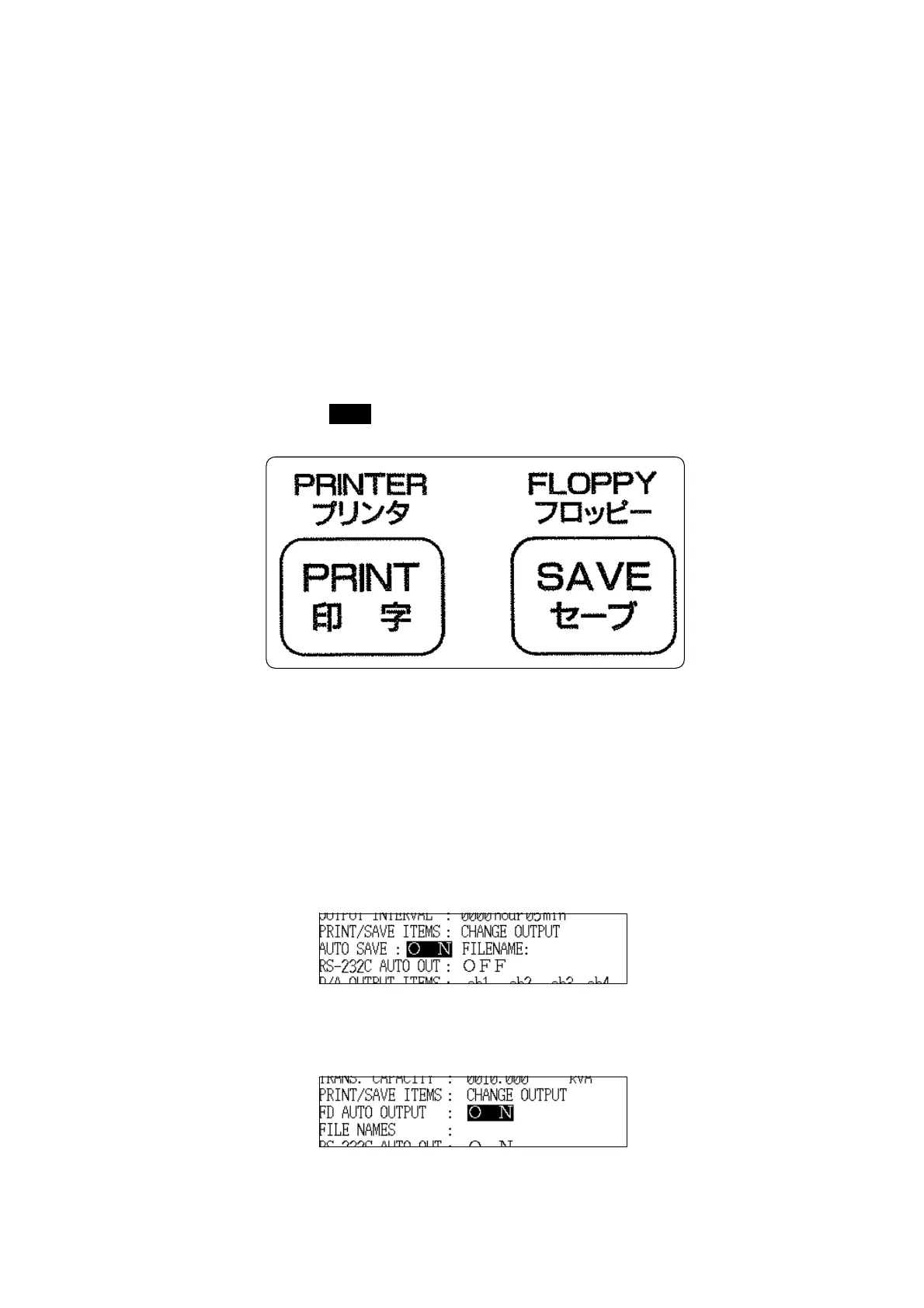
(3) Saving data manually
Pressing the SAVE key saves the current measurement data in the file that
was set.
(4) Automatic output
Data can be saved automatically in "Integrated Measurement" mode and
"Demand Measurement" mode.
1. Set FD auto output to "ON" on the setting screen for the measurement mode.



 To Next Page