274
────────────────────────────────────────────────────
14.6 FD (Floppy Disk) Mode
────────────────────────────────────────────────────
4.6.1 Loading Setting Data That Was Previously Saved on
Floppy Disk
Status Data Load
The measurement conditions can be changed by loading in setting data that
was previously saved from the setting screen for each measurement mode and
in Setting mode.
(1) Insert the floppy disk containing the data into the 9595 FDD UNIT.
(2) Position the cursor at "STATUS DATA Load" and press the
EXEC. function
key.
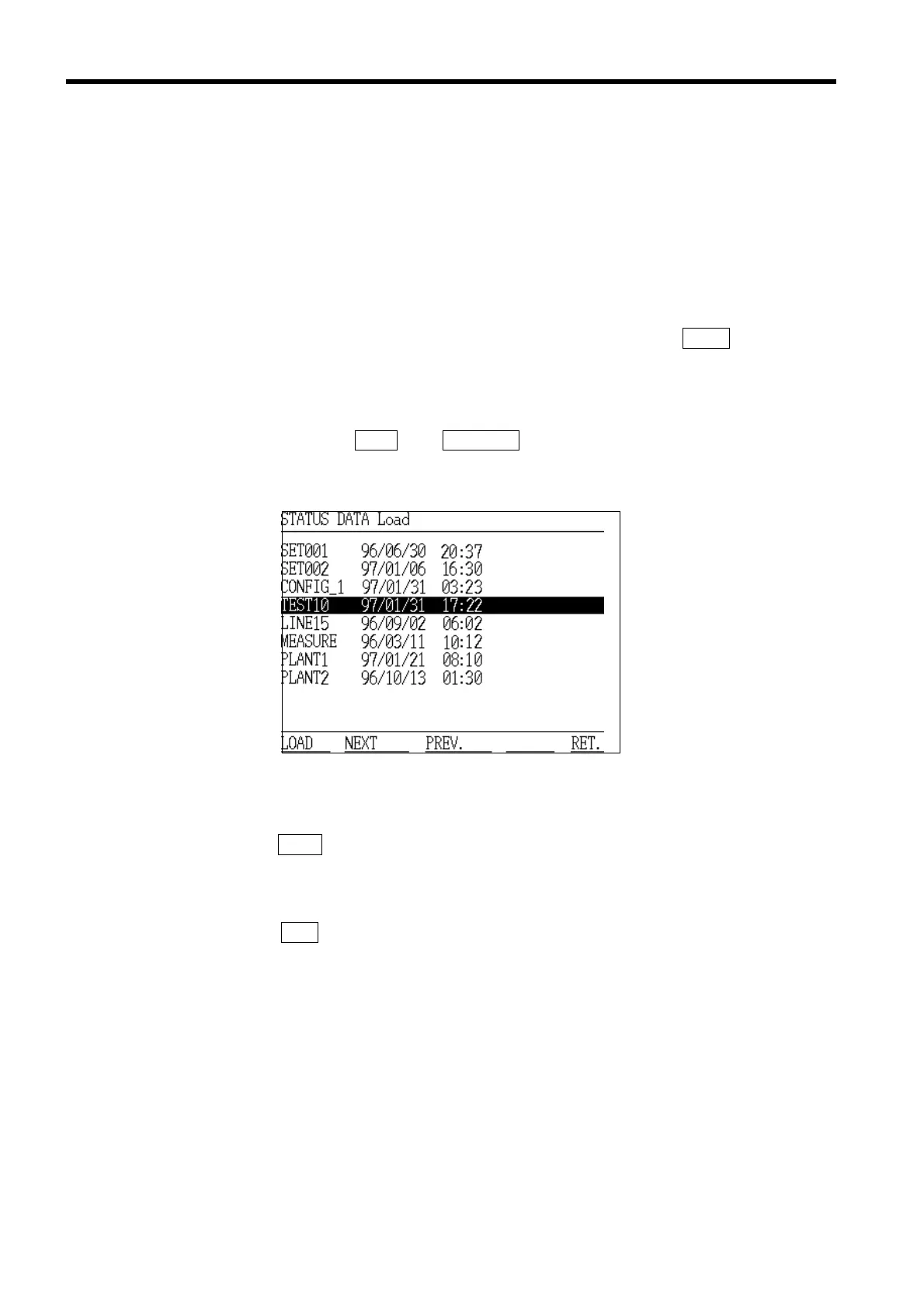
(3) The "STATUS DATA Load" screen appears, and the setting data files are
displayed. If there are more than 10 files, they are displayed on more than
one page. Use the
NEXT and PREVIOUS function keys to switch between the
pages.
(4) Position the cursor on the name of the file to be loaded.
(5) Once the
LOAD function key is pressed, the selected file is loaded.
(6) The setting conditions are changed according to the contents of the file (the
setting data).
(7) Press the
RET. function key to return to the "Initial" screen.



 To Next Page