275
────────────────────────────────────────────────────
14.6 FD (Floppy Disk) Mode
────────────────────────────────────────────────────
4.6.2 Loading Measurement Data That Was Previously Saved
on Floppy Disk
NOTE
Measure Data Load
This operation can be used to check the contents of a file into which
measurement data was previously saved in measurement mode, or to print
that data on a printer connected to the power meter.
Be sure that the printer is already connected to the power meter before
outputting the measurement data to the printer.
(1) Insert the floppy disk containing the data into the 9595 FDD UNIT.
(2) Position the cursor at "MEASURE DATA load" and press the
EXEC. function
key.
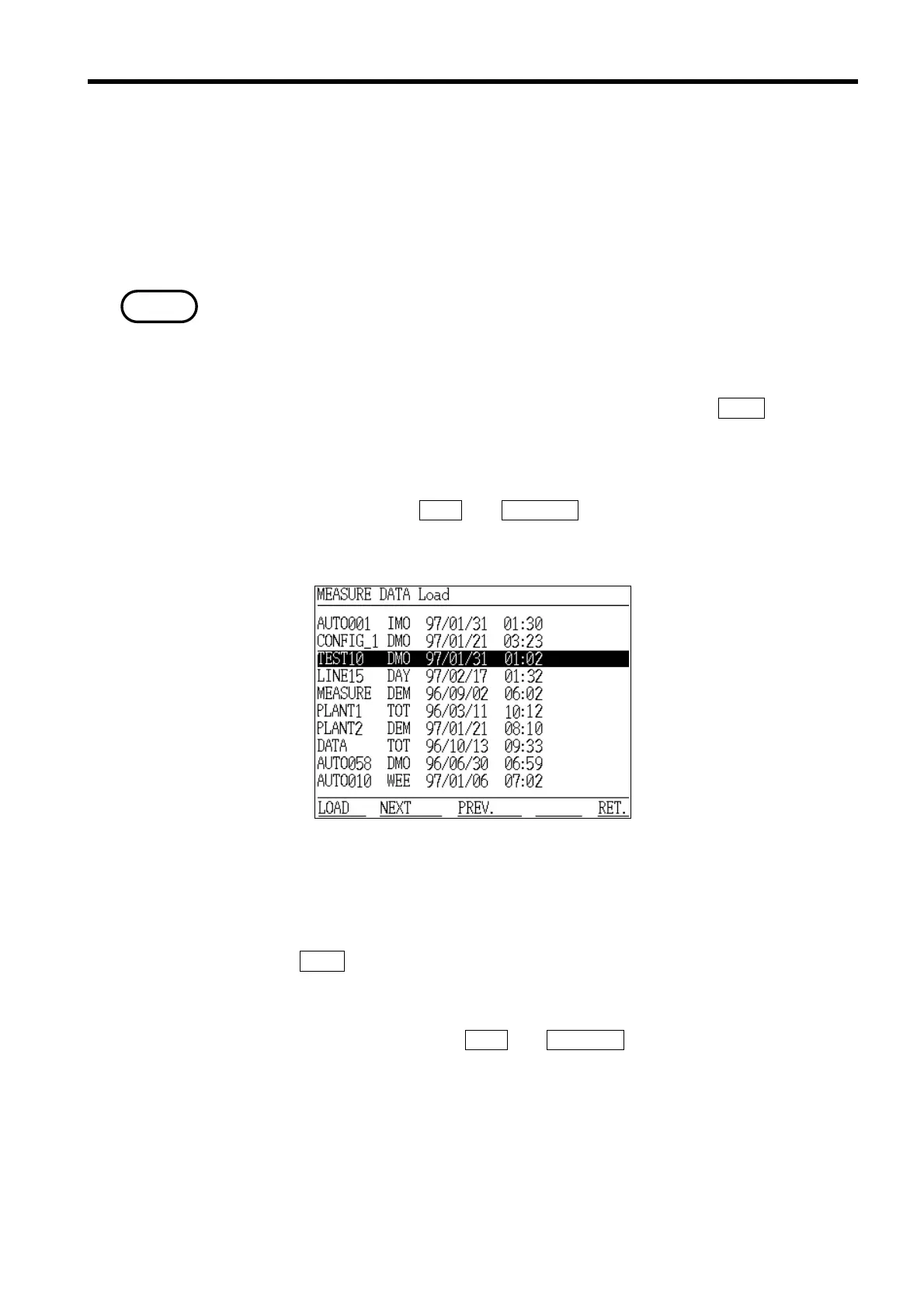
(3) The "MEASURE DATA load" screen appears, and the measurement data files
are displayed. If there are more than 10 files, they are displayed on more
than one page. Use the
NEXT and PREVIOUS function keys to switch between
the pages.
(4) Position the cursor on the name of the file to be loaded. The file extensions
are also displayed, allowing you to select just the measurement data that you
need.
(5) Once the
LOAD function key is pressed, the selected file is loaded.
(6) The "File View" screen appears, and the measurement data contained in the
selected file is displayed. If the file contains a lot of data, it is displayed on
more than one page. Use the
NEXT and PREVIOUS function keys to switch
between the pages and view the data.



 To Next Page