276
────────────────────────────────────────────────────
14.6 FD (Floppy Disk) Mode
────────────────────────────────────────────────────
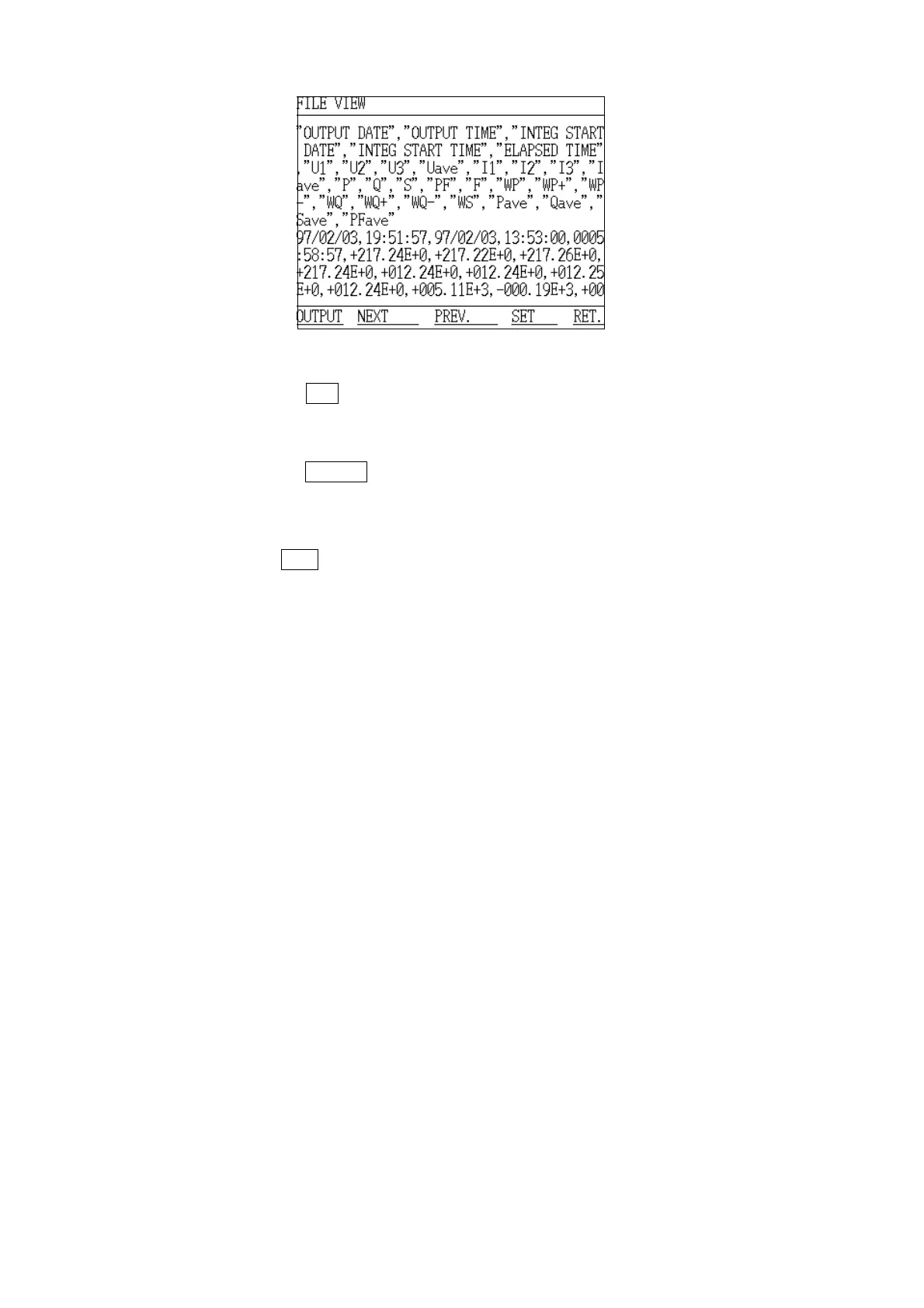
File View Screen
(7) Pressing the
SET key at this point causes the setting conditions for that
measurement data to be displayed.
(8) The measurement data that was just loaded can be output to the printed by
pressing the
OUTPUT function key. The data is output in the same printing
format as during measurement.
(9) In order to output additional data, return to step 4 and repeat.
(10) Press the
RET. function key to return to the "Initial" screen.



 To Next Page