279
────────────────────────────────────────────────────
14.6 FD (Floppy Disk) Mode
────────────────────────────────────────────────────
4.6.5 Deleting Files
CAUTIO
・Be aware that once a file is deleted, it cannot be recovered.
・All related files (those with the same file name) are deleted by this function.
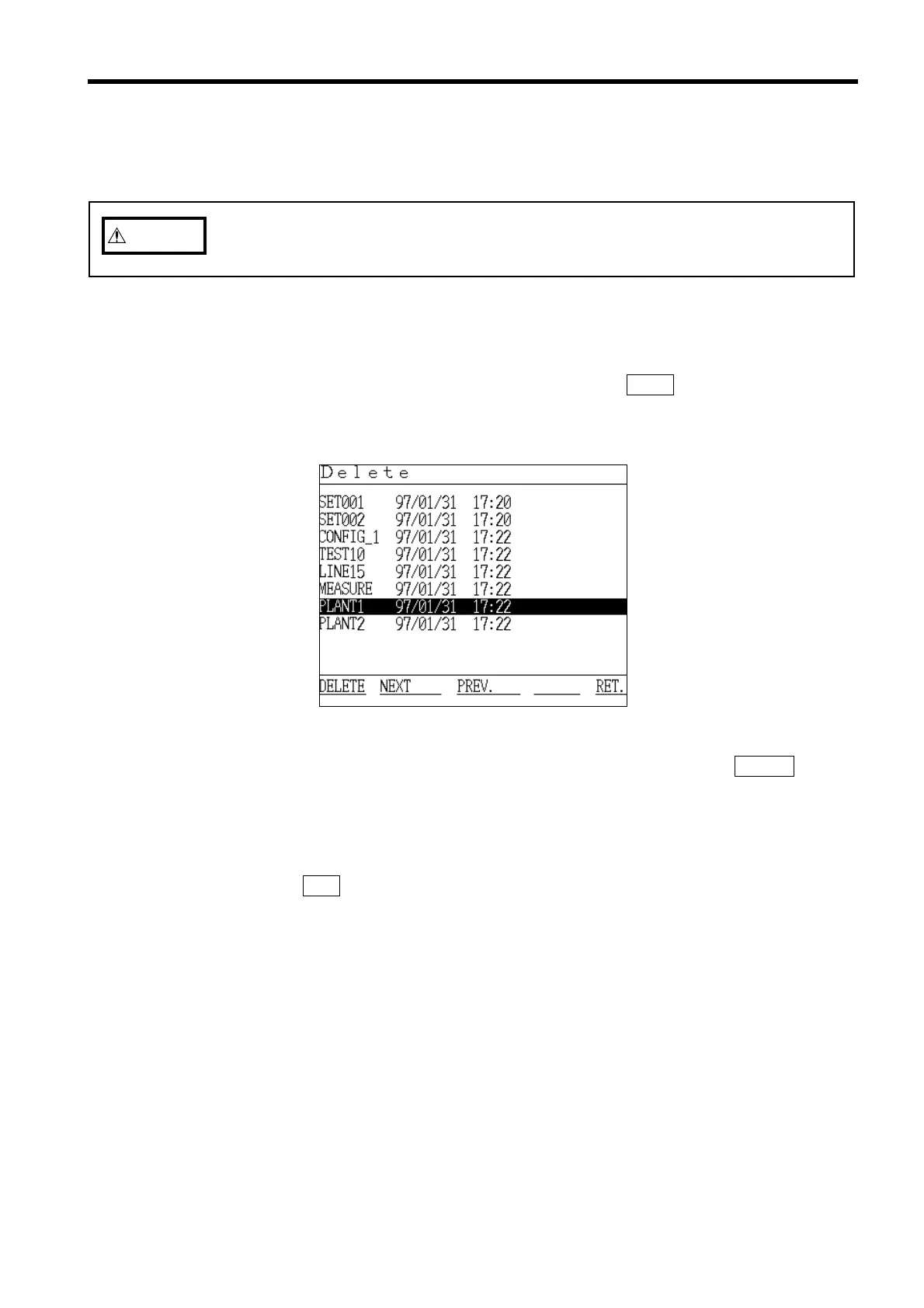
Delete File Screen
This function is used to delete unnecessary files from a floppy disk.
(1) Insert the floppy disk that contains the file to be deleted into the 9595 FDD
UNIT. Be sure that write-protection is disabled.
(2) Position the cursor at "Delete" and then press the
EXEC. function key.
(3) The "Delete" window appears.
(4) Position the cursor on the file to be deleted, and then press the
DELETE
function key.
(5) The selected file is deleted, and the file list is updated.
(6) To continue deleting files, return to step 2 and repeat.
(7) Press the
RET. function key to return to the Initial screen.



 To Next Page