39
────────────────────────────────────────────────────
4.5 Checking for Incorrect Wiring
────────────────────────────────────────────────────
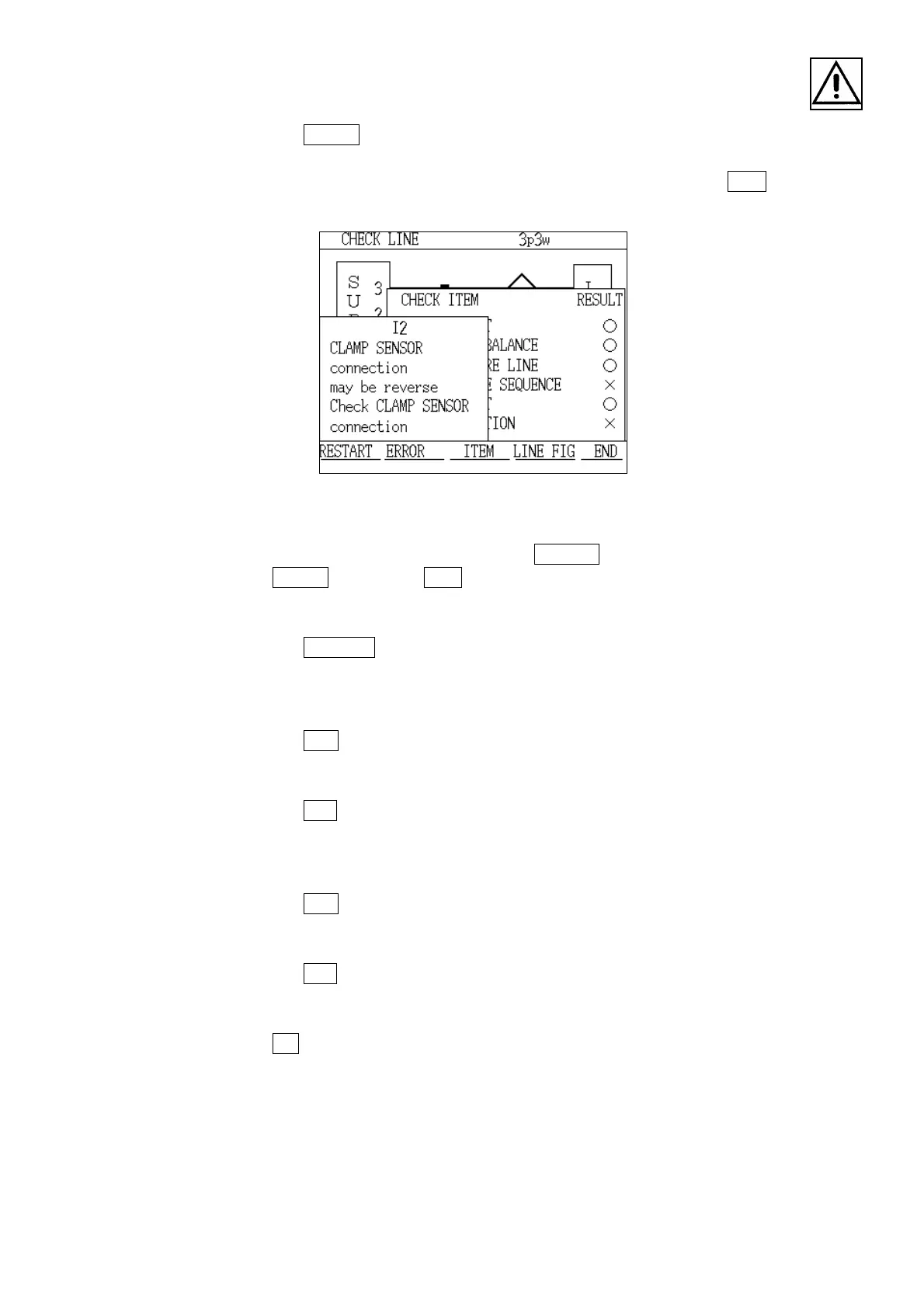
Explanation Window
1. Press the
ERROR key.
2. When the "Description" window is displayed, check the details of the wiring
mistake. To return to the "Checking Item" window, press the
ITEM key.
3. Correct the connection that is in error.
To view the wiring diagram, press the
LINE FIG key.
If the
ERROR key or the ITEM key is pressed while the wiring diagram screen
is displayed, the display returns to either the "Description" window or the
"Checking Item" window.
4. Press the
RESTART key.
Automatic checking begins again from the start of the checking items.
5. If incorrect wiring is found again, repeat steps 1 through 3 until the result for
all checking items is "○".
6. Press the
END key.
7. The "Check" window is displayed, asking whether or not to halt the wiring
check.
8. Press the
YES key,and the display returns to the "Measurement" screen.
(3) Operation in order to halt the wiring checking operation while it is in progress
1. Press the
END key.
2. The "Check" window appears, asking whether or not to stop the checking
operation.
3. Press the
YES key.
4. The wiring checking operation ends, and the display returns to the
"Measurement" screen.
If the
NO key was pressed, the wiring checking operation would continue.



 To Next Page