EQUIPMENT AND FURNISHINGS / EQUIPMENT AND FURNISHINGS GENERAL MAINTENANCE 8-23
CHANGE C1 ICON A5 / MAINTENANCE MANUAL
2. Remove right instrument panel top panel. (See “Right Instrument Panel Top Panel Removal” on
page 8-17.)
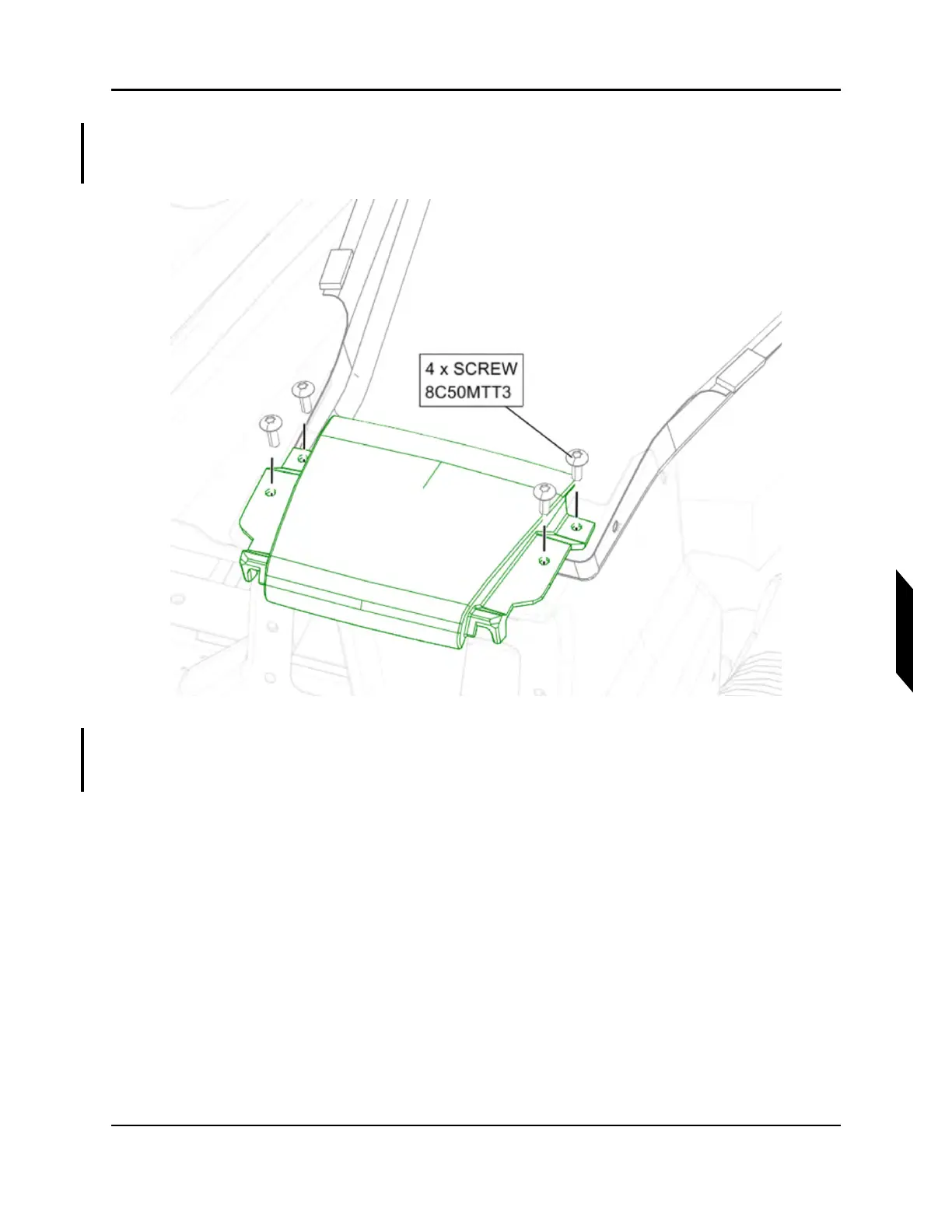
3. Remove 4x screws securing handhold from top of center console. Retain for reinstallation.
FIGURE 8-11
REMOVE HANDHOLD SCREWS
4. Remove two screws securing instrument panel center spine to the front of the fuselage. Remove
two screws securing center spine to the top of the center console. Retain for reinstallation.



 To Next Page