INSTRUMENTS (AND AVIONICS) / ELT 13-45
CHANGE C2 ICON A5 / MAINTENANCE MANUAL
Aircraft System and Number
10—Instruments (and Avionics)
Consumables
None
1. Remove ELT access panel. (See “ELT Access” on page 13-42.)
2. Verify ELT mount bracket fasteners are secure.
3. Verify arrow graphic of ELT unit is on top and points forward.
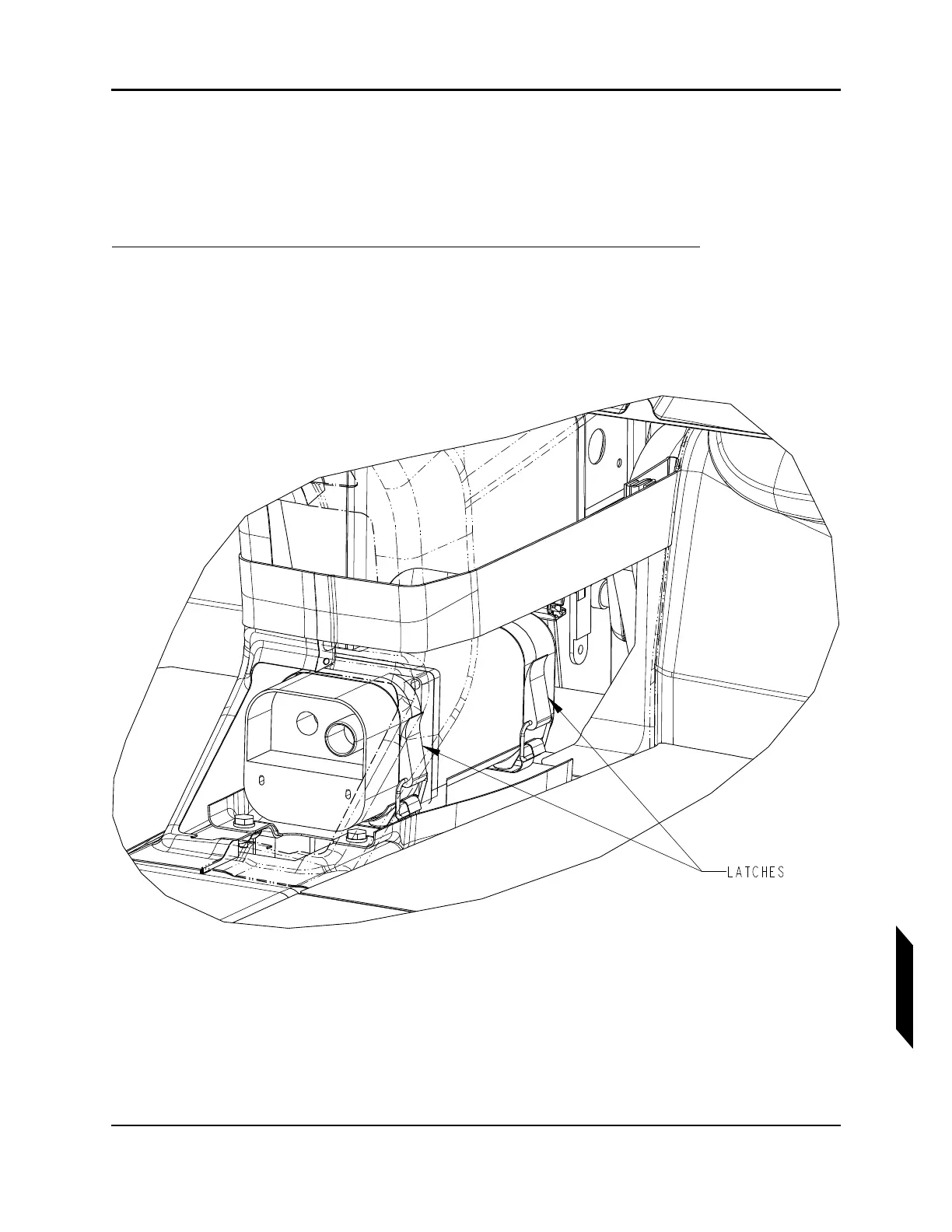
4. Use a screwdriver or similar tool, approximately 10 inches long, to open the latches of the quick
release strap.
5. Disconnect cables.
NOTE: Although the aircraft is equipped with a GPS unit, the ELT unit is not
connected to the GPS unit.
6. Carefully remove the ELT unit from the aircraft.
NOTE: There is a raised flange on the ELT just aft of the forward strap. The
forward strap will need to be worked around this flange to remove
the ELT.



 To Next Page