13-54 INSTRUMENTS (AND AVIONICS) / ELT
ICON A5 / MAINTENANCE MANUAL CHANGE C2
10. Replace the overhead console bezel.
11. Enter the audio indicator’s battery expiration date in the aircraft airframe log book.
VERIFICATION METHOD:
This task is complete when the overhead console bezel has been replaced and the new battery expi-
ration date has been recorded in the log book.
NOTE: The ELT Remote Battery should be checked and replaced at the
same time.
RELATED INFORMATION:
"ELT Access" on page 13-42
"ELT Remote Control Panel Battery Replacement" on page 13-50
"Overhead Console Component Replacement" on page 13-15
13.5.4.4 ELT Transponder and Transmitter Replacement
13.5.4.4.1 ELT Transponder and Transmitter Antenna Replacement
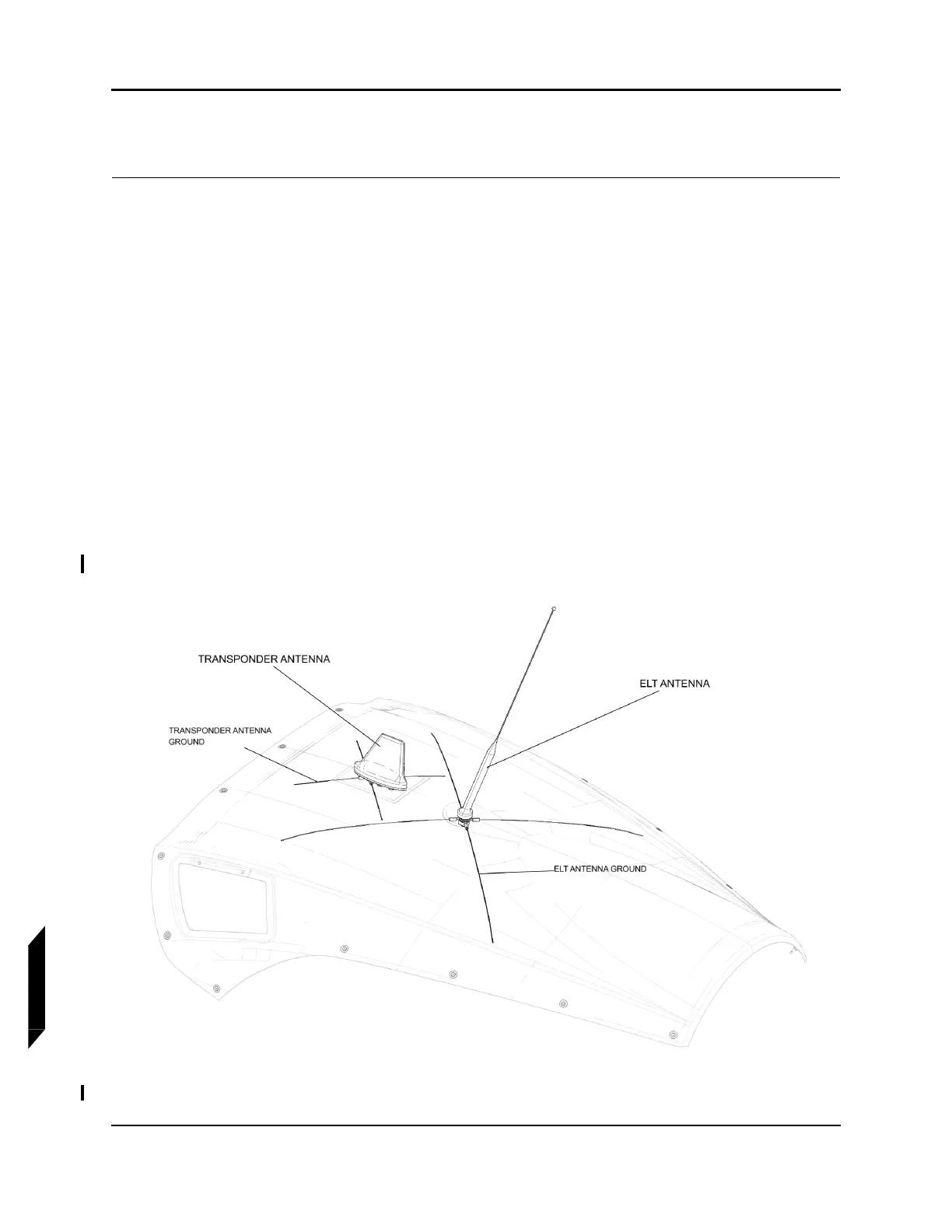
FIGURE 13-10
ELT TRANSPONDER AND TRANSMITTER ANTENNA REPLACEMENT



 To Next Page