13-58 INSTRUMENTS (AND AVIONICS) / ELT
ICON A5 / MAINTENANCE MANUAL CHANGE C2
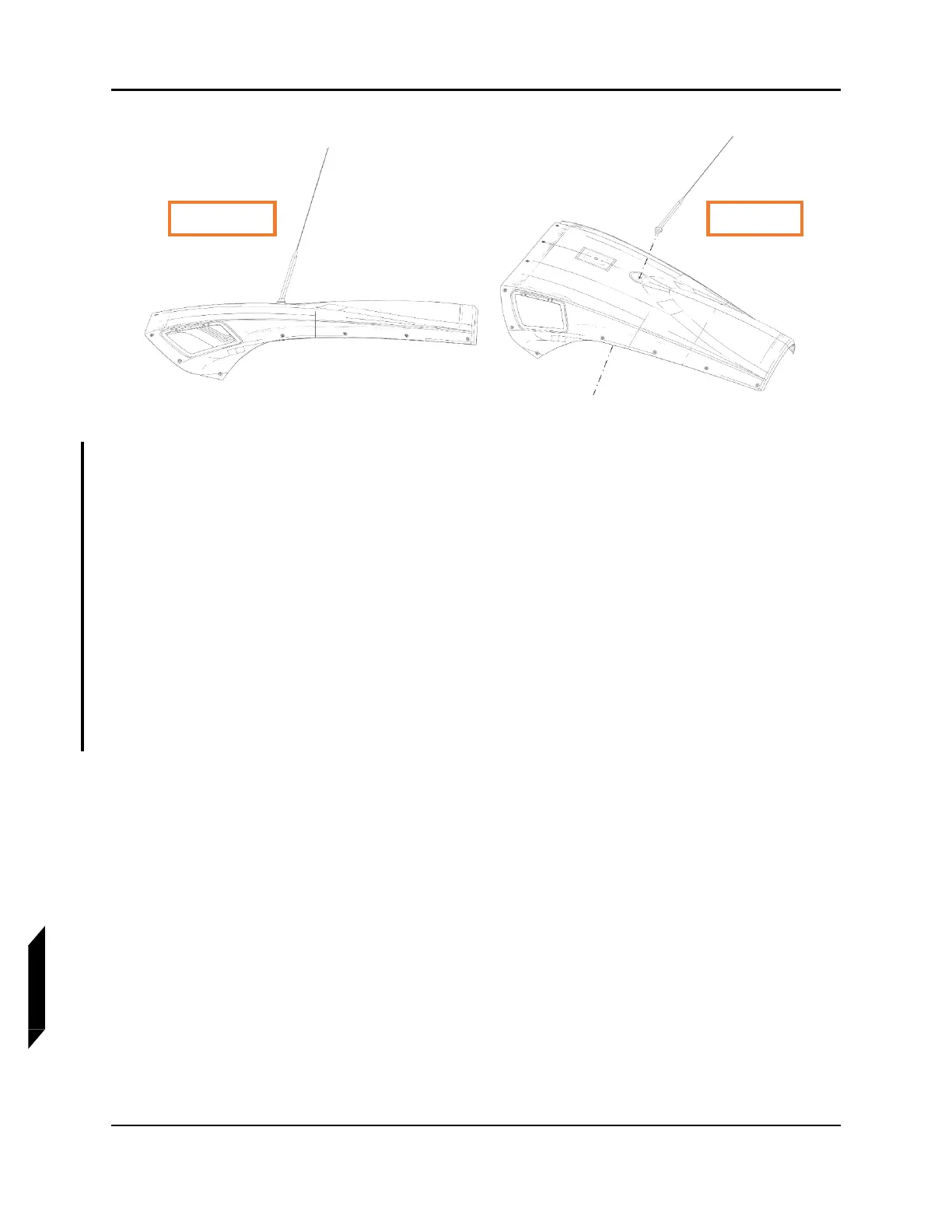
FIGURE 13-14
ELT ANTENNA ORIENTATION
To install TRANSPONDER ANTENNA:
8. Remove and discard metal plate that comes with transponder antenna.
9. Place seal on antenna.
10. Position antenna on cowl with studs inserted in the noted holes. Ensure antenna is oriented as
shown in Figure 13-15. Secure the noted stud using lock washer and nut (both included with
antenna).
11. If no ground wires already in place:
a. Install ground (4 terminals) on the noted stud on lower unpainted side of cowl. Secure using
the other lock washer and nut. Ensure each ring terminal is at a 90° angle from one another.
b. Orient 4x ground wires 90° from one another as shown.
c. Temporarily secure ground wires using tape.
12. Torque nut to 13-15 in-lbs. Ensure ground wire terminals do not rotate.



 To Next Page