13-76 INSTRUMENTS (AND AVIONICS) / PITOT-STATIC-ANGLE OF ATTACK (AOA) SYSTEM
ICON A5 / MAINTENANCE MANUAL CHANGE C2
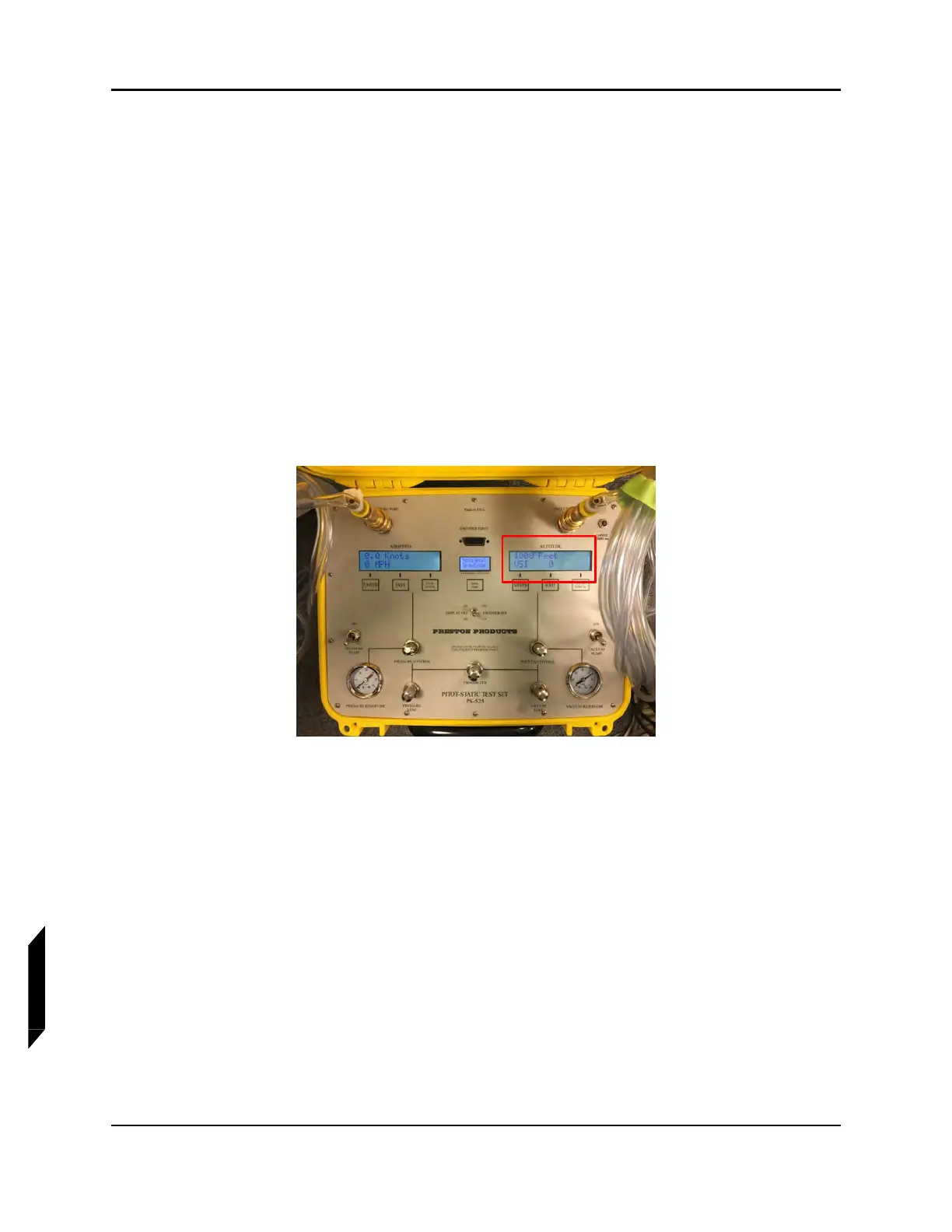
The system will go through a boot cycle then should display as shown in the top photo with a variation
in altitude depending on the ambient conditions of the day. Note the altitude shown as a reference for
future steps.
6. Close the Pressure Vent and Vacuum Vent valves.
7. Switch on the Pressure Pump until it reads 10-15 psi.
8. Switch on the Vacuum Pump until it reads 15-20 inHg.
9. Open the Crossbleed valve.
10. Carefully open the Vacuum Control valve. It will turn approximately 3/4 of a turn (counter-clock-
wise) before the valve opens. Climb the altitude on the display no faster than 4,000 ft/min to
approximately 1000 ft greater than the indicated number with the Vacuum Control valve closed
and the Vacuum Vent open. Carefully close the Vacuum Control valve.
NOTE: In the above example the altitude should be increased to approxi-
mately 1066 ft.
NOTE: Should you exceed the desired altitude, carefully open the Vacuum
Vent to bleed off the altitude until the desired altitude is indicated.
11. Carefully close the Crossbleed valve by turning clockwise.
12. Carefully open the Pressure Control valve. It will turn approximately 3/4 of a turn before the
valve opens. Increase the indicated airspeed on the display to 100 knots. Carefully close the
Pressure Control valve.



 To Next Page