Remote RMX-3200 Version 5.2x Configuration Guide
Getting Started: Accessing the Web Interface
2-10
5. Enter your password:
mypassword
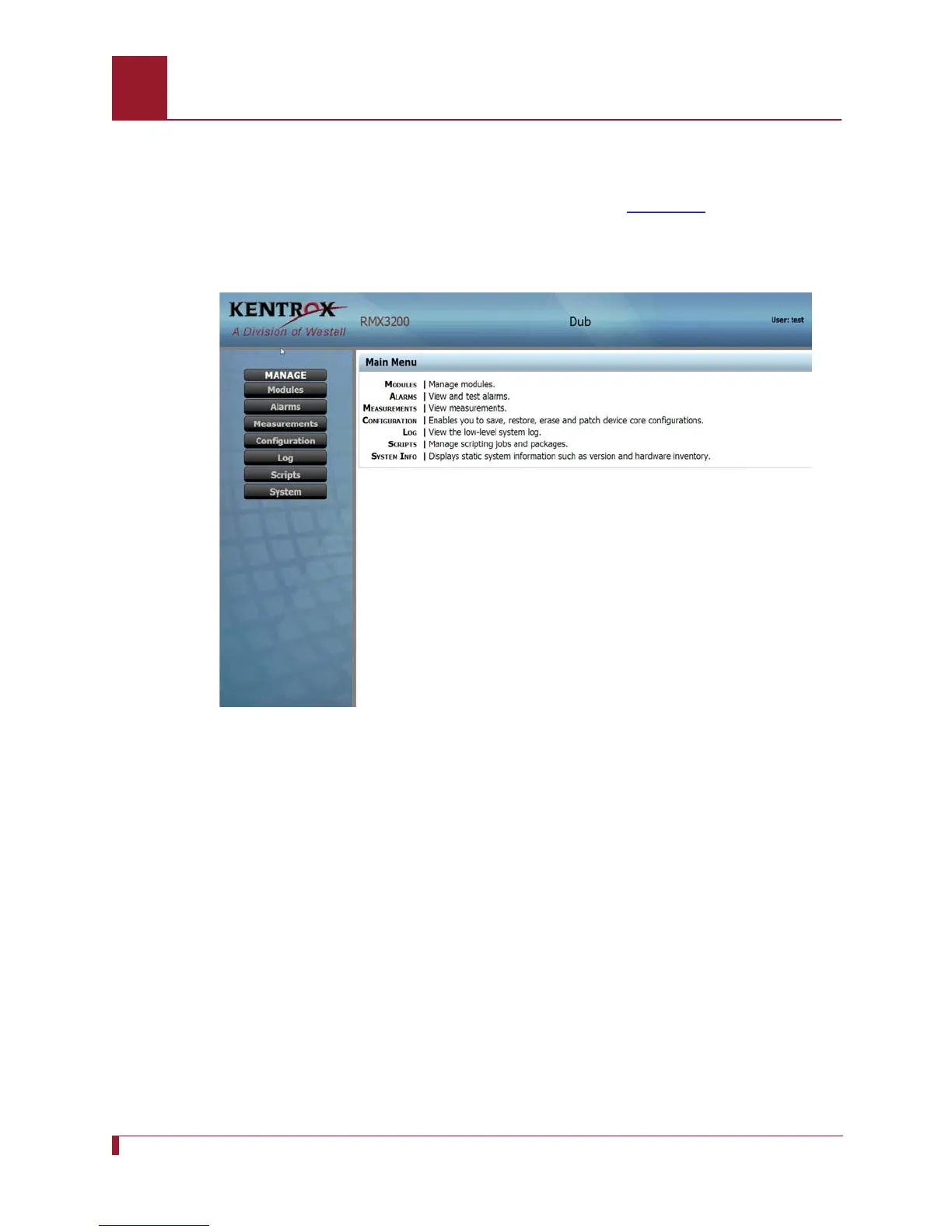
The Web interface opens to the Home page, refer to Figure 2-1.
6. To display the system information, click the System button on the left side of the
screen or click the System Info link.
Figure 2-1 Remote RMX-3200 Web Interface Home Page



 To Next Page