Remote RMX-3200 Version 5.2x Configuration Guide
Configuring Modules: Configuring Modules Using Web Interface
24-17
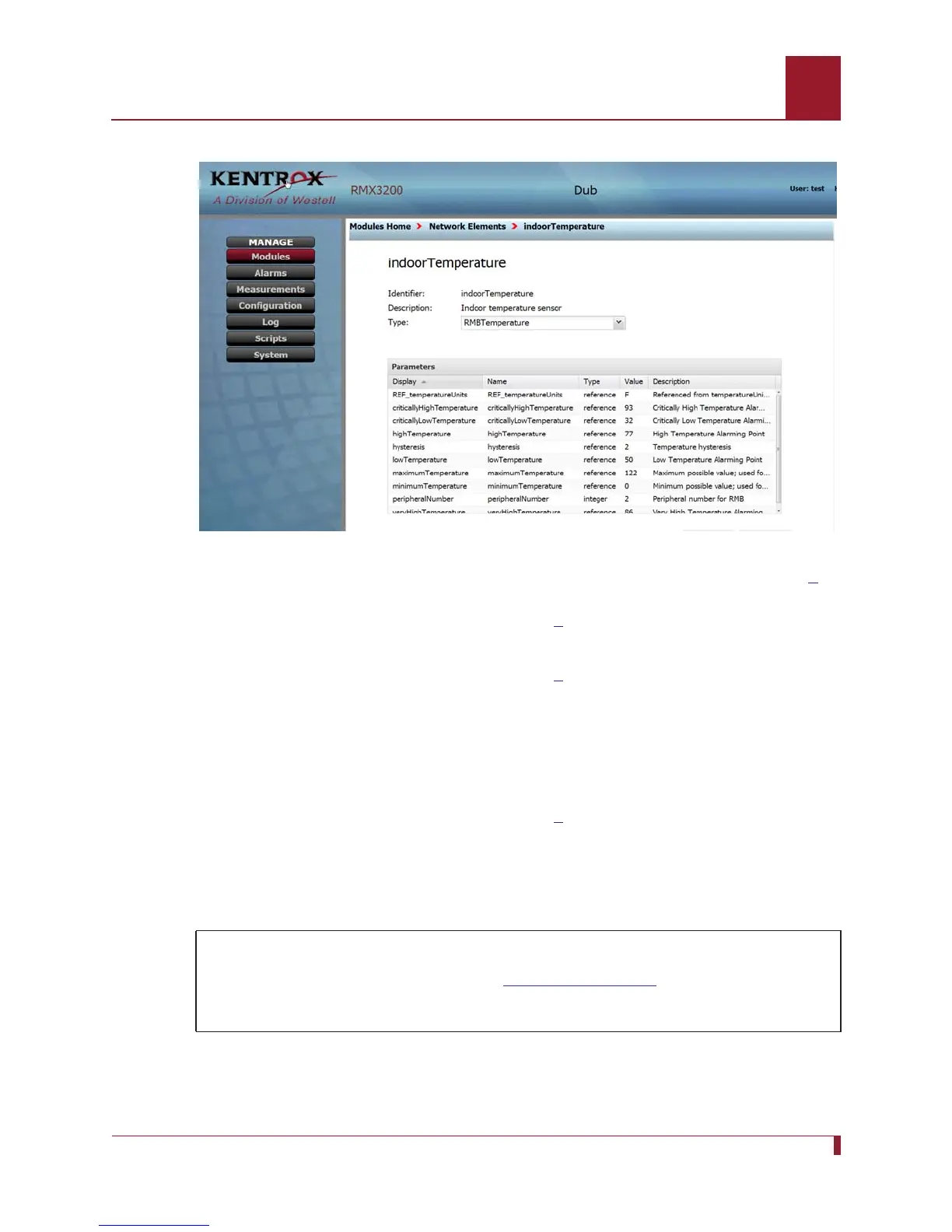
Figure 24-9 The screen display of parameters from Indoor Temperature Sensor type
RMB Temperature after the peripheralNumber value was changed to 2 in Step 5.
6. Using the same methods described in step
5, click on highTemperature, set the
value at 100, and click Save.
7. Using the same methods described in step
5, click on lowTemperature, set the
value at 60, and click Save.
8. Use the breadcrumbs trail to return to the Network Elements page.
9. Expand HumiditySensor, highlight indoorHumidity in the display column, and click
on it to display details of this NE.
10. Using the same methods described in step
5, select RMBHumidity, set the
peripheralNumber value at 2, and Save.
Configuring an NE Set
1. On the Modules Home page, click the Network Element Sets icon. The list of
Network Element Sets will appear.
In this scenario, you will:
Configure two NEs (instances) in a network element set.
Configure a display name and description for each NE (instance).



 To Next Page