Remote RMX-3200 Version 5.2x Configuration Guide
Configuring Modules: Configuring Modules Using Web Interface
24-14
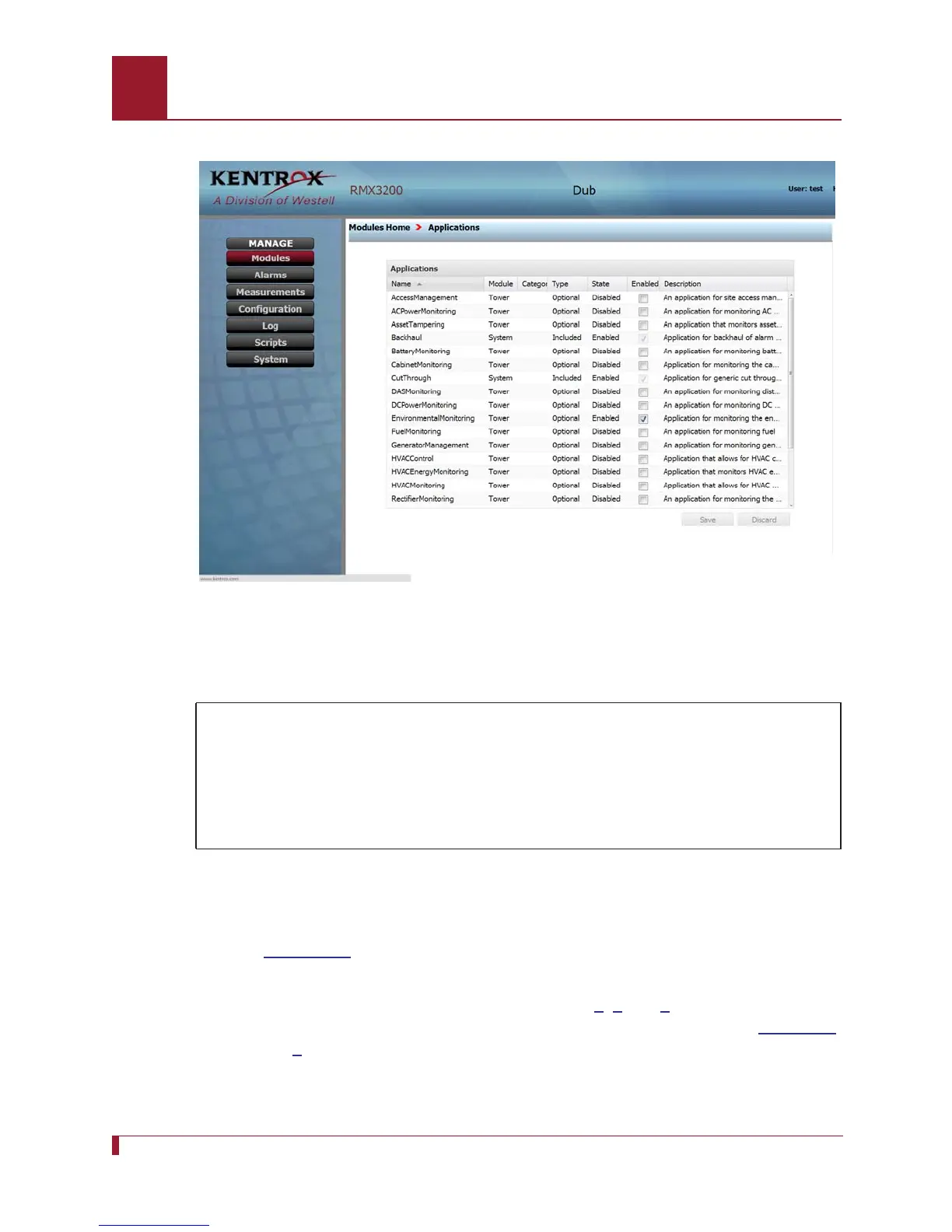
Figure 24-5 The Applications page shows EnvironmentalMonitoring enabled.
Realizing and Configuring Network Elements
1. Use the breadcrumbs trail to return to the Modules Home page.
2. Select the Network Elements icon and expand the Temperature Sensor category
(see
Figure 24-6).
Important: Network Elements such as Temperature Sensor and Humidity Sensor
will not appear by default. Follow Steps
6, 7 and 8 in the Installing
Modules instructions and use the Applications page shown in
Figure 24-
4 to enable Network Elements. The Temperature Sensor and Humidity
Sensor NEs are part of the EnvironmentalMonitoring application.
In this scenario, you will:
Realize the indoorTemperature Network Element (NE) and configure
several parameter values
Realize the indoorHumidity NE and configure a parameter value
View the list of NEs



 To Next Page