Remote RMX-3200 Version 5.2x Configuration Guide
Configuring Modules: Configuring Modules Using Web Interface
24-13
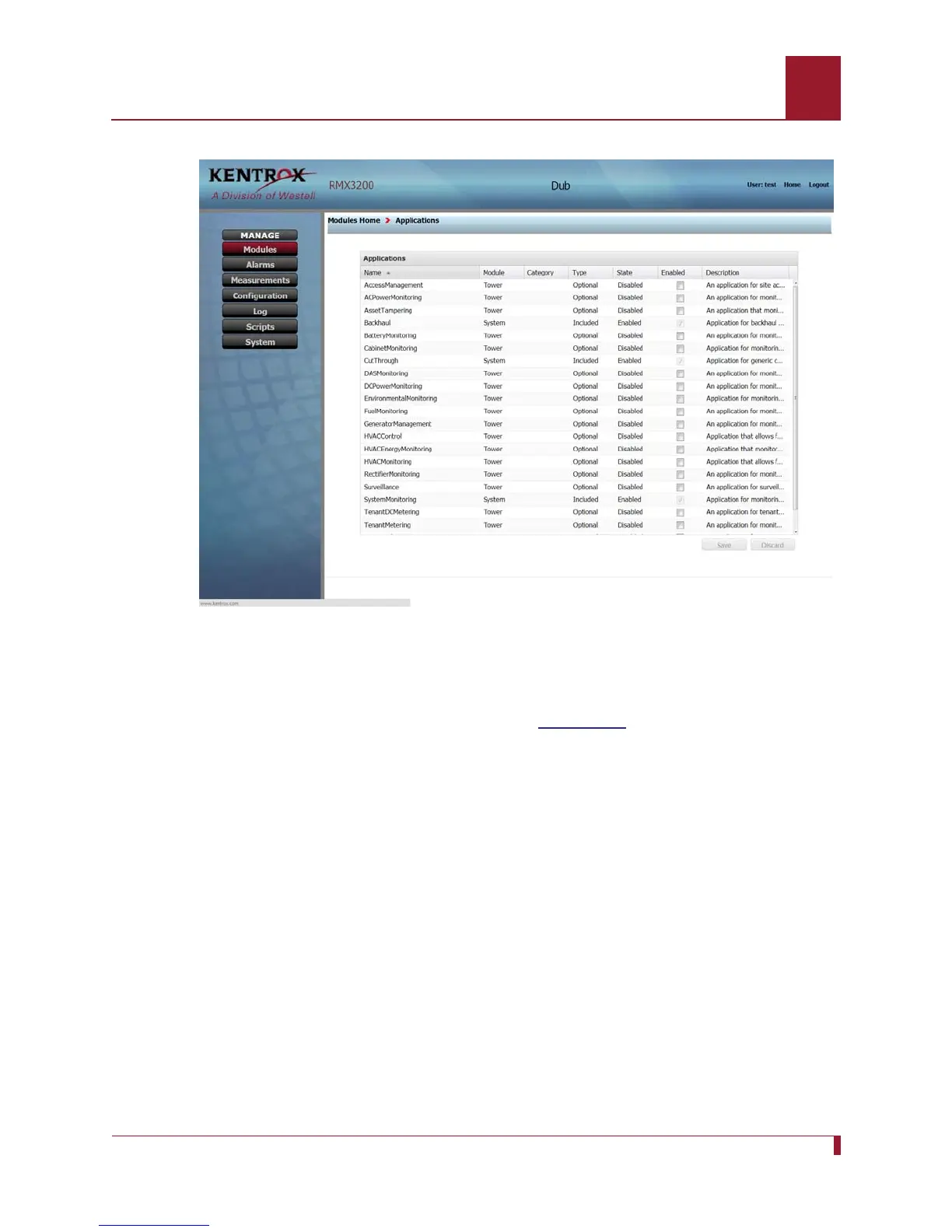
Figure 24-4 The Applications page shows all applications and their state.
8. Click the checkmark box for EnvironmentalMonitoring in the “Enabled” column
and click “Save” to enable the application. The checkmark will remain and the
state will change to Enabled as shown in
Figure 24-5.



 To Next Page