Remote RMX-3200 Version 5.2x Configuration Guide
Configuring Modules: Configuring Modules Using Web Interface
24-12
4. The available modules list will show the SYSTEM and TOWER-1.6.7.tgz modules
that were transferred to the staging area. Click on Install All Modules.
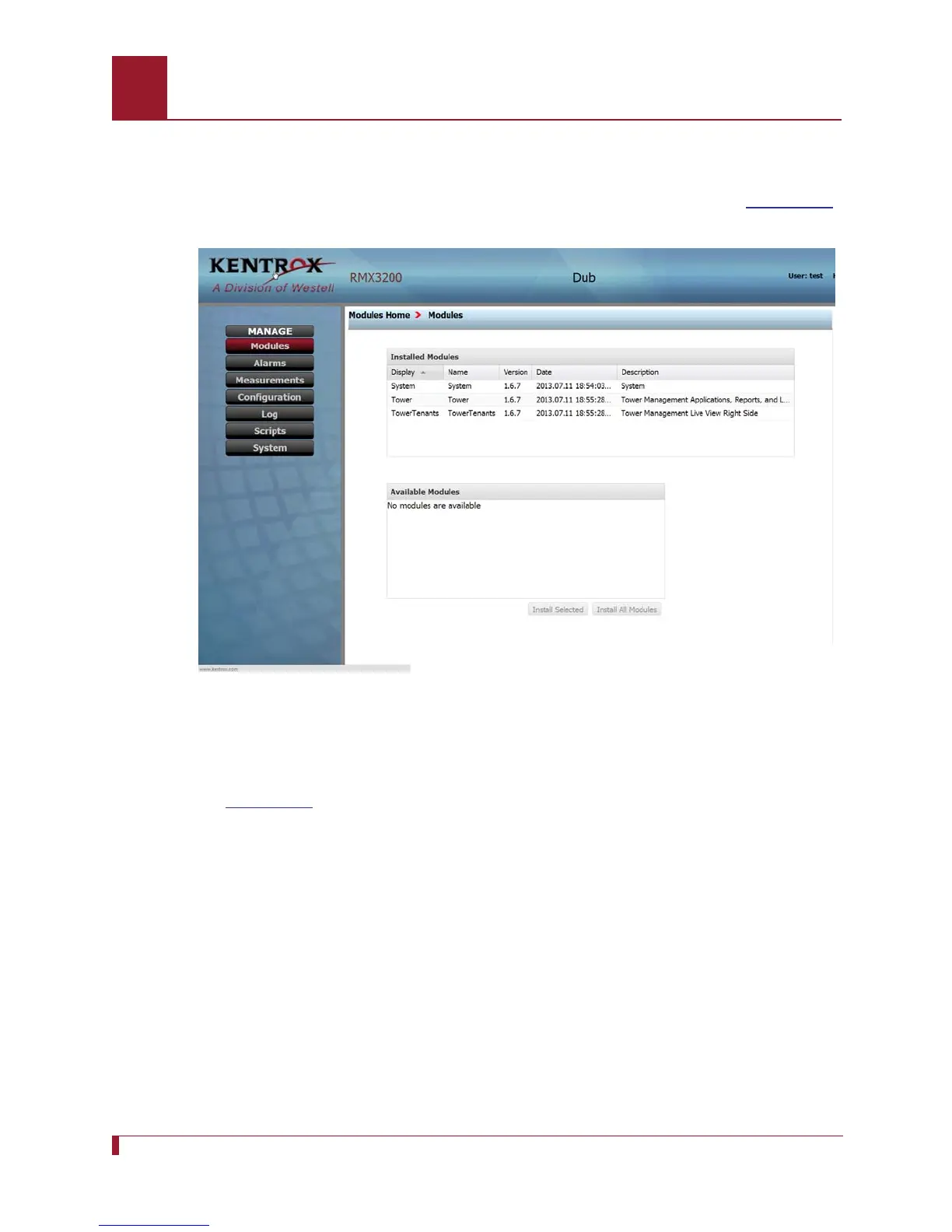
5. A list of installed modules will appear in the upper panel as shown in
Figure 24-3.
Figure 24-3 The screen displays installed modules
6. Use the breadcrumbs trail to return to the Modules Home page.
7. Select the Applications icon. The Applications page will be displayed as shown in
Figure 24-4.



 To Next Page