Scanning Documents
2
IC-402 2-74
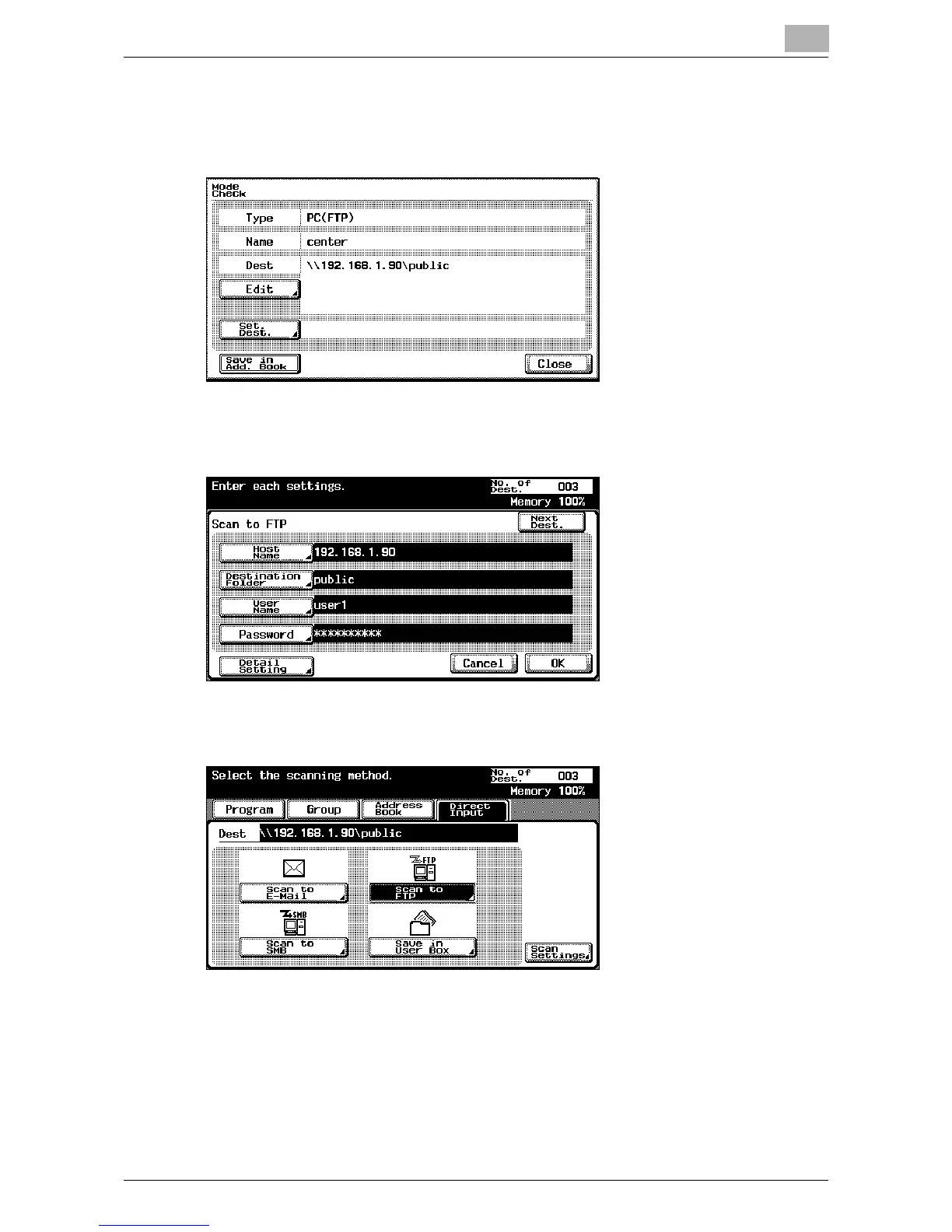
4 Check the details.
– [Set Dest.] appears only when using Scan to FTP, Scan to SMB, or
Save in Mailbox. It does not appear when using Scan to E-Mail.
?
How do you correct the destination?
% Touch [Edit] to display the direct input screen on which the address
can be corrected. After correcting the destination, touch [OK].
?
How can a destination be added?
% Use the address book or direct input to add a destination.













 To Next Page