Scanning Documents
2
IC-402 2-75
?
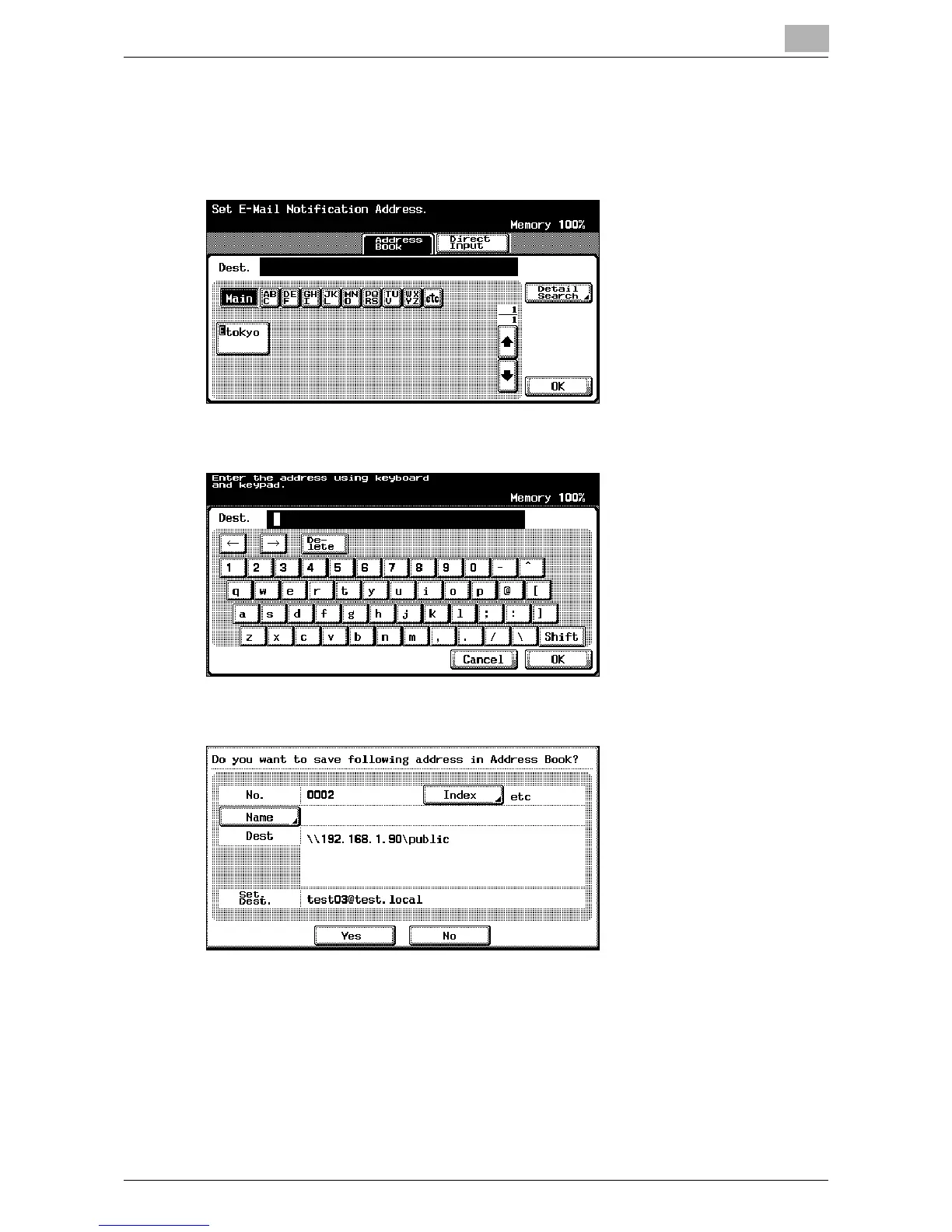
How do you specify the notification destination?
% Touch [Set Dest.] to specify the notification destination. Specify the
notification e-mail address from the address book or enter the ad-
dress directly, and then touch [OK].
?
How can the displayed settings be registered in the address book?
% Touch [Save in Add. Book]. If the settings were specified through
direct input, the entered settings can be registered as they are in
the address book.













 To Next Page