Scanning Documents
2
IC-402 2-76
?
What type of information must be entered?
% Touch [Index], and then specify the characters for indexing the ad-
dress in the address book. Touch [Name], and then enter the name
that is to be registered in the address book. After entering the
name, check it, and then touch [Yes].
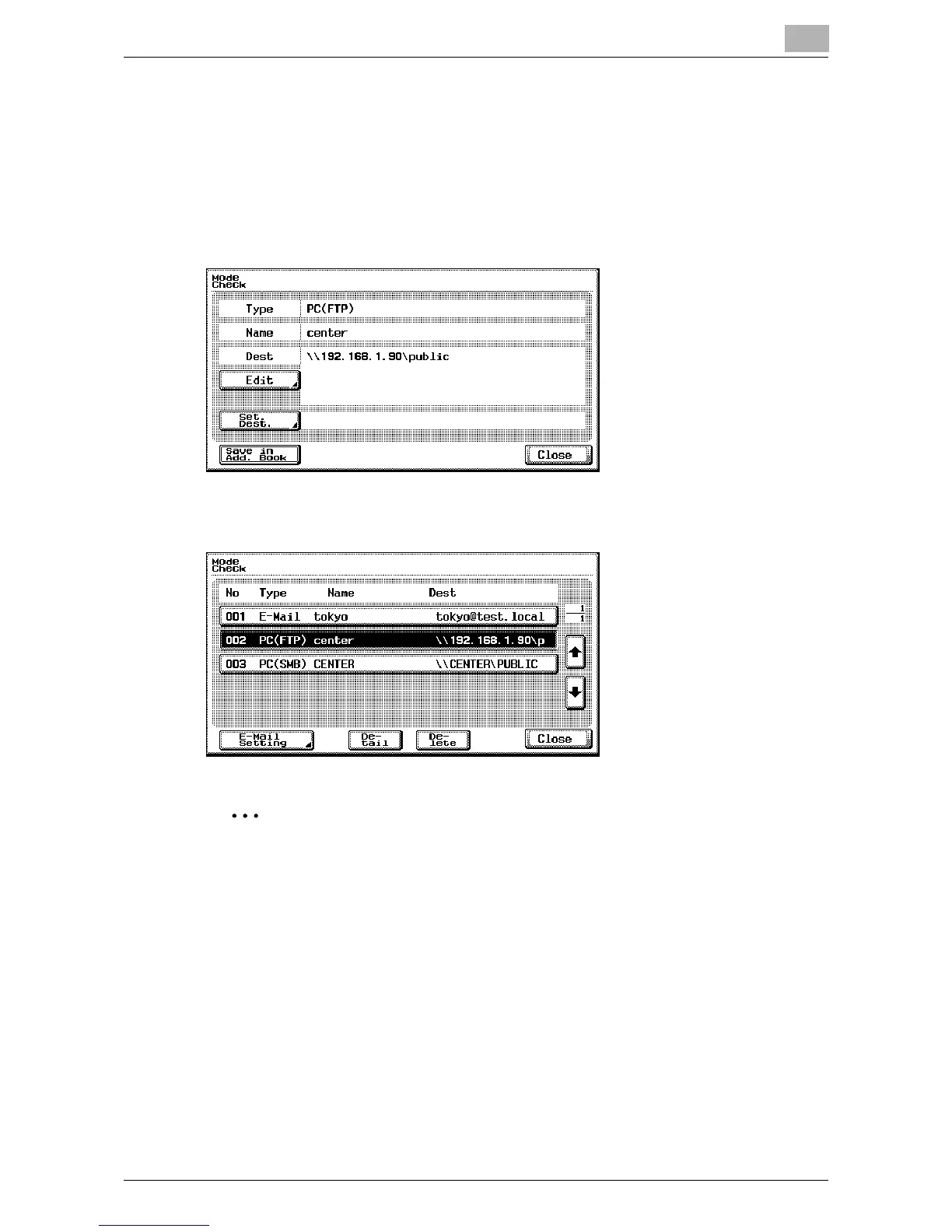
5 After checking the information, touch [Close].
6 Touch [Close].
2
Note
When the settings are changed, the destination whose settings have
been changed is moved to the end of the list of registered destinations.













 To Next Page