Registering Destinations (Recipients) for Network Scanning
3
IC-402 3-7
11 Touch [User ID] and type in the user ID using the keyboard that appears
on the screen.
– If the user ID is not to be registered, touch [anonymous] on the Reg-
ister FTP screen.
12 Touch [OK].
13 Touch [Password] and type in the password using the keyboard that
appears on the screen.
14 Touch [OK].
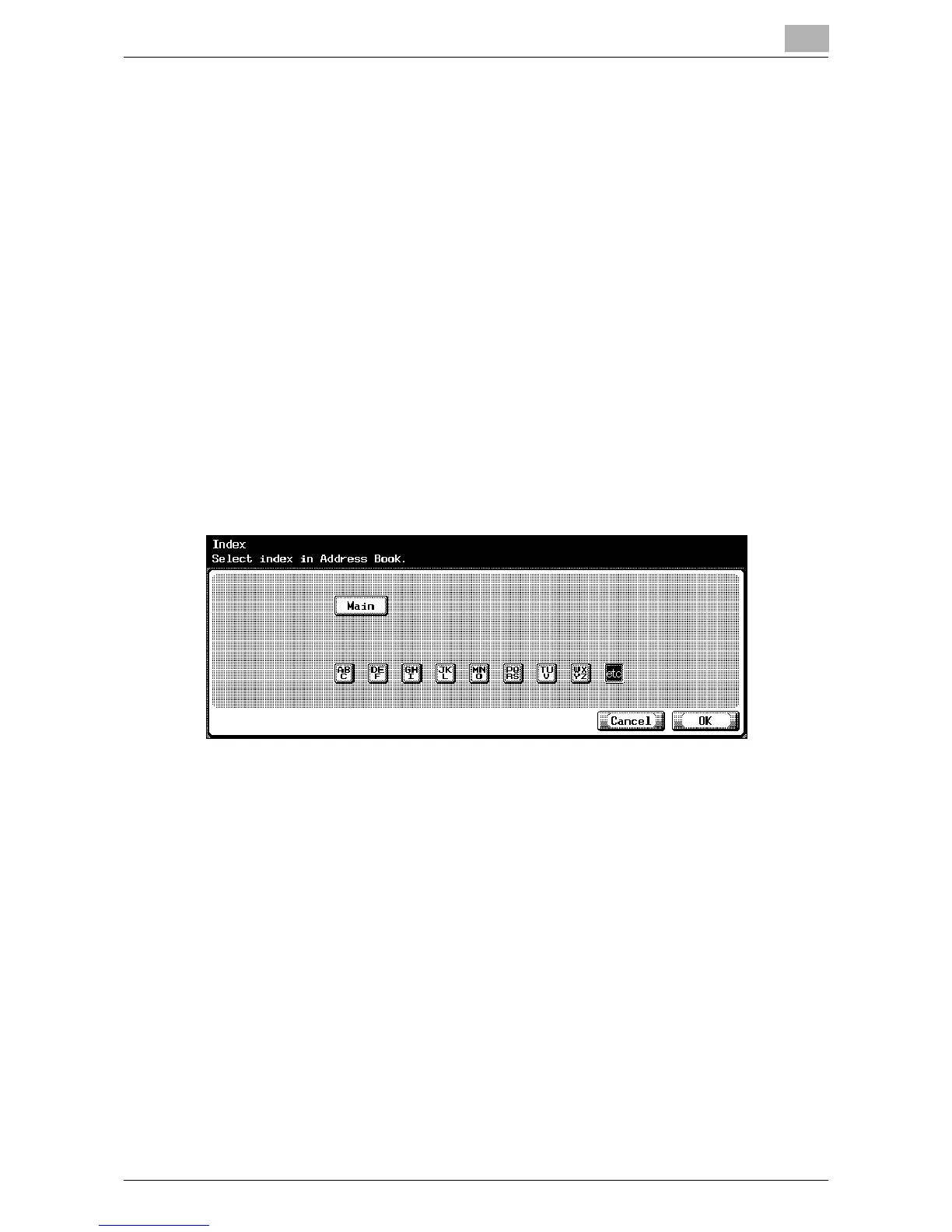
15 Touch [Index] and touch the desired button.
– This specifies the characters used to index the destination.
– For destinations that are often used, specify [Main] at the same
time, and it will be easier to search.
– If the first character of the name is a letter, the first character is au-
tomatically registered as the indexing character.
16 Touch [OK].
17 Press the [C] (clear) key to erase the value, and then use the keypad to
type in the port number (between 1 and 65535).
– To enable PASV mode, touch [PASV Mode].
– To use a proxy server, touch [Proxy].
– If a value outside of the allowable range is specified, the message
“Input Error” appears. Type in a value within the allowable range.
18 Touch [OK].
The FTP destination is registered.













 To Next Page