Scanning Documents
2
IC-402 2-36
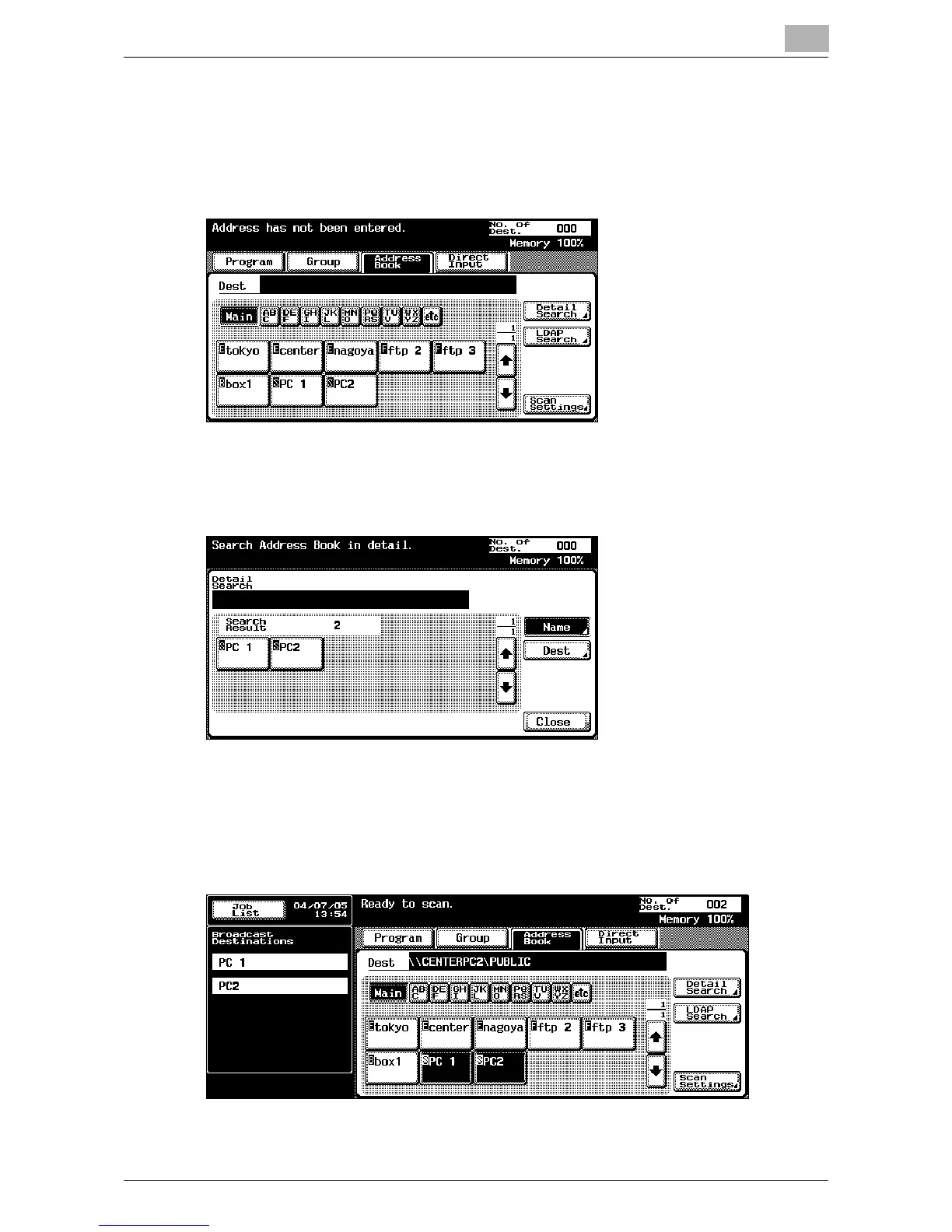
2 Touch [Address Book].
When the address book appears, touch an index button to display the
buttons for the abbreviated destinations registered in the selected in-
dex. The index for the abbreviated destinations can be specified when
the abbreviated destination is registered.
?
How can the address book be searched for the desired address?
% Touch [Detail Search] to search for addresses. The address book
can be searched for names or addresses.
3 Touch the button for a destination to select it.
The selected buttons are highlighted, and the selected destinations are
listed under “Broadcast Destinations”. Other destinations can be add-
ed through direct input.













 To Next Page